46
ELECTRICAL PARTS
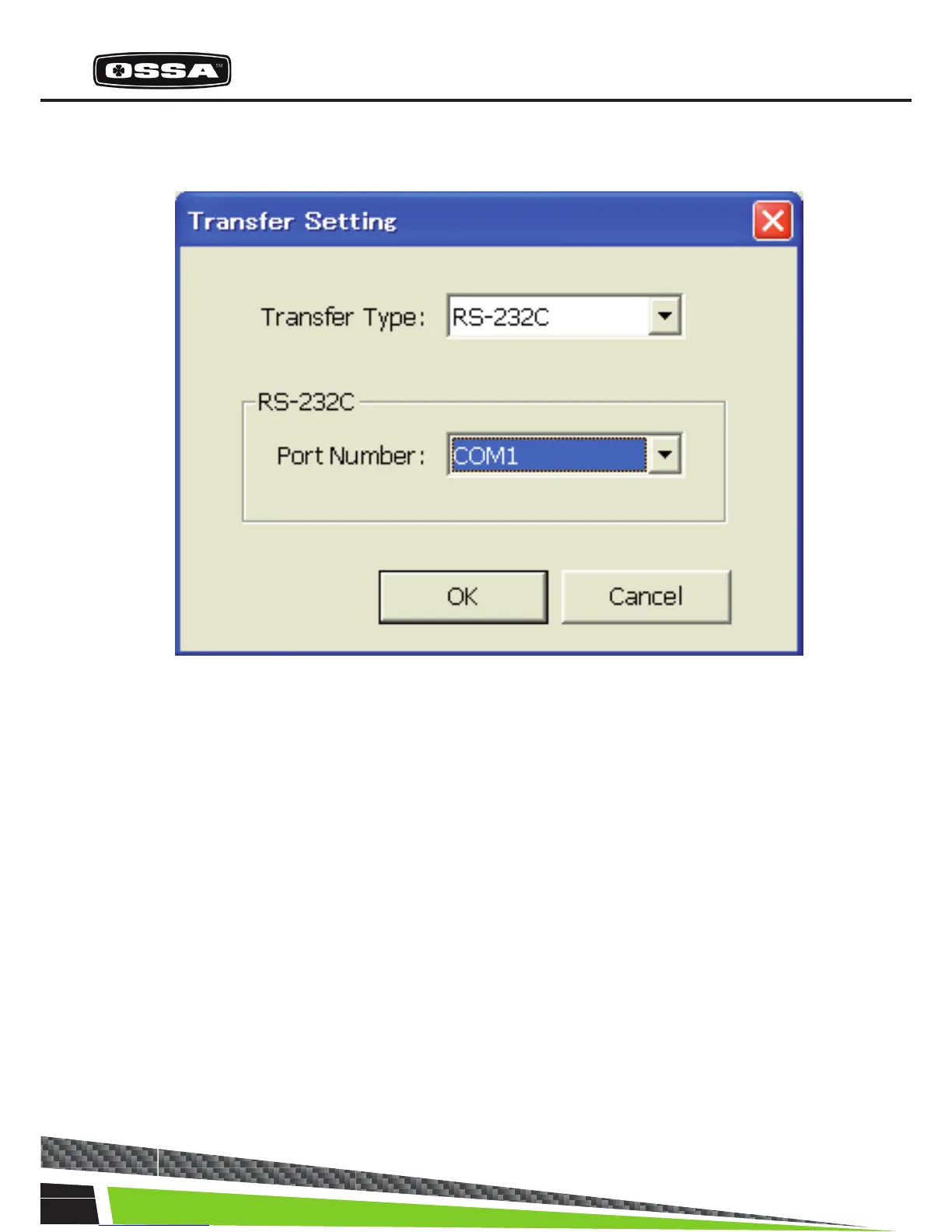
Transfer Setting
This dialog is used to set the transfer.
Figure 18 Transfer Setting Dialog
1 Transfer Type combo box Set the transfer type. You can select the transfer
type only ‘RS232C’ in this version.
2 RS232C Port Number combo box Set the COM port. It is possible to select COM port
from ‘COM1’ - ‘COM10’and ’Auto’. If ‘Auto’ is selec
ted, COM port is searchedfrom ‘COM1’ to ‘COM10’
when the Back button is clicked.
3 [OK] button Check ECU connection. If succeeded to connect to
the ECU, close this dialog. If failed to connect to the
ECU,the Message 13 will be shown.
4 [Cancel] button Cancel settings and close this dialog.



 To Next Page