KSCAN
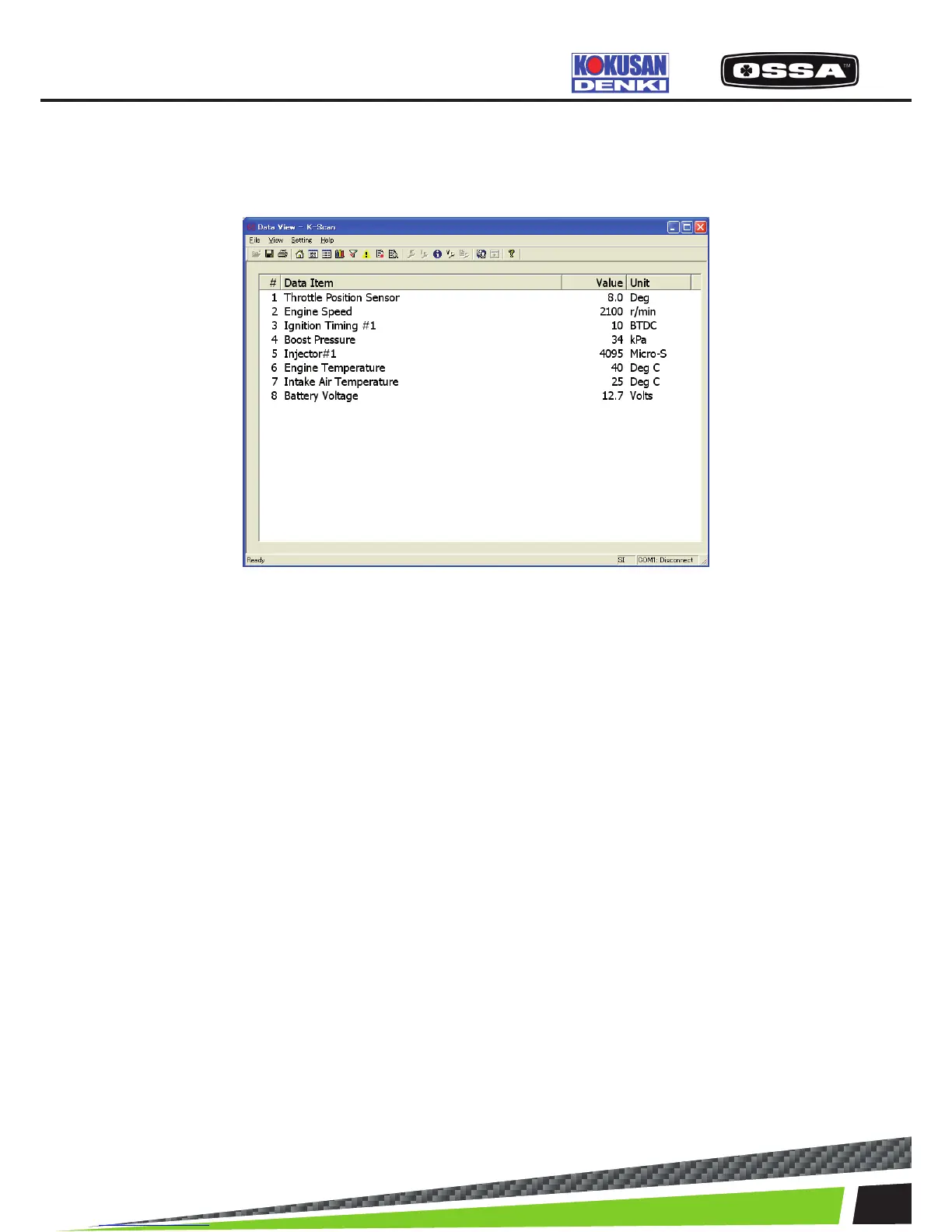
DATA VIEW
This screen is to display sensor values of Data Items. Sensor values are updated by every 0.5 seconds.
Figure 5 Data View Screen
1 List box Display all Data Items that the ECU corresponds.
#: Index
Data Item: name of each Data Item.
Value: sensor values of each Data Item.
Unit: units of each Data Item.
2 [Toolbar] Save button Save a screen data as csv format le.
3 [Toolbar] Print button Print a screen data.
4 [Toolbar] Unit Switch button Switch unit mode.
5 When this screen is displayed When the ECU is not connected, the ECU connectionwill be
started. If failed to connect to the ECU, the message 7 will
be shown.



 To Next Page