34
ELECTRICAL PARTS
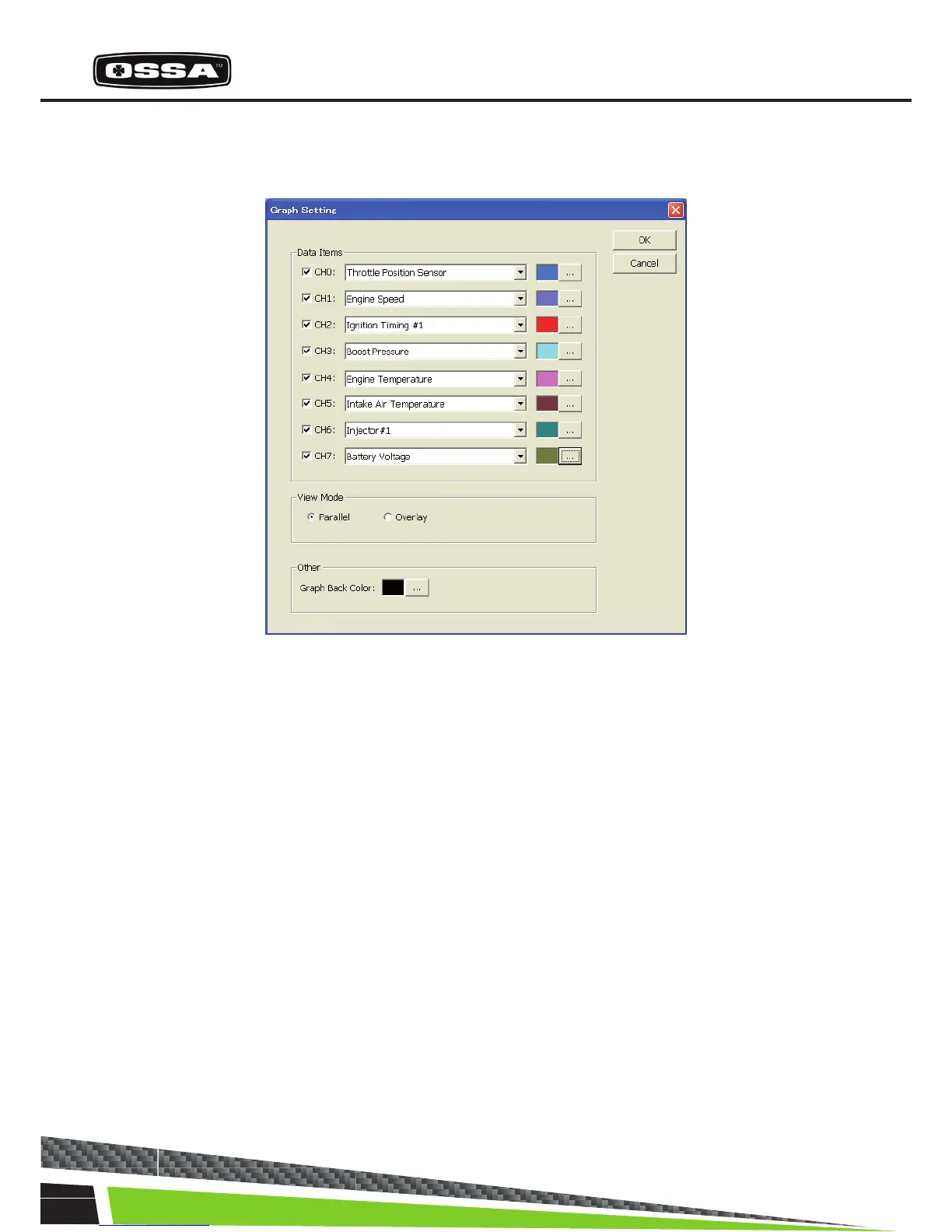
Graph Setting
This dialog is used to set graph parameter.
Figure 8 Graph Setting Dialog
1 Data Items Check box Set a channel to be displayed or not. Checked channels will
be displayed on the graph.
2 Data Items Combo box Select Data Item of the channel.
3 Data Items […] button Select plot color of the channel.
4 View Mode Select a view mode. Parallel: Each channel will be displayed
in a separategraph. Overlay: All channels will be displayed in
one graph.
5 Graph Back Color Select a back color of a plot area.
6 [OK] button Save settings and close this dialog.
7 [Cancel] button Cancel settings and close this dialog.



 To Next Page