38
ELECTRICAL PARTS
DATA RECORDING
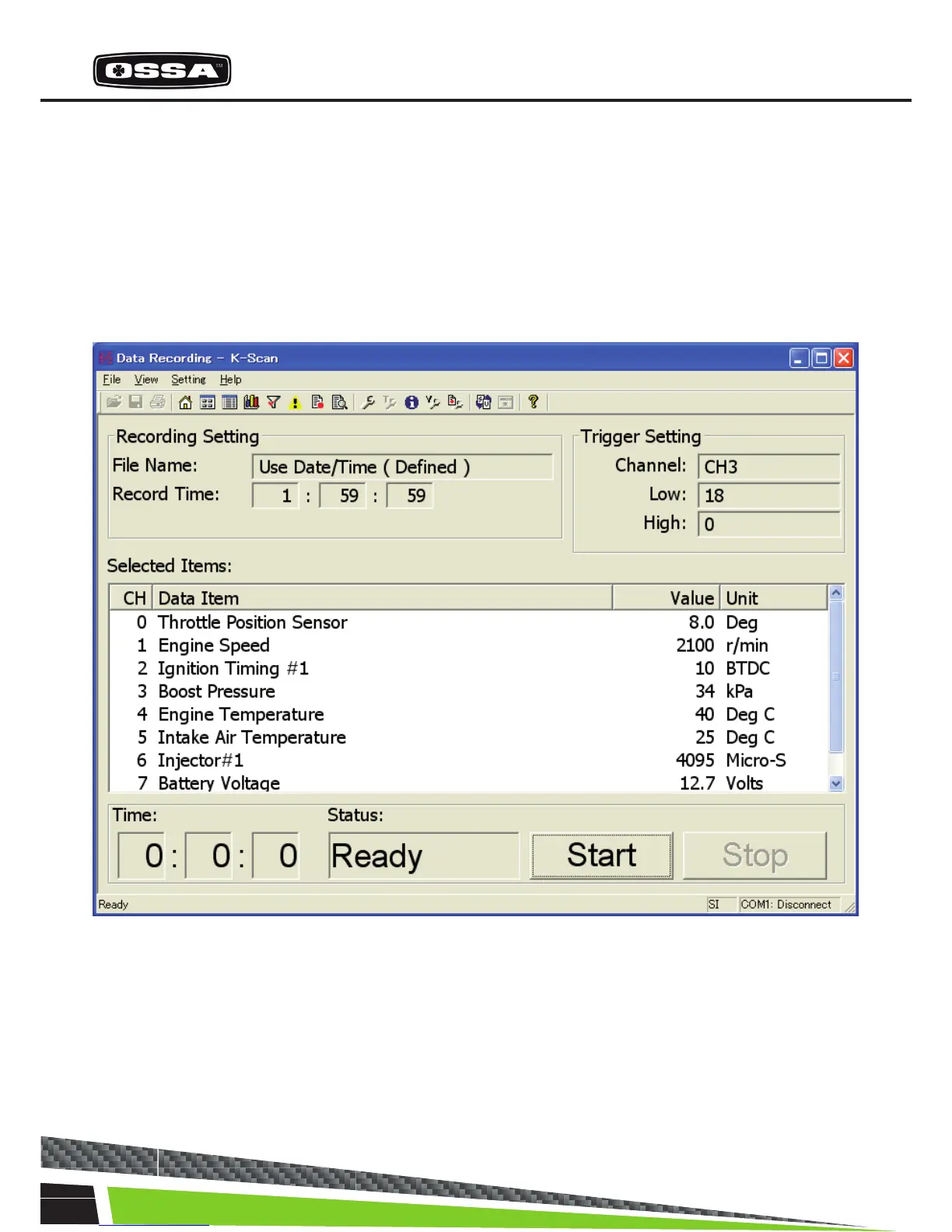
This function is to record sensor values of 8 Data Items. You can select 8 Data Items using Select Data
Items Dialog that is shown by clicking ‘View Setting’ menu or toolbar button. You can also give the le
name, recording time and trigger setting using Data Recording Setting Dialog that is shown by clicking
Data Recording Setting menu or toolbar button.
If there is no trigger, the recording will be started after the start button clicked. Else if there is a trigger,
the recording will be started after the trigger taken. After nishing the recording, the Message17 will be
shown.
Figure 11 Data Recording Screen



 To Next Page