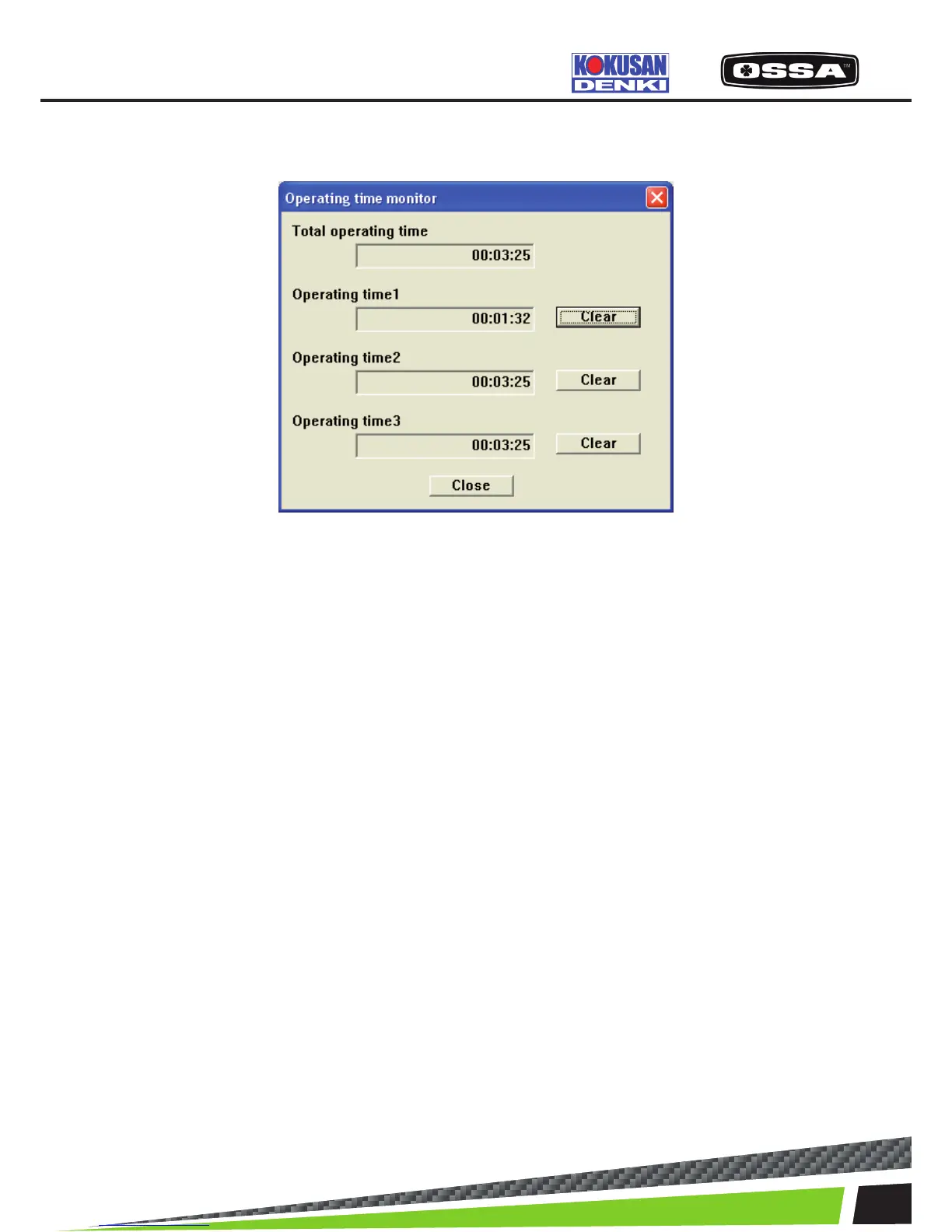
OPERATING TIME VIEW
This dialog is used to set Operating time view.
Figure 17 Operating time View
1 Total operating time Display the Total operating time.
Can not be cleared.
2 Operating time 1 Display the Operating time 1.
3 [Clear] button
Operating time 1 Clear Clear the Operation time 1.
4 Operating time 2 Display the Operating time 2.
5 [Clear] button Clear the Operation time 2.
Operating time 2 Clear
6 Operating time 3 Display the Operating time 3.
7 [Clear] button Clear the Operation time 3.
Operating time 3 Clear
8 [Close] button Close this dialog.
KSCAN



 To Next Page