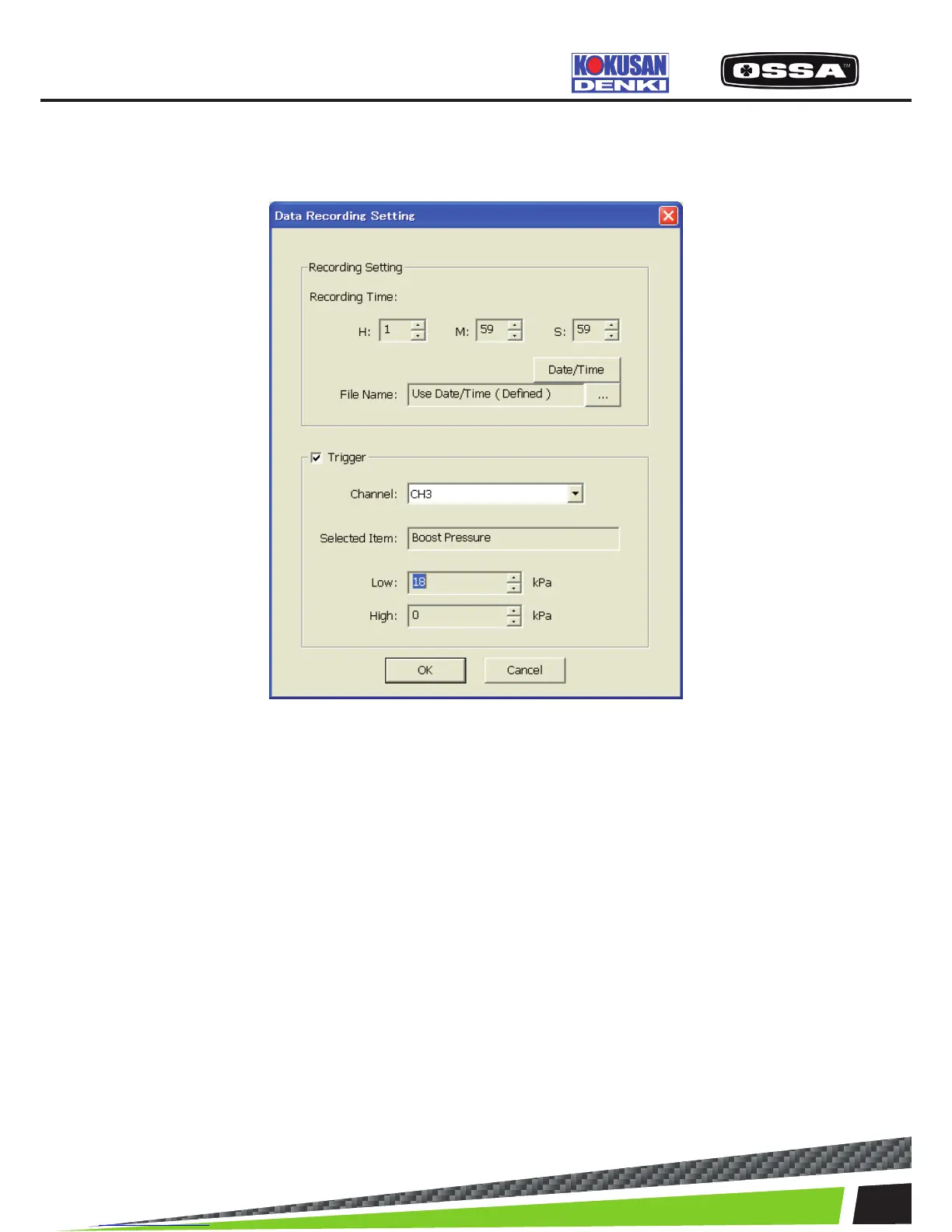
DATA RECORDING SETTING
This dialog is used to set Data Recording settings.
Figure 13 Data Recording Setting Dialog
1 Recording Time Set the record time (H: hour M: minute S: second) byspin
controls.
2 File Name Display a le name.
3 [Date/Time] button Set the lename by date and time. ‘Use Date/Time’ will be
shown.
4 […] button Show a dialog to set the le name.
5 Trigger check box Set the trigger mode enable or not.
6 Channel Set a channel to a trigger. It is possible to select ‘CH0’ –
‘CH7’.
7 Selected Item Display the Data Item names of the selected channel.
8 Low Set the low-level trigger value by a spin control. If the value
is 0, the trigger will be ignored.
9 High Set the high-level trigger value by a spin control. If the value
is 0, the trigger will be ignored.
10 [OK] button Save settings and close this dialog.
11 [Cancel] button Cancel settings and close this dialog.
KSCAN



 To Next Page