40
ELECTRICAL PARTS
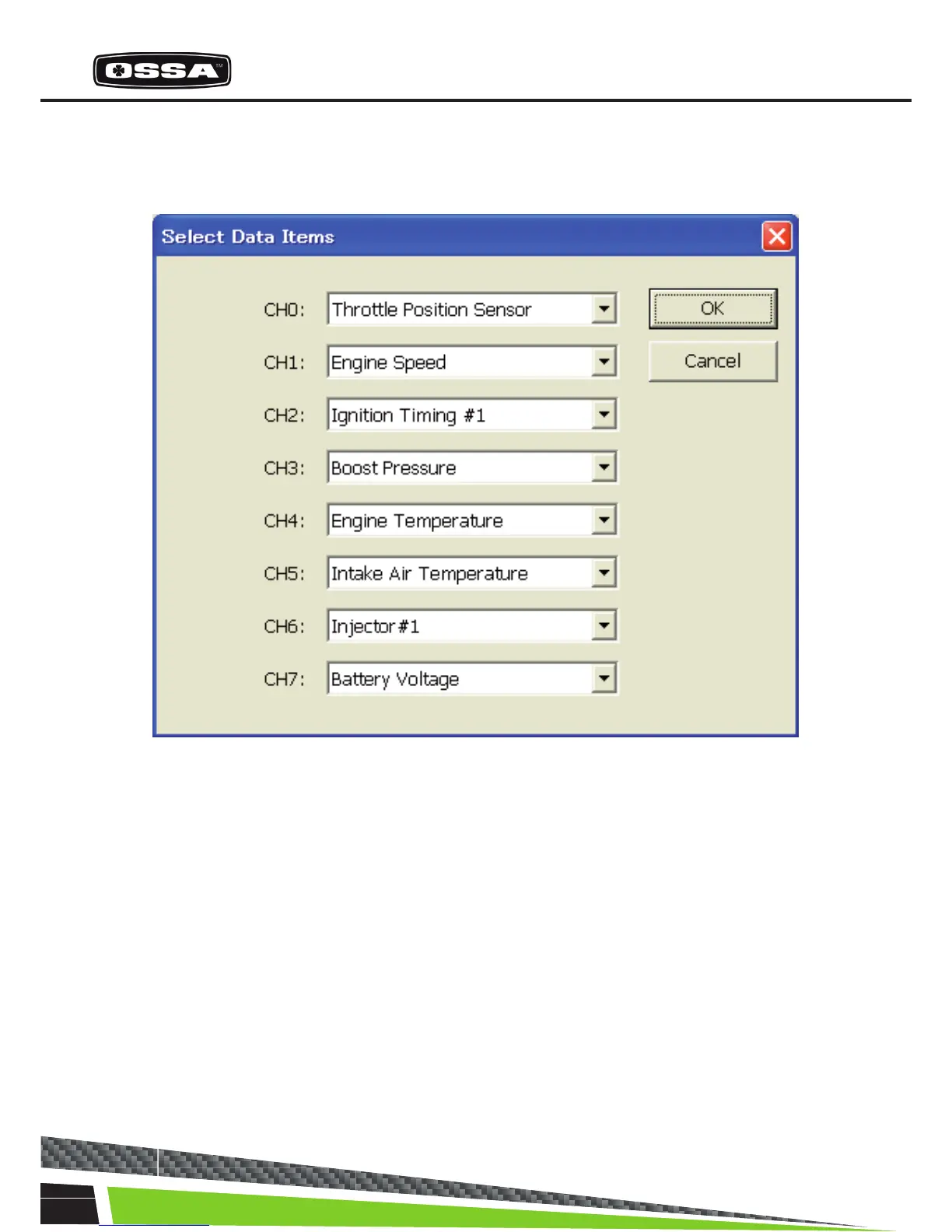
SELECT DATA ITEMS
This dialog is to select 8 Data Items.
Figure 12 Select Data Items Dialog
1 CH0 - CH7 combo box Select a Data Item from a list.
The list is created when this dialog is created.
2 [OK] button Save selection of Data Items and close this dialog.
3 [Cancel] button Cancel selection of Data Items and close this dialog.



 To Next Page