50
ELECTRICAL PARTS
VIN SETTINGS
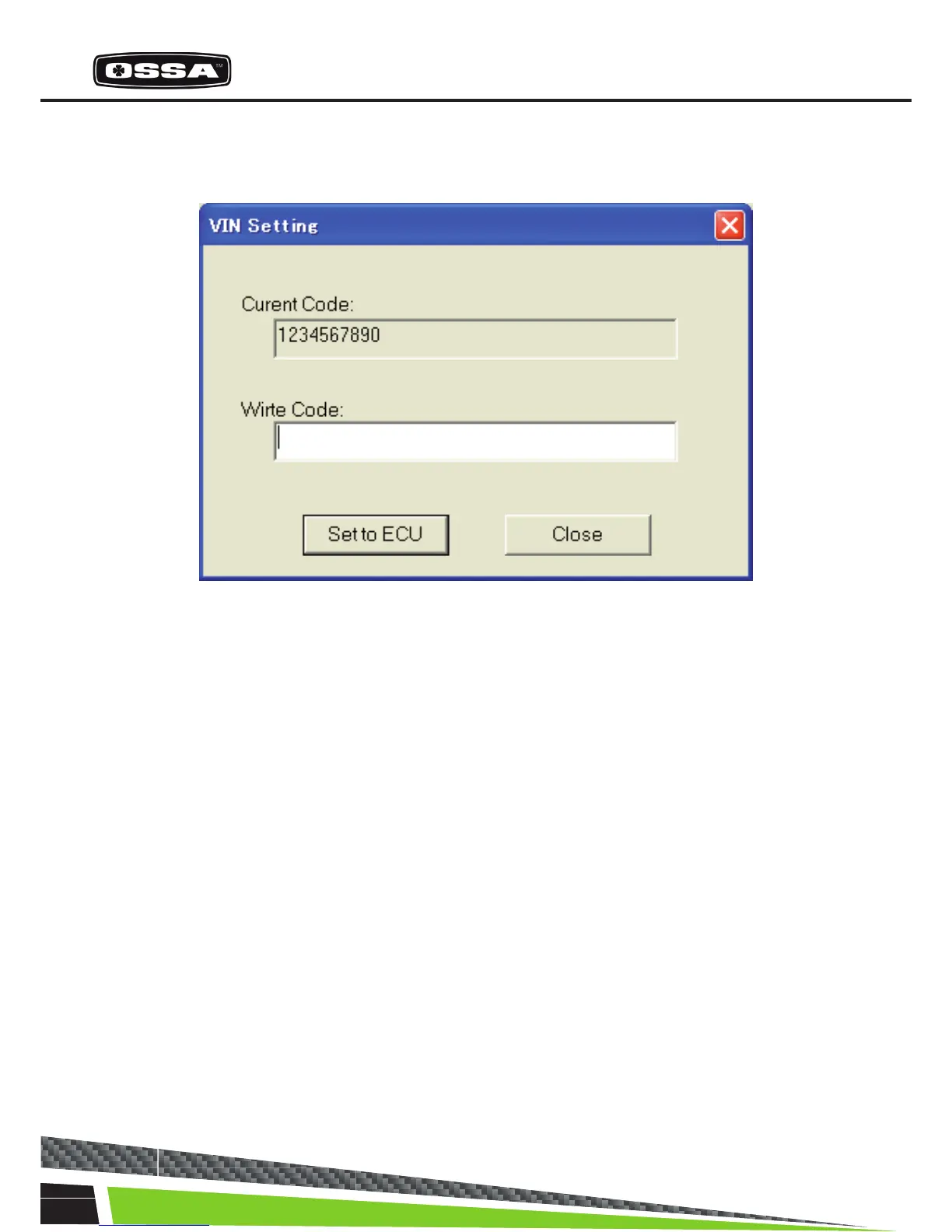
This dialog is used to set a VIN code to the ECU.
Figure 22 VIN Setting Dialog
1 Current Code Display a VIN (Vehicle Identication Number) code ofthe ECU.
2 Write Code text box Input a VIN code to be set to the ECU.
3 [Set to ECU] button Set inputted VIN code to the ECU. When you clicked the button,
the Message 29 will beshown. If you select ‘Yes’ button, the VIN
code will be set to theECU. If it is succeeded to set, Current Code
will beupdated. But if it is failed to set, the Message 30 will be
shown.
4 [Close] button Close this dialog.



 To Next Page