Language Setting
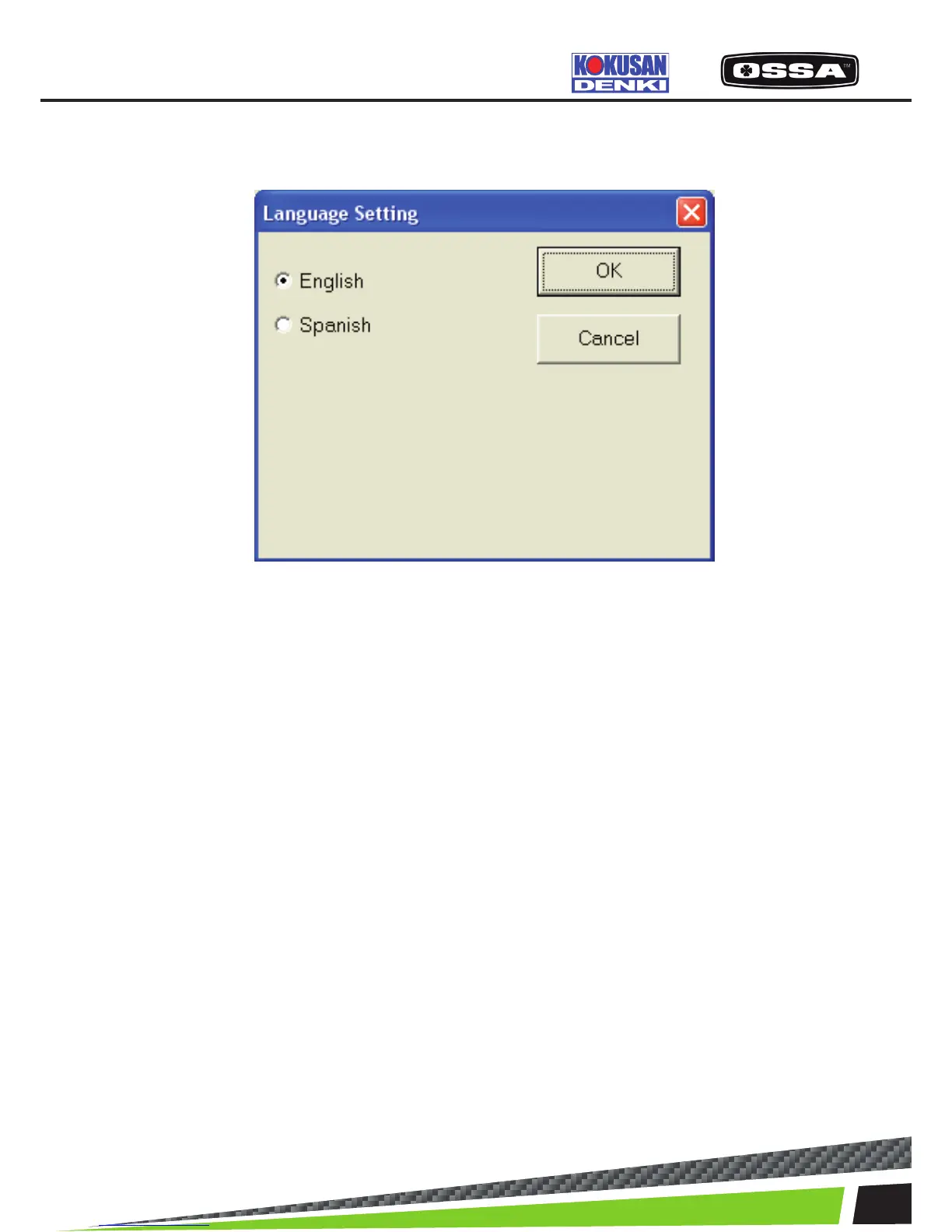
This dialog is used to select a language.
Figure 19 Language Setting Dialog
1 English Select English as the language setting.
2 Spanish Select Spanish as the language setting.
3 [OK] button Save settings and close this dialog.
4 [Cancel] button Cancel settings and close this dialog.
KSCAN



 To Next Page