32
ELECTRICAL PARTS
GRAPH VIEW
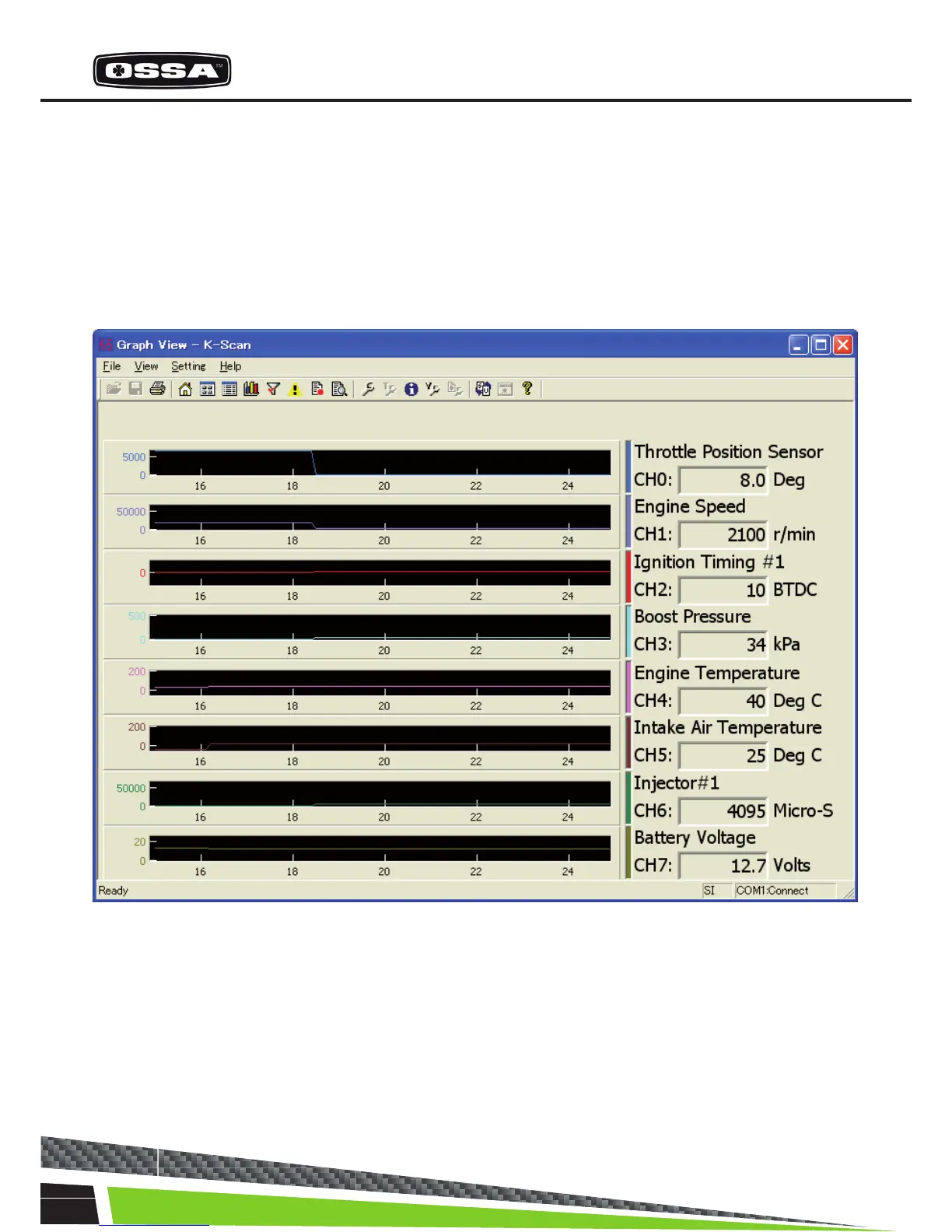
This function is to display sensor values by graphs. Graphs are updated every 0.1 seconds. You can
select 8 Data Items using Graph Setting Dialog that is shown by clicking ‘View Setting’ menu, or toolbar
button. You can also select a type of graph, parallel and overlay, using Graph Setting Dialog. If you se-
lect less than 8 Data Items and parallel view mode, size of graphs will be automatically adjusted. Figure
6 Graph View(Parallel) Screen



 To Next Page