ECU INFORMATION
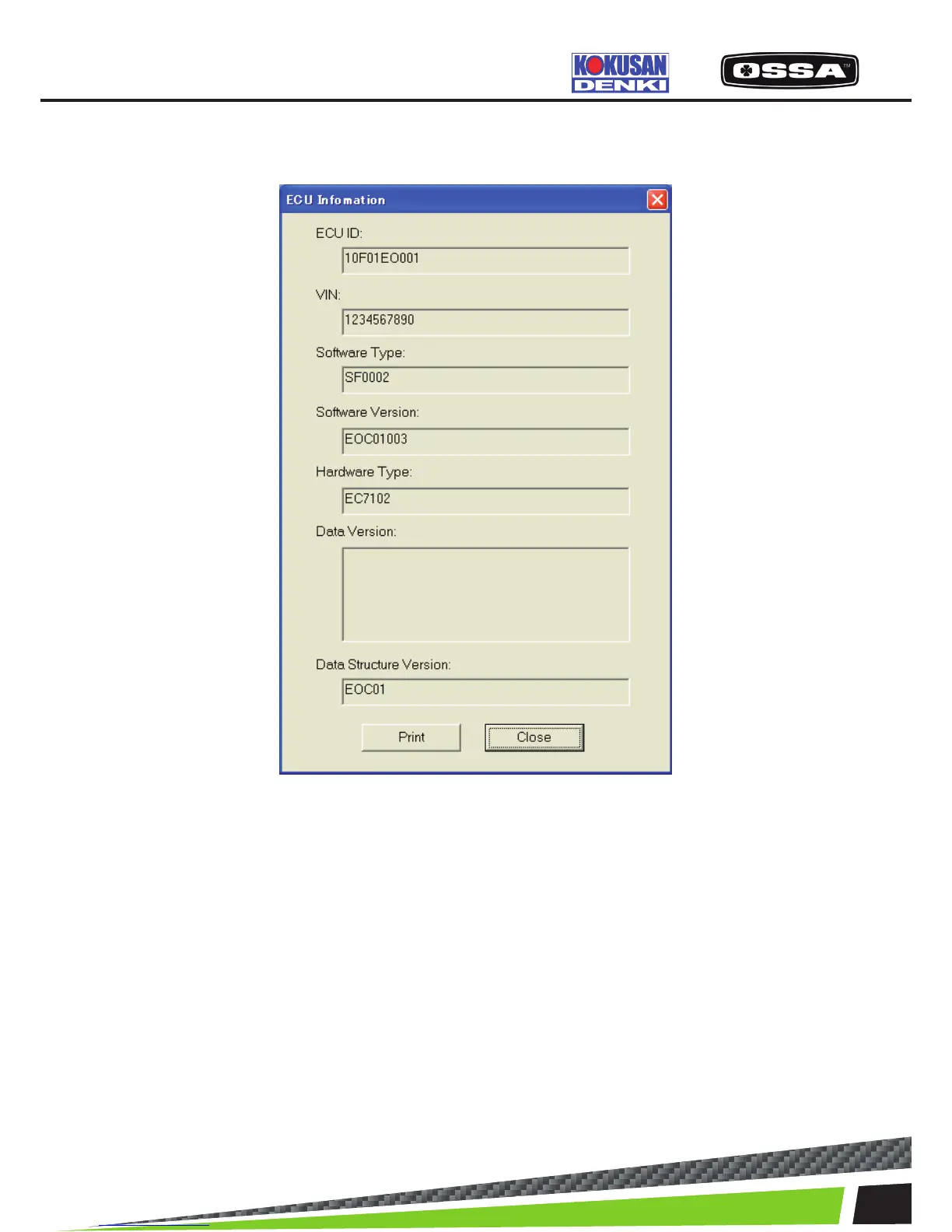
This dialog is used to see ECU information.
Figure 21 ECU Information Dialog
1 ECU ID Display the ECU ID (Serial Number).
2 VIN Display a VIN (Vehicle Identication Number) code
of the ECU.
3 Software Type Display a software type of the ECU.
4 Software Version Display a hardware version of the ECU.
5 Hardware Type Display a hardware type of the ECU.
6 Data Version Display a data version of the ECU.
7 Data Structure Version Display a data structure version of the ECU.
8 [Print] button Print ECU information data.
9 [OK] button Close this dialog.
KSCAN



 To Next Page