48
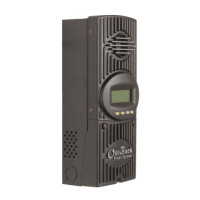
OUTBACK CHARGE CONTROLLER STATUS METER Screens
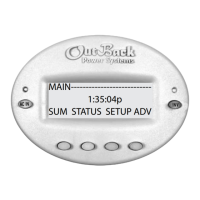
To view the CC STATUS screens, return to the MAIN Menu, press the <STATUS> so key and then choose
the CC on the STATUS choose product screen. e STATUS screens include MODE, METER, and SET (SET
POINT). In STATUS Mode, these Charge Controller functions can be viewed by the MATE, but not changed.
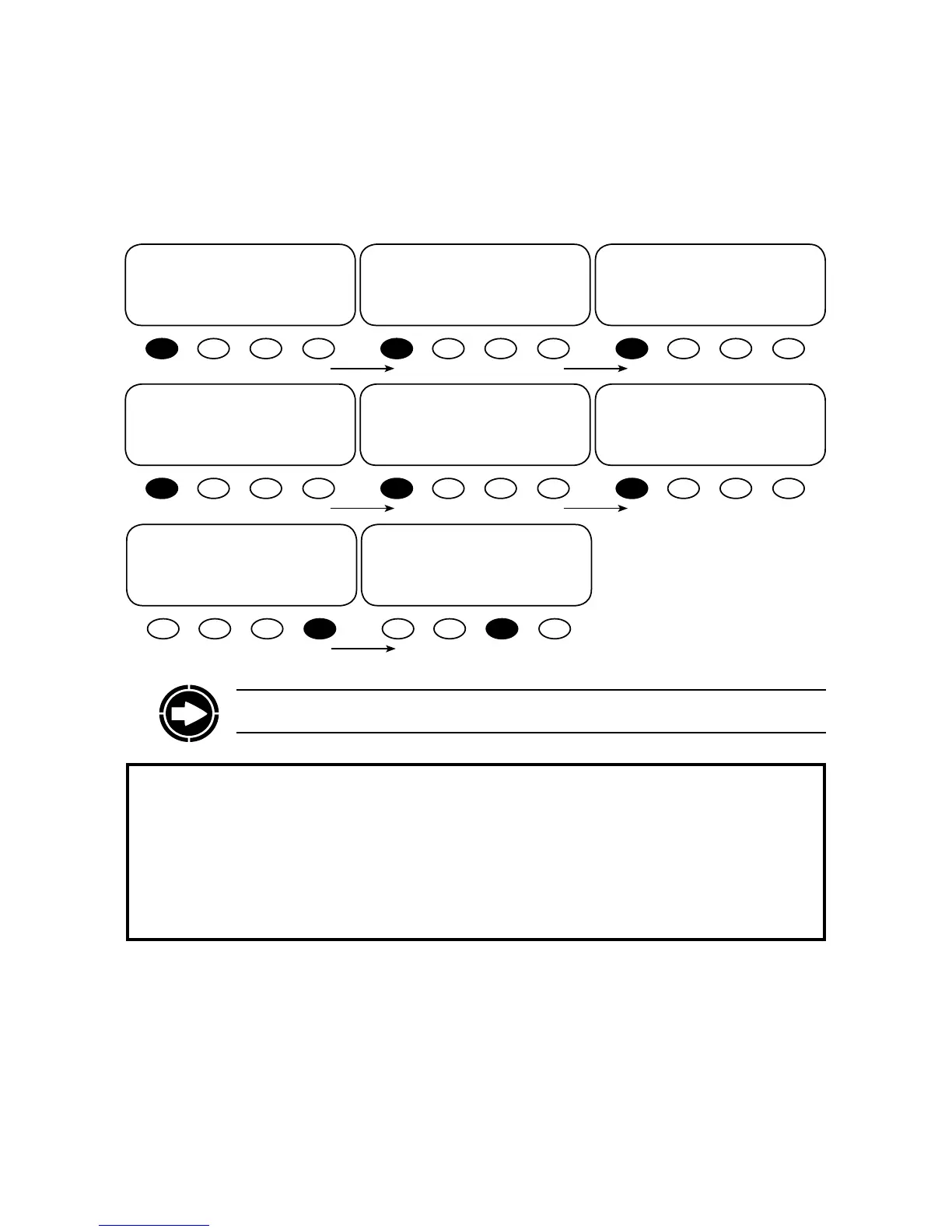
mode: Silent P00
in 33.2 vdc 0 adc
out 38.8 vdc 0 adc
DOWN STATUS PORT
STATUS/CC/METER----------P00
charger .0 kwh
kwhrs
DOWN UP TOP PORT
STATUS/CC/METER-----------P00
charger 0 w
watts
DOWN UP TOP PORT
STATUS/CC/METER-------------P00
charger +000 adc
amps dc
DOWN UP TOP PORT
STATUS/CC/METER-----------P00
panel 33 vdc
voltage
DOWN UP TOP PORT
STATUS/CC/METER-----------P00
battery 38.7 vdc
voltage
DOWN UP TOP PORT
STATUS/CC/METER---------------
end of meter menu
UP TOP STATUS
STATUS/CC-----------------
MODE METER SETP MAIN
Press <SETP> to view the
SET POINT screens
CHARGE CONTROLLER METER Screens
• Mode/pv/in/bat/out: displays the charger mode, the PV array voltage, the incoming PV amps, the
battery voltage, and the outgoing amps to the battery
• charger watts: charger output measured in watts
• charger kwhrs: kilowatt hours produced in the last 60 minutes by the Charge Controller
• charger amps dc: the amount of amperage the Charge Controller is sending to the battery
• battery voltage: current battery voltage
• panel voltage: current voltage from the PV array
NOTE: All OutBack Charge Controller screens are displayed as CC screens on the MATE.


 To Next Page