16
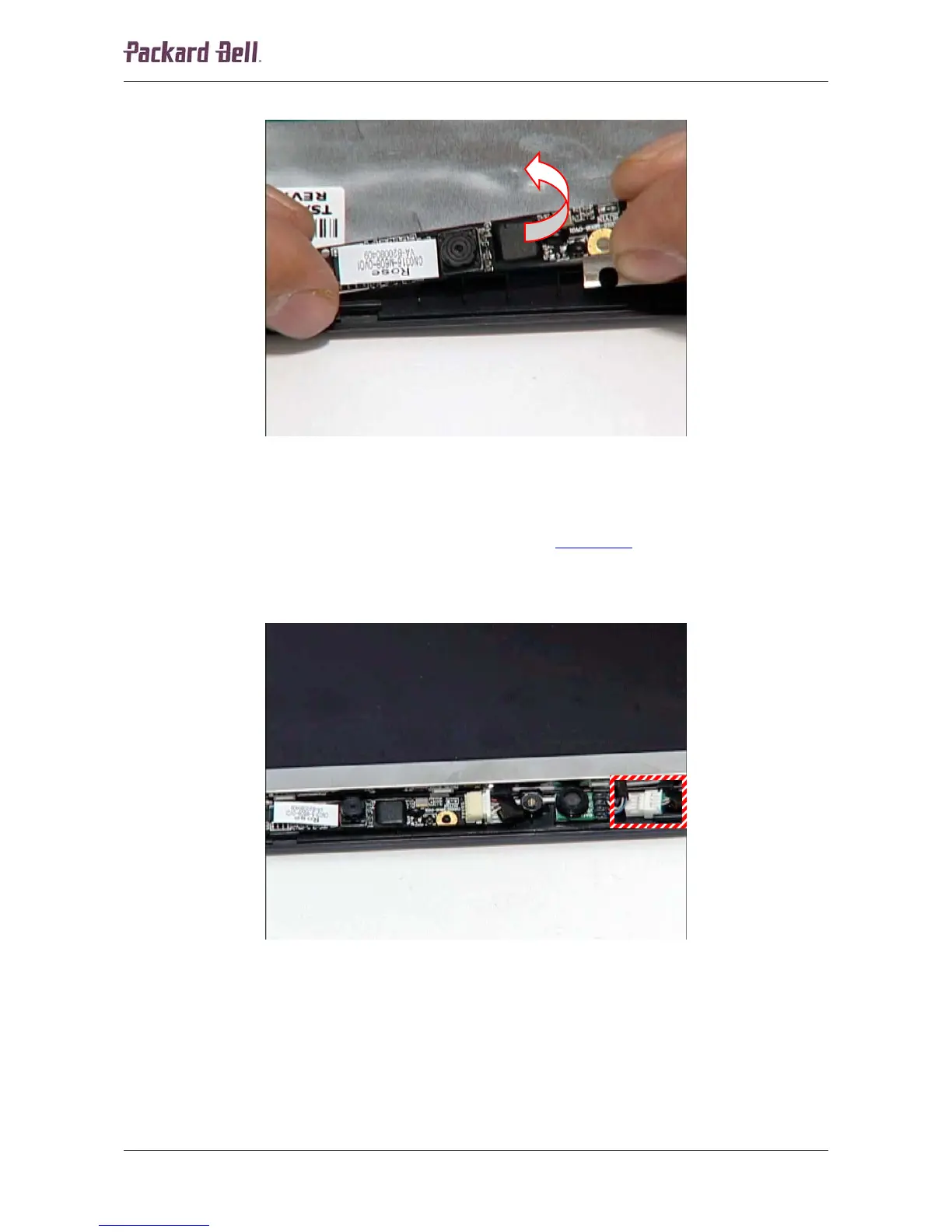
2. Extract the webcam module.
Fig. 25 Removing the webcam module.
Microphone
To remove the microphone, first remove the LCD bezel (see LCD Bezel on page 13), and then do
the following:
1. Disconnect the cable from the header on the microphone module.
Fig. 26 Location of the microphone connector.
Packard Bell dot Disassembly Manual













 To Next Page