27
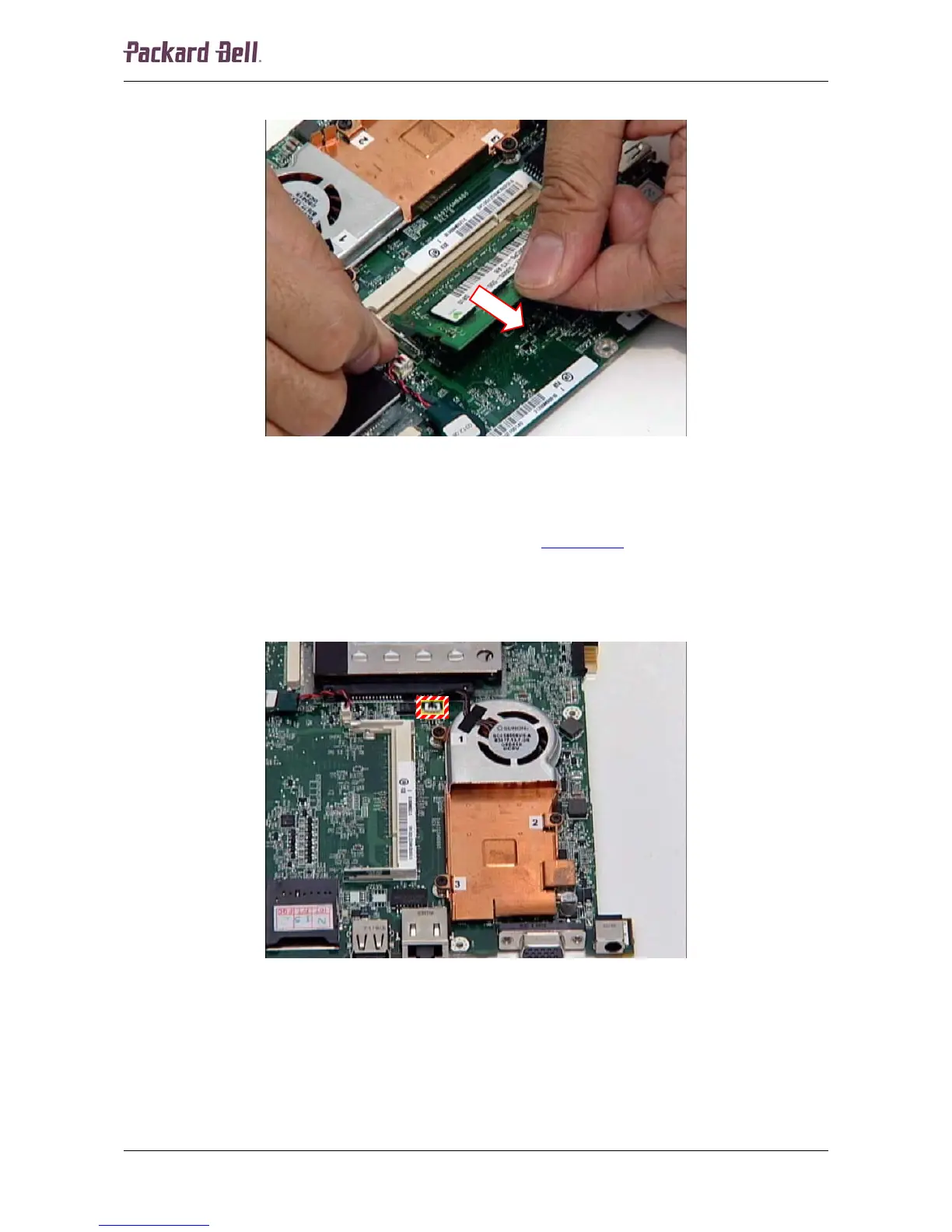
2. Carefully remove the memory module from the socket.
Fig. 47 Removing the memory module.
Heat Sink
To remove the heat sink, first remove the main board (see Main Board on page 21) and then
perform the following steps:
1. Turn the main board upside down.
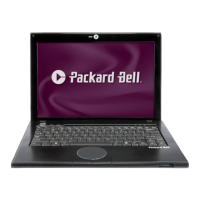
2. Disconnect the fan cable from the header on the main board.
Fig. 48 Location of the fan cable header on the main board.
Packard Bell dot Disassembly Manual













 To Next Page