1.2 Functions of LAN Port
1.2.3 User Connection
Functions of user connection
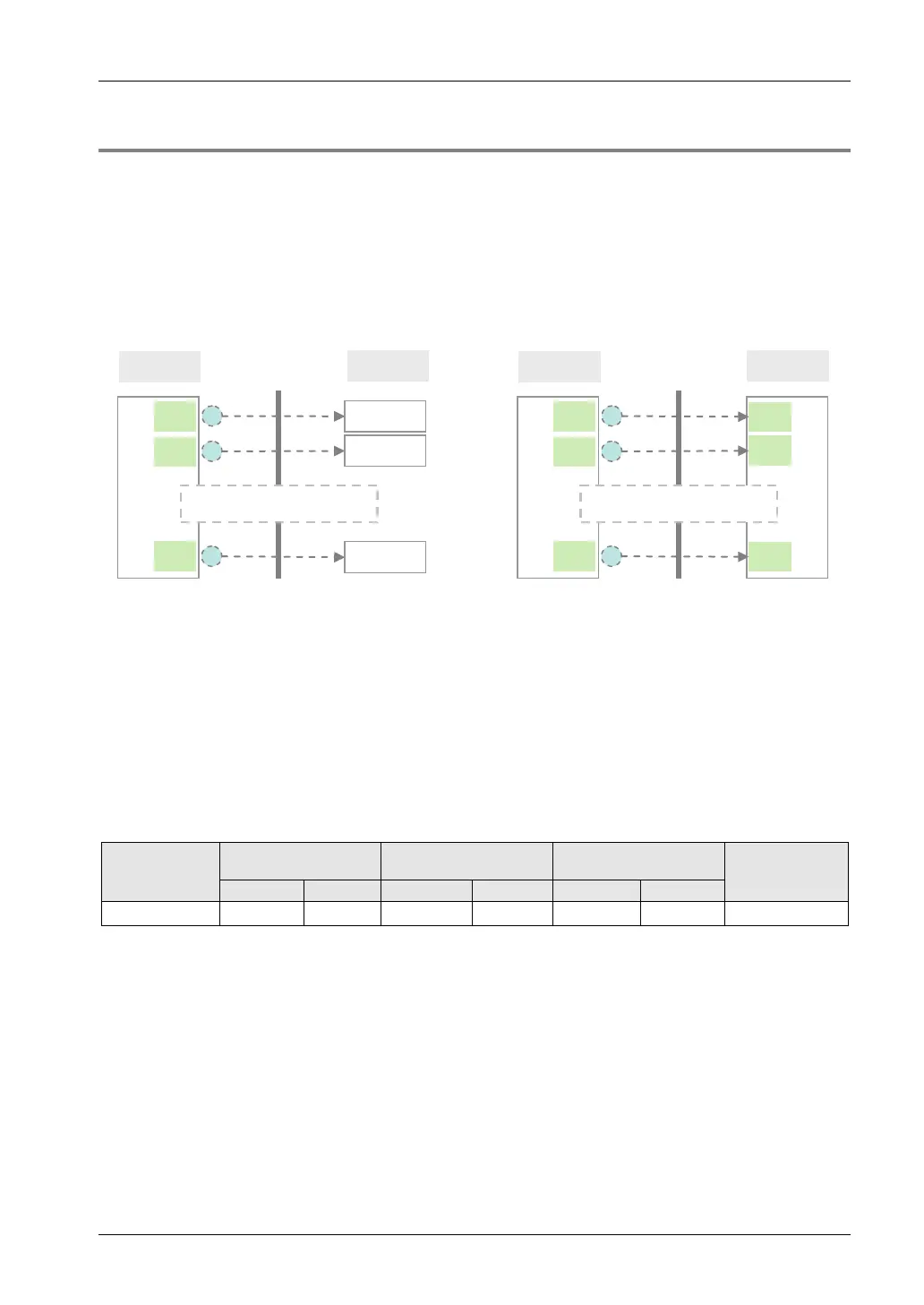
• The FP7 CPU Unit can open virtual communication lines for up to 16 connections with
Ethernet-supporting devices connected to LAN, and send/receive data.
• It can open multiple connections between the FP7 CPU unit and multiple nodes or a single
node, and execute communication.
• Operation mode, open method, protocol, etc. can be selected for each connection.
IP XXXXXX
FP7 CPU
1
Port
8000
External
device
IP XXXX
Port XXXX
2
Port
8001
16
Port
8015
Ethernet LAN
Select a desired communication
method for each connection
IP XXXX
Port XXXX
IP XXXX
Port XXXX
FP7 CPU
1
Port
8000
External
device
2
Port
8001
16
Port
8015
Ethernet LAN
Select a desired communication
method for each connection
IP XXXXXX
Port
XXXX
Port
XXXX
Port
XXXX
IP XXXXXX
Note) Circled numbers in the figure above indicate examples of allocation of connection numbers.
Connection operation
• Connection is opened from either the FP7 CPU unit side or the external device side.
• The open method should be selected from server connection (unspecified partner), server
connection (specified partner), and client connection, in the configuration menu of FPWIN
GR7.
• Once connection is established, communication by a user program becomes possible in
accordance with the operation mode.
Supported operation mode
Communication
port
MEWTOCOL-DAT
MEWTOCOL7-COM
MODBUS-TCP
General-
purpose
communication
LAN port ●
● ○ (Note)
● ● ● ●
(Note) MEWTOCOL7-COM does not support master functions.
1-5



 To Next Page