7.1 Operation of General-Purpose Communication
7.1.3 Sending Format in General-Purpose Communication
Difference in operation based on selection of communication types
• Data to be sent/received in LAN communication vary based on settings for user connection
information: communication type.
Communication
type
Message
type
Maximum no.
of bytes
Receiving operation Setting method
Attach a dedicated
header
A header is
attached to
the message
before
sending.
Within 16,384
bytes
The receiving process is
completed when data
that correspond to the
No. of sent bytes as
indicated in the header
have been received.
Select this when
general-purpose
communication is
not executed with
the FP2 ET-LAN
unit.
Do not attach a
dedicated header
A header is
not attached
to the
message.
Within 8,192
bytes
The receiving process is
completed when there is
no more received data
exceeding the TCP
terminal detection timer
value (default: 20 ms).
Select this when
general-purpose
communication is
executed with the
FP2 ET-LAN unit, or
communication
without a dedicated
header is desired.
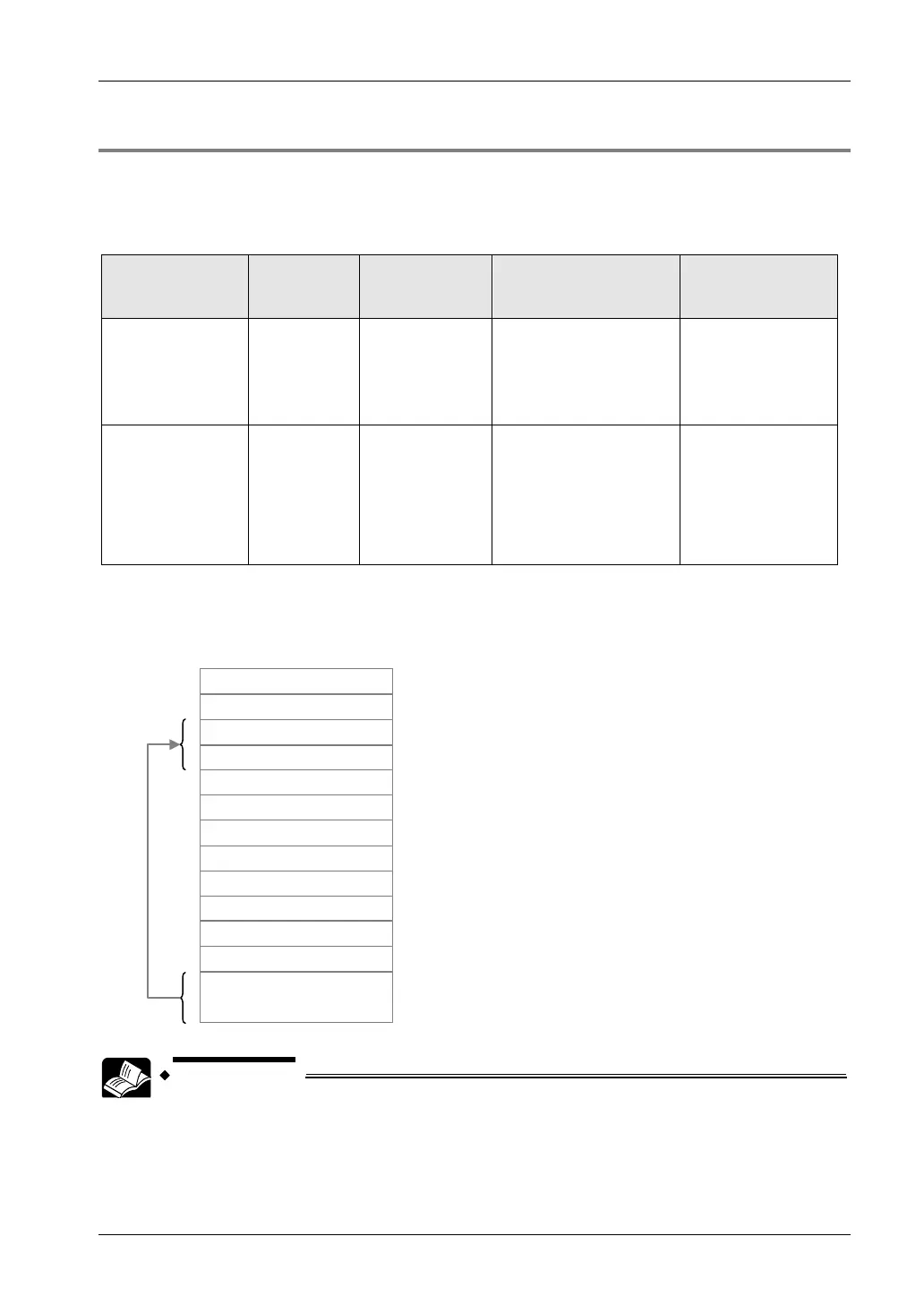
Sent message format for general-purpose communication
When "Attach a dedicated header" is selected for communication type, a header as shown
below is attached to the sent message.
10 H
00 H
Connection No. of sender
Sent Data Part
00 H
Data size (L)
Data size (H)
02 H
00 H
02 H
00 H
00 H
00 H
• For details of setting screen for communication type, see 3.6 Setting of User
Connection.
7-3



 To Next Page