5.4 MEWTOCOL Master Communication (SEND)
5.4 MEWTOCOL Master Communication (SEND)
5.4.1 Write Data into an External Device
Instructions
In master communication, PLC has the sending right, and executes communication by
sending commands to devices that support MEWTOCOL, and receiving responses.
Messages in accordance with the protocol are automatically generated by PLC. In the user
program, reading can be done simply by specifying the station no. and memory address and
executing SEND commands.
External device supporting
MEWTOCOL
-COM
%01#WDD004000040164000000 (BCC) C
R
%01$WD (BCC) C
R
Command message
Response message
・・・・・・・・・・・・・・
・・・・・・・・・・・・・・
0DT101
100DT100
・・・・・・・・・・・・・・
・・・・・・・・
・・・・・・
0
DT00401
100DT00400
PLC
Specify and write address based on SEND command
Note: The above figure indicates the data part of MEWTOCOL-COM. In communication via LAN, a header including size information of the sent
data is added.
Sample program
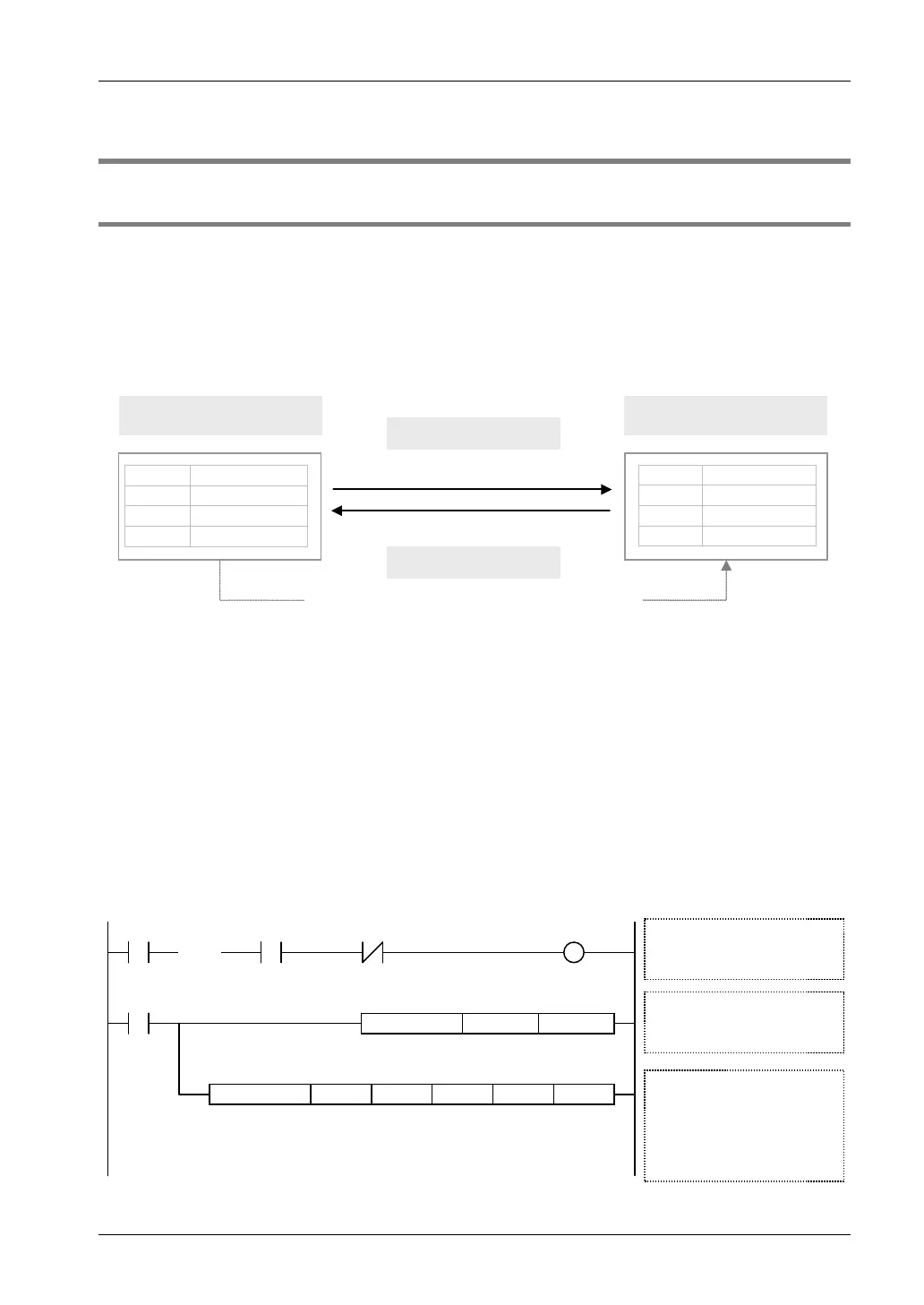
• Send commands from the LAN port of the CPU unit, and write the content of PLC's data
register DT100 - DT101 into the data area of an external device DT400 - DT401.
• Confirm that Connection 1 is established in the master mode (X90), and that the sending
process is not in progress for the same port (Y90), and start up the SEND command.
• In the UNITSEL command, specify the slot No. (LAN port: U100) and the connection No.
(U1).
• In the SEND command, specify and execute the sender initial address (DT100), No. of data
(U2), "Transmit to" station no. (U1), and initial address (DT400).
R0
R100
UNITSEL U100 U1
SEND.US DT0U1 DT400DT100 U2
R100
Execute
SEND
SEND execution condition
Clear to send flag: ON
Sending flag: OFF
SEND process
S: Data saving area (DT100)
n: No. of sent data (U2)
D1: Area code of the receiver (U1)
D2: "Forward to" address (DT400)
D3: Execution result code (DT0)
Clear to send
master
communication flag
X90
Y90
Sending master
communication flag
( )
DF
S1 S2
S n D1 D2 D3
Settings for communication port
S1: CPU LAN port (U100)
S2: Connection 1 (U1)
5-7



 To Next Page