Configuration
3.1 Procedure for Setting Communication Conditions
3.1.1 Setup Procedure
• To use communication functions based on the LAN port, communication conditions must be
set.
• Settings should be performed by the programming tool FPWIN GR7.
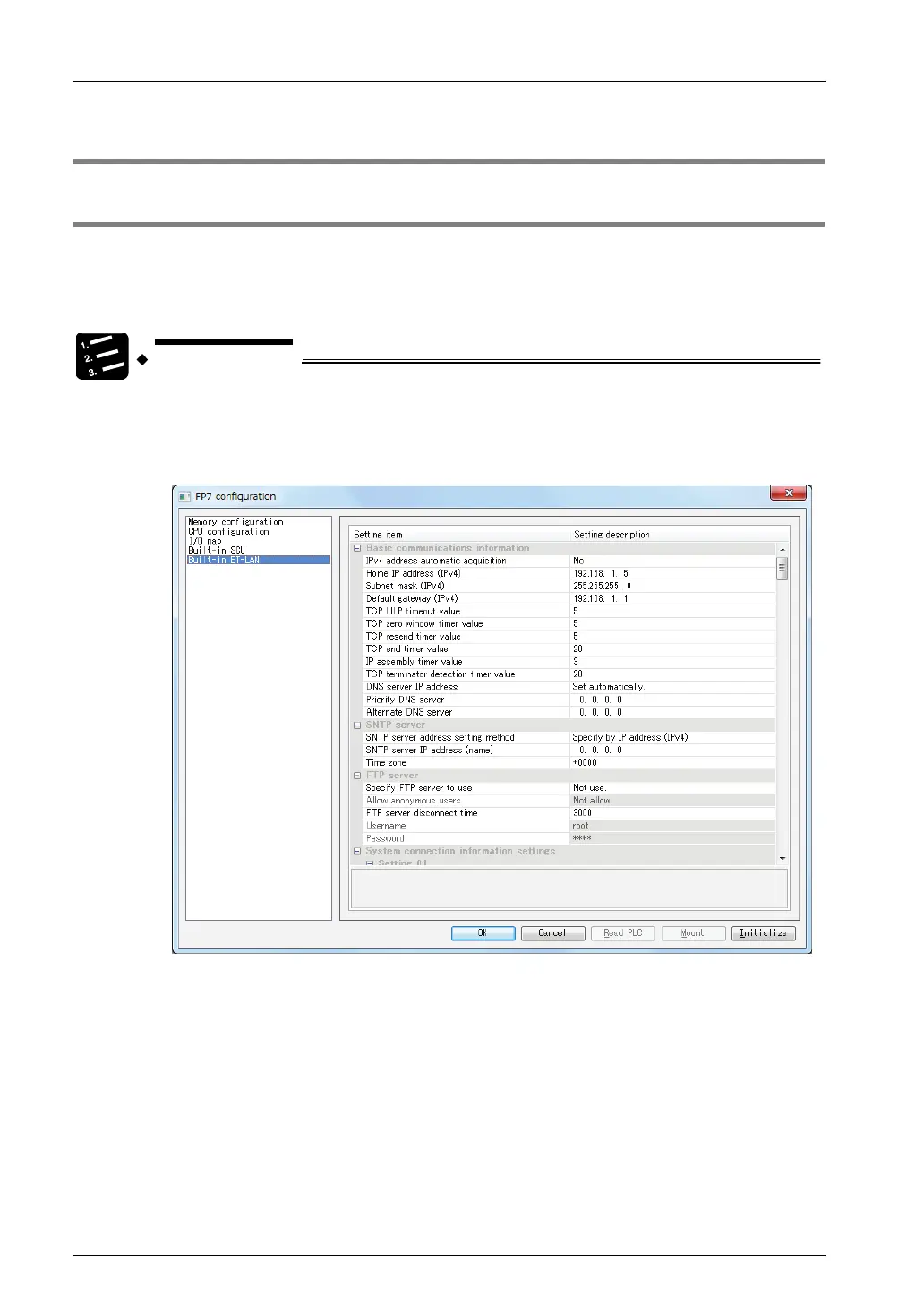
1. From the menu bar, select "Option" > "FP7 Configuration".
2. From the left pane, select "Built-in ET-LAN".
Setting items appear.
3. Specify conditions for each item under "Settings for Built-in ET-LAN", and
press [OK] button.
The settings are registered in the project.
4. Select [File] > [Save As] in the menu bar.
3-2



 To Next Page