General-Purpose Communication
7.3 Receiving Operation
7.3.1 Overview of Receiving Operation
Procedures
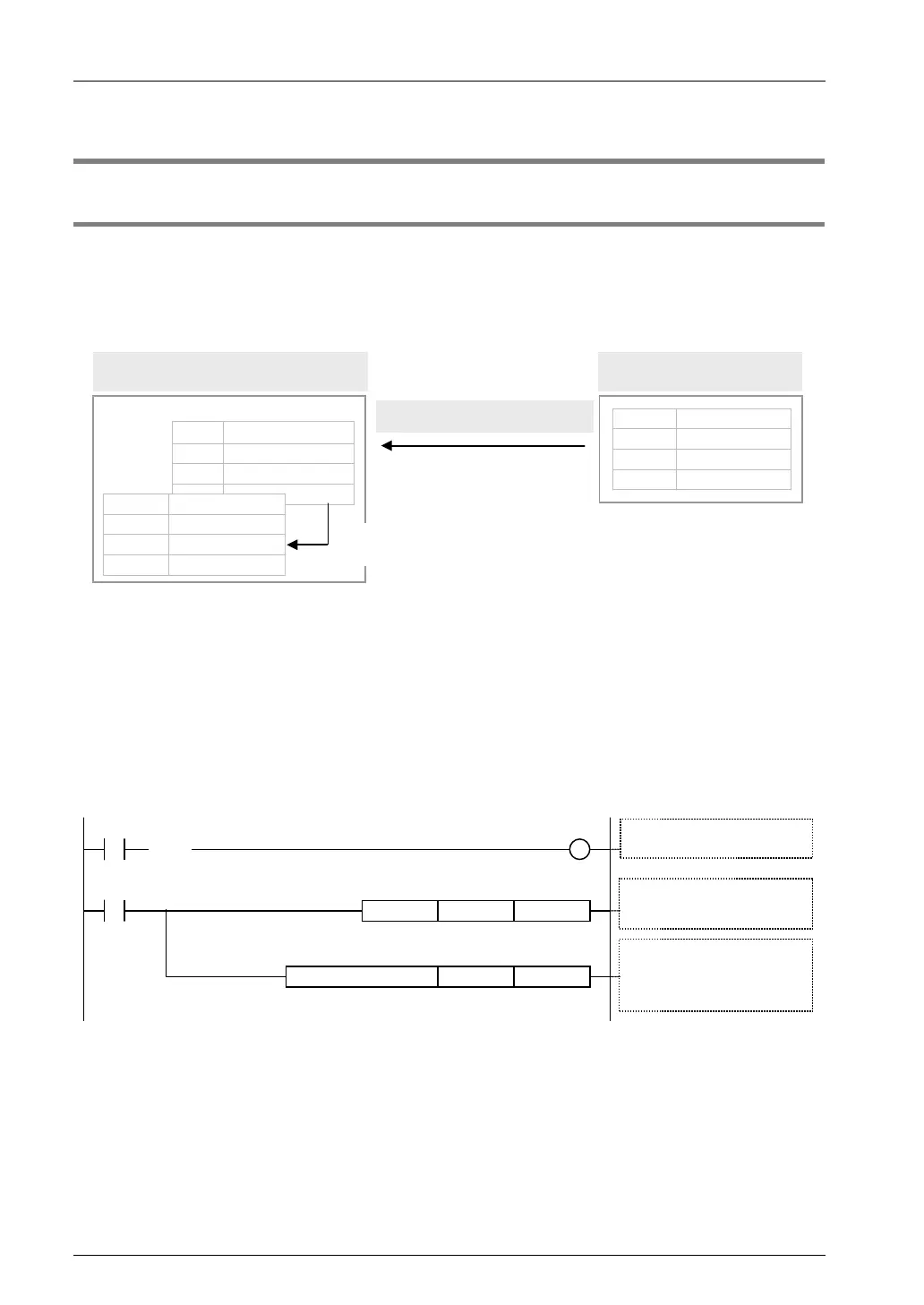
In the general-purpose communication mode, data received from the partner device are saved
in the same reception buffer for each connection. When the GPRECV command is executed
in a user program, data in the reception buffer can be copied into a given operation memory.
External device
・・・・・・・・・・・・・・
・・・・・・・・・・・・・・
・・・・・・・・・・・・・・
H 31 32 33 34 35
・・・・・・
PLC
・・・500003
・・・・・・・・・・・・・・
4 300002
2 100001
1 2 3 4 5
Receive message/data
H 34 33
DT202
H 35DT203
H 32 31DT201
U 5DT200
Reception buffer (one for each connection)
Transfer the received data to a given operation
memory based on GPRECV command.
Operation
memory
Note: The above figure indicates the data part. In communication via LAN, a header including size information of the sent data is added.
Sample program
• When the reception done flag (X70) for Connection 1 turns ON, the reception program is
started up by the GPRECV command.
• In the UNITSEL command, specify the slot No. (LAN port: U100) and the connection No.
(U1).
• In the GPRECV command, specify and execute the header of the data table where the
received message is saved (DT200) and the final address (DT209).
GPRECV . US DT209DT200
R100
UNITSEL U1U100
X70
( )
DF
R100
Execute GPRECV command
S1: Header of
Received Data (DT200)
S2: Terminator of
Received Data (DT209)
GPRECV execution conditions
Reception done flag: ON
S1 S2
S1
S2
Settings for communication port
S1: CPU LAN port (U100)
S2: Connection 1 (U1)
7-8



 To Next Page