23
VQT3K06
The card and built-in memory can be selected separately to record motion pictures or still
pictures.
1 Change the mode to .
2 Select the menu. (l 32)
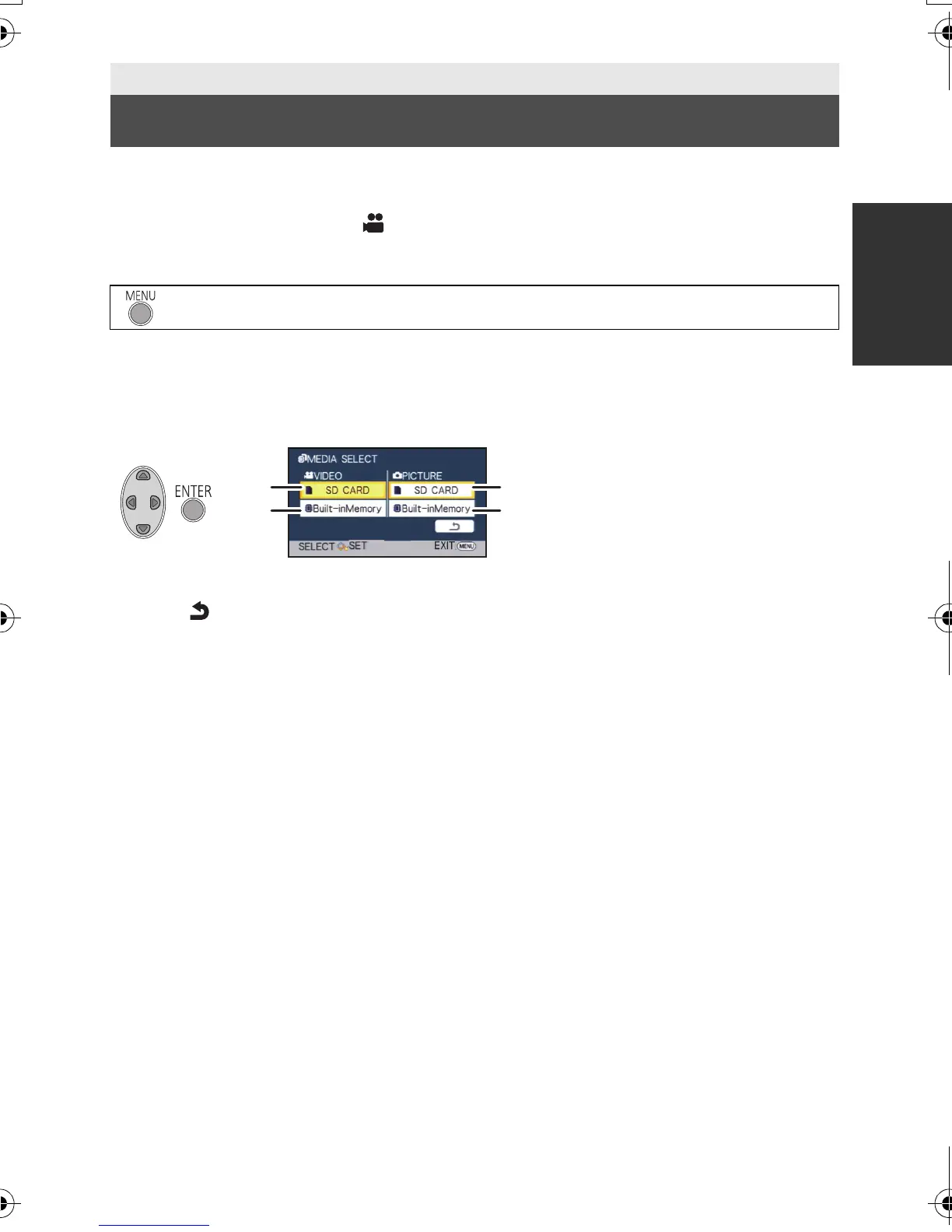
3 Select the media for recording the motion pictures and the media for
recording the still pictures using 3/4/2/1, and press the ENTER
button.
≥ The media is selected separately to motion pictures or still pictures is highlighted in yellow.
≥ Select and press the ENTER button to return to the previous screen.
4 Press the MENU button to complete the settings.
Basic
Selecting a media to record [HDC-TM40]
: [MEDIA SELECT]
A [VIDEO/SD CARD]
B [VIDEO/Built-inMemory]
C [PICTURE/SD CARD]
D [PICTURE/Built-inMemory]
HDC-SD40&TM40EB-VQT3K06_mst.book 23 ページ 2011年2月8日 火曜日 午後6時8分















 To Next Page