57
VQT3K06
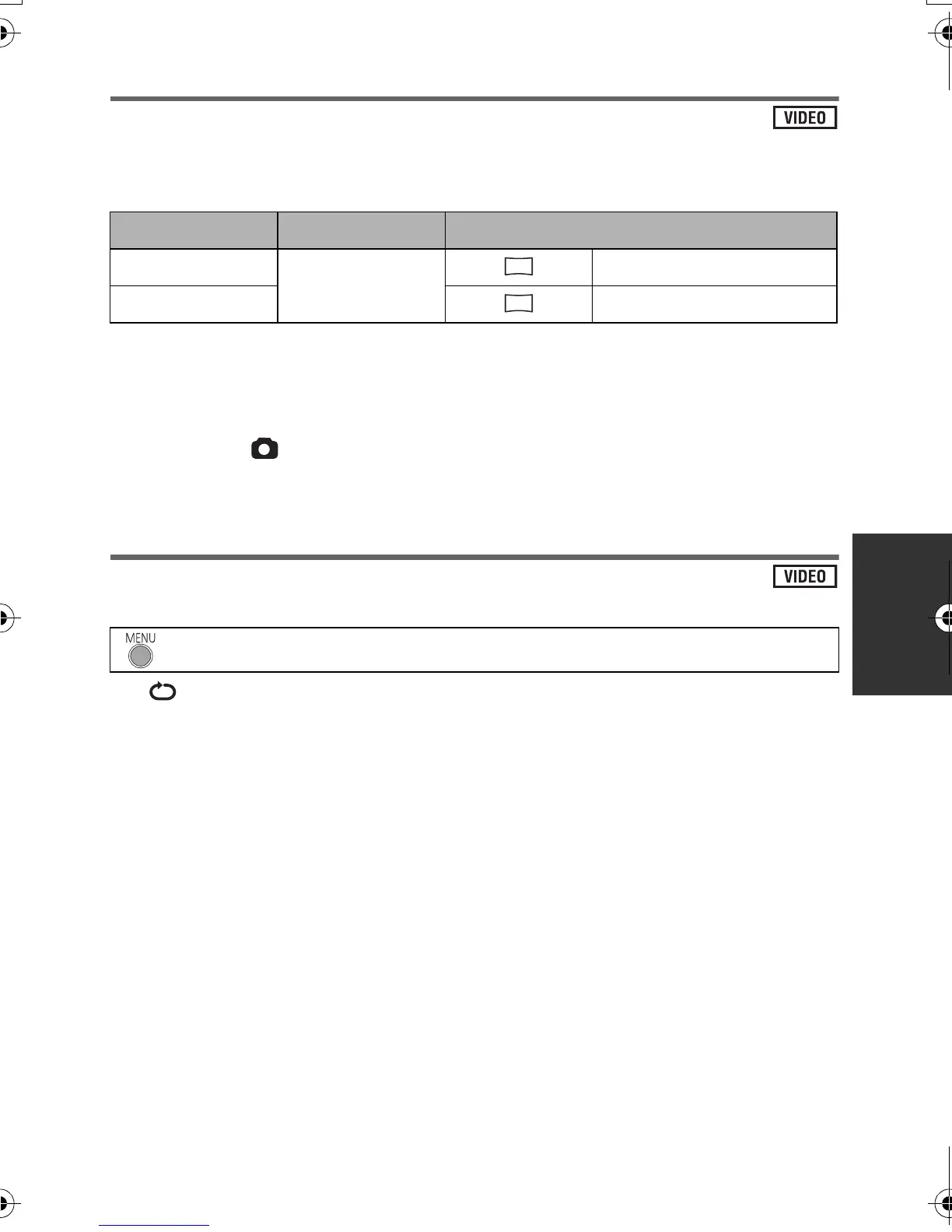
Creating still picture from motion picture
A single frame from the recorded motion picture can be saved as a still picture.
Picture size of the still picture to be created will differ depending on the recording mode of the
recorded motion picture.
1 Pause at the scene you want to save as a still picture during
playback.
≥ It is convenient to use slow-motion playback and frame-by-frame playback.
2 Press the button.
≥ Date the motion picture was recorded will be registered as date of the still picture.
≥ Quality will be different from the normal still picture.
Repeat playback
Playback of the first scene starts after playback of the last scene finishes.
The indication appears on the full screen views.
≥ All the scenes are played back repeatedly. (When playing back motion pictures by date, all
the scenes on the selected date are played back repeatedly.)
Recording mode Aspect ratio Picture size after creating still picture
[HA]/[HG]/[HX]
16:9
1920k1080
[iFrame] 960k540
: [VIDEO SETUP] # [REPEAT PLAY] # [ON]
2.1
M
0.5
M
HDC-SD40&TM40EB-VQT3K06_mst.book 57 ページ 2011年2月8日 火曜日 午後6時8分















 To Next Page