89
VQT3K06
To use the software, log on as an Administrator or as user name for standard user account
(only for Windows 7/Windows Vista).
The software cannot be used with the user name for a guest account.
(On the PC)
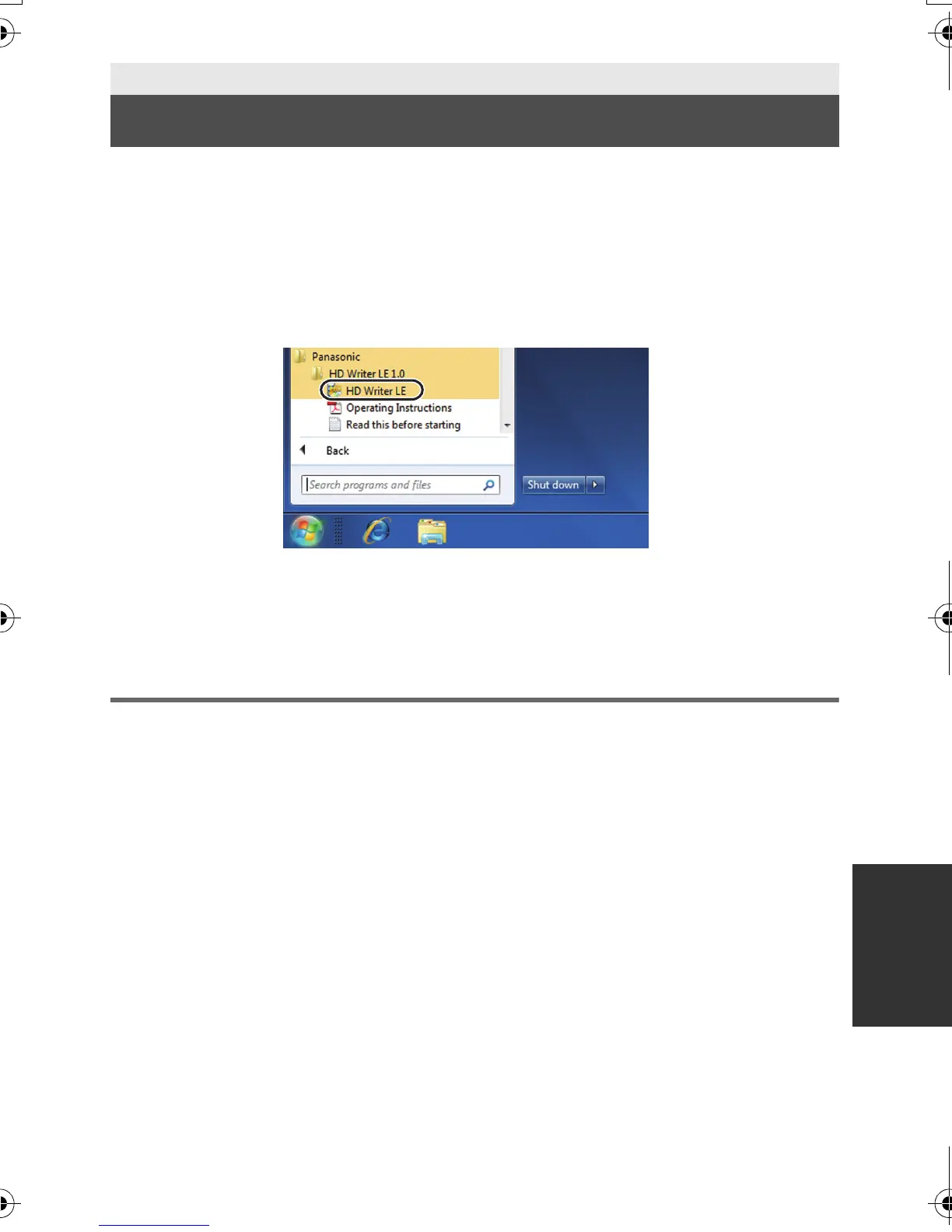
Select [Start] # [All Programs] # [Panasonic] # [HD Writer LE 1.0] #
[HD Writer LE].
≥ For details on how to use the software applications, read the PDF operating instructions of
the software.
Reading the operating instructions of the software
applications
≥ You will need Adobe Acrobat Reader 5.0 or later or Adobe Reader 7.0 or later to read the
PDF operating instructions.
Select [Start] # [All Programs] # [Panasonic] # [HD Writer LE 1.0] #
[Operating Instructions].
With a PC
Starting HD Writer LE 1.0
HDC-SD40&TM40EB-VQT3K06_mst.book 89 ページ 2011年2月8日 火曜日 午後6時8分















 To Next Page