43
VQT3K06
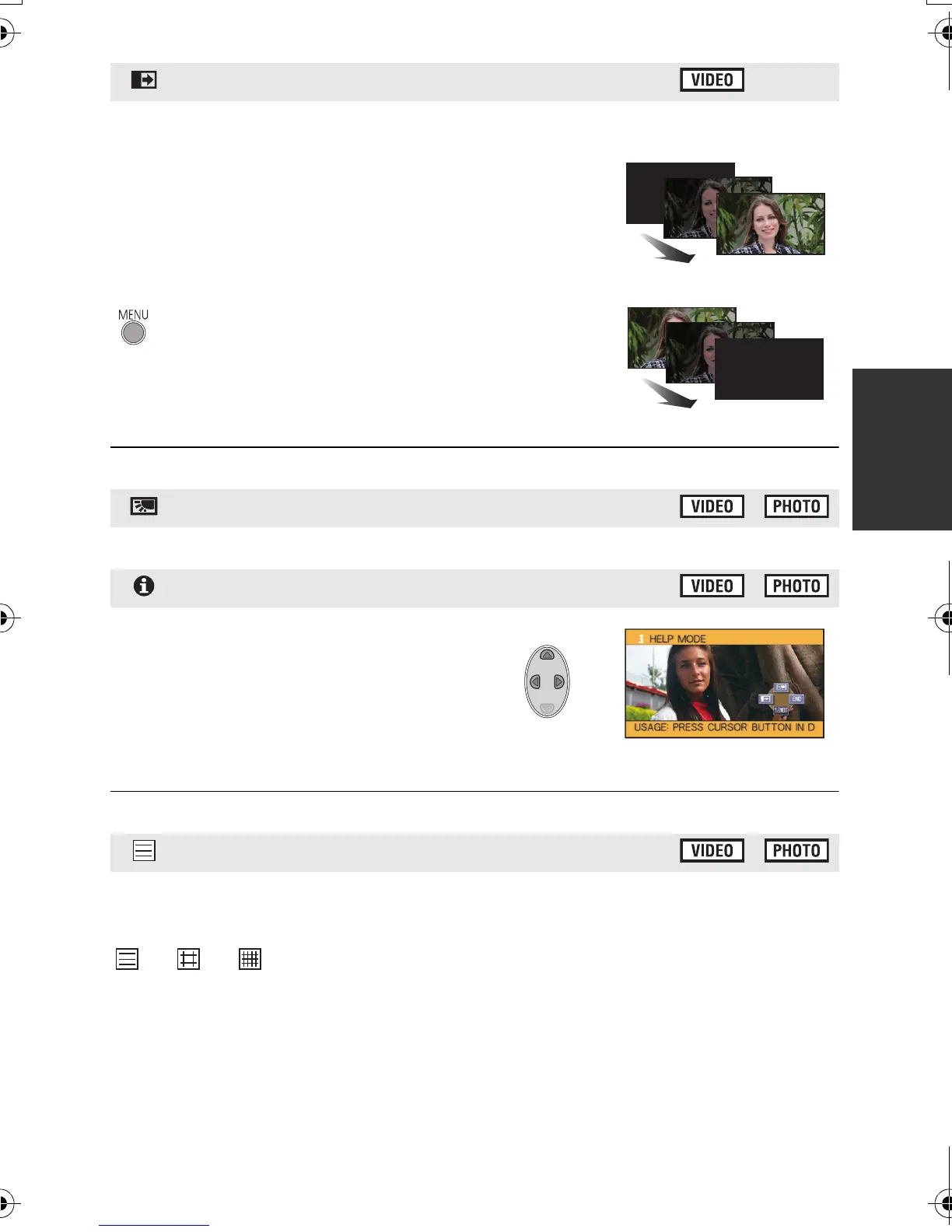
When you start recording, the image/audio gradually
appears. (Fade in)
When you pause recording, the image/audio gradually
disappears. (Fade out)
≥ The fade setting is cancelled when the recording stops.
∫ To select the colour for fade in/out
≥ The thumbnails of scenes recorded using fade in become black (or white).
This makes the image brighter to prevent darkening of a backlit subject.
Select the desired icon using the cursor
button to display an explanation on the
screen.
To exit the help mode
Press the MENU button or select [END].
≥ You cannot record or set functions while in help mode.
You can check if the image is level while recording. The function can also be used to
estimate the balance of the composition.
It will switch every time the icon is selected.
# # # Setting cancelled
≥ The guidelines do not appear on the images actually recorded.
Fade
: [RECORD SETUP] # [FADE COLOUR] #
[WHITE] or [BLACK]
Backlight compensation
Help mode
Guideline
HDC-SD40&TM40EB-VQT3K06_mst.book 43 ページ 2011年2月8日 火曜日 午後6時8分















 To Next Page