55
VQT3K06
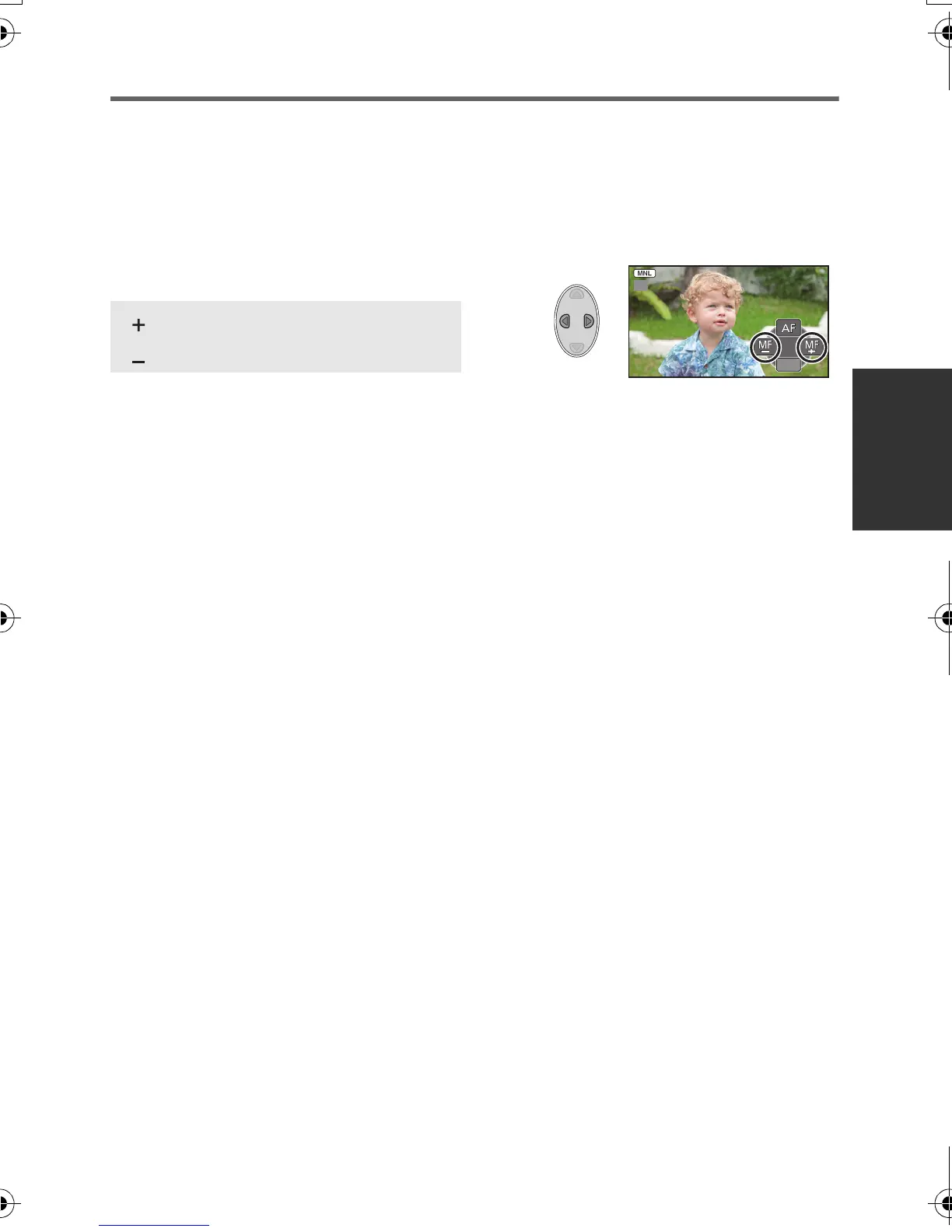
Recording with manual focus
If auto focusing is difficult due to the conditions, then use manual focus.
≥ Press the iA/MANUAL button to switch to manual mode. (l 52)
1 Press 4 to switch the manual icon.
2 Select [MF] with the cursor button to change to manual focus.
≥ MF appears on the screen.
3 Press 2/1 to adjust the focus.
≥ To restore auto focus, select [AF] or press the iA/MANUAL button.
:To focus on a close subject
:To focus on a faraway subject
MFMF
5/5 NEXT5/5 NEXT5/5 NEXT
MF
HDC-SD40&TM40EB-VQT3K06_mst.book 55 ページ 2011年2月8日 火曜日 午後6時8分















 To Next Page