74
VQT3K06
∫ Check before dubbing
Check the equipment used for dubbing.
* Some equipment may not be compatible with high-definition (AVCHD) picture quality. In
such a case, connect with the AV multi cable and dub with standard picture quality. (l 77)
≥ For the positions of the SD card slot, USB terminal, or terminal for connecting the AV multi
cable, refer to the operating instructions of the equipment used.
≥ The iFrame scenes cannot be dubbed to SD cards or by connecting with the USB cable. To
dub iFrame scenes, refer to page 77.
Copy/Dubbing
Dubbing with a Blu-ray disc recorder,
video devices, etc.
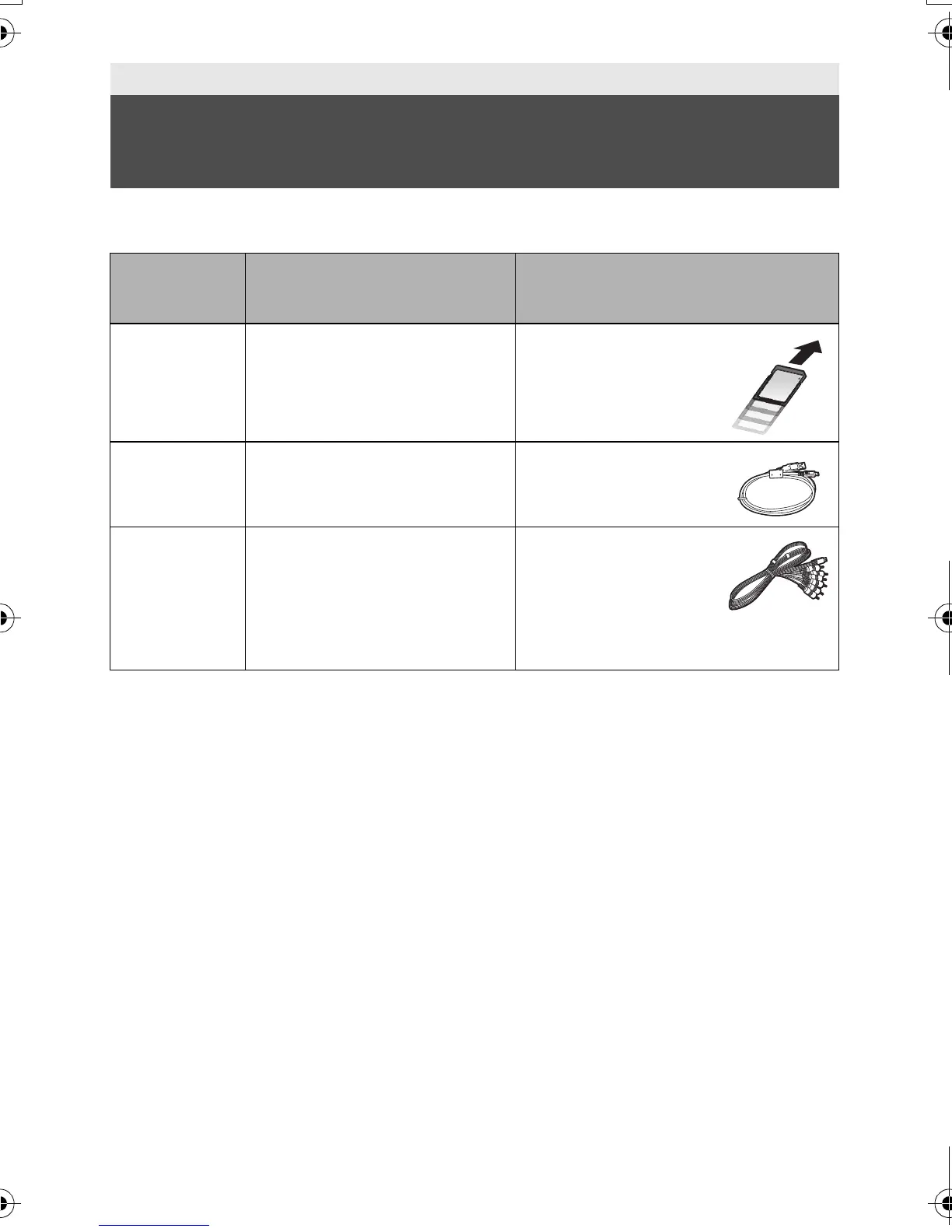
Equipment
used for
dubbing
Dubbing picture quality To dub
Equipment
with SD card
slot
high-definition picture
quality
*
Insert the SD card
directly (l 75)
Equipment
with USB
terminal
high-definition picture
quality
*
Connect with supplied
USB cable (l 75)
Equipment
without SD
card slot or
USB terminal
standard picture quality
This can be played back on
equipment not compatible with
high-definition (AVCHD), so is
convenient if you are dubbing
for distribution.
Connect with supplied
AV multi cable (l 77)
HDC-SD40&TM40EB-VQT3K06_mst.book 74 ページ 2011年2月8日 火曜日 午後6時8分















 To Next Page