87
VQT1T27
Advanced (Recording pictures)
Note
•
The recording information displayed for pictures taken with multiple exposures is the recording
information for the last picture taken.
• If [MENU/SET] is pressed while taking pictures, the photographed images are recorded, and
the multiple exposure picture-taking session will be completed.
• Image is not recorded until completion.
• Some functions have restrictions. You will not be able to use the following functions:
– Burst mode/[AUTO BRACKET]/[MULTI ASPECT]/Extended optical zoom/[I.EXPOSURE]/
Digital zoom/[AUDIO REC.]
• [PICTURE SIZE] is fixed when [START] is selected.
• The zoom position and white balance are fixed when the first picture is taken.
For details on [REC] mode menu settings, refer to P21.
This can enlarge subjects even more than the optical zoom or extended optical zoom.
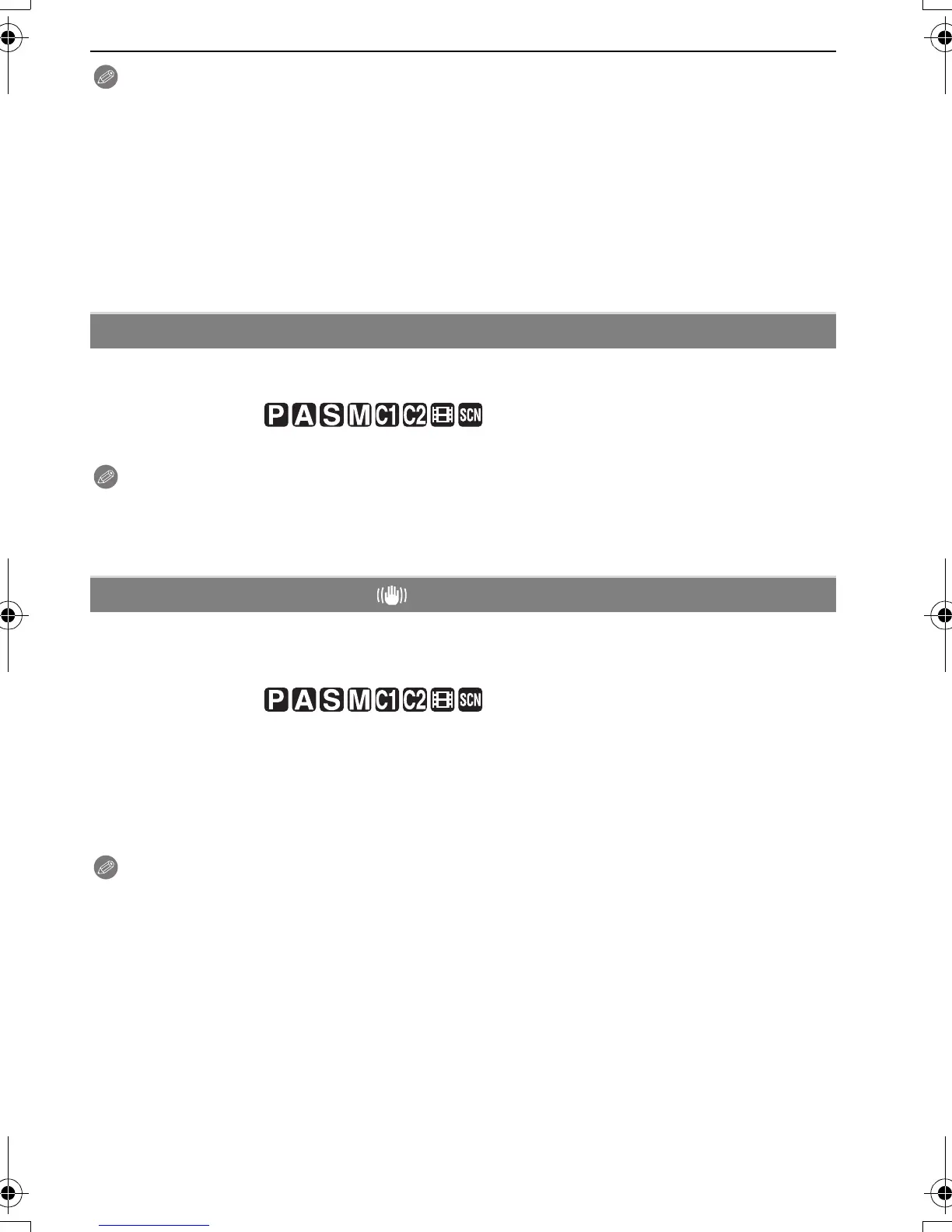
Applicable modes:
[OFF]/[ON]
Note
•
Refer to P38 for details.
• If camera shake (jitter) is a problem during zooming, it is recommended that [STABILIZER] be
set to [AUTO] or [MODE 1].
For details on [REC] mode menu settings, refer to P21.
Using one of these modes, jitter during picture taking is detected, and the camera
automatically compensates the jitter, enabling jitter-free images to be taken.
Applicable modes:
Note
•
The stabilizer function may not be effective in the following cases.
– When there is a lot of jitter.
– When the zoom magnification is high.
– In digital zoom range.
– When taking pictures while following a moving subject.
– When the shutter speed becomes slower to take pictures indoors or in dark places.
• Be careful of camera jitter when you press the shutter button.
• The setting is fixed to [MODE2] with [SELF PORTRAIT] in scene mode and to [OFF] in
[STARRY SKY] in scene mode.
• In motion picture mode, [AUTO] or [MODE2] cannot be set.
) [DIGITAL ZOOM]
[STABILIZER]
[OFF]
[AUTO]: The optimum jitter compensation is selected depending on the condition.
[MODE1]: Jitter is always compensated during [REC] mode.
[MODE2]: The jitter is compensated for when the shutter button is pressed.
P.PC_DMC-LX3_eng.book 87 ページ 2008年7月8日 火曜日 午後10時13分



 To Next Page
 Loading...