EasyManua.ls Logo

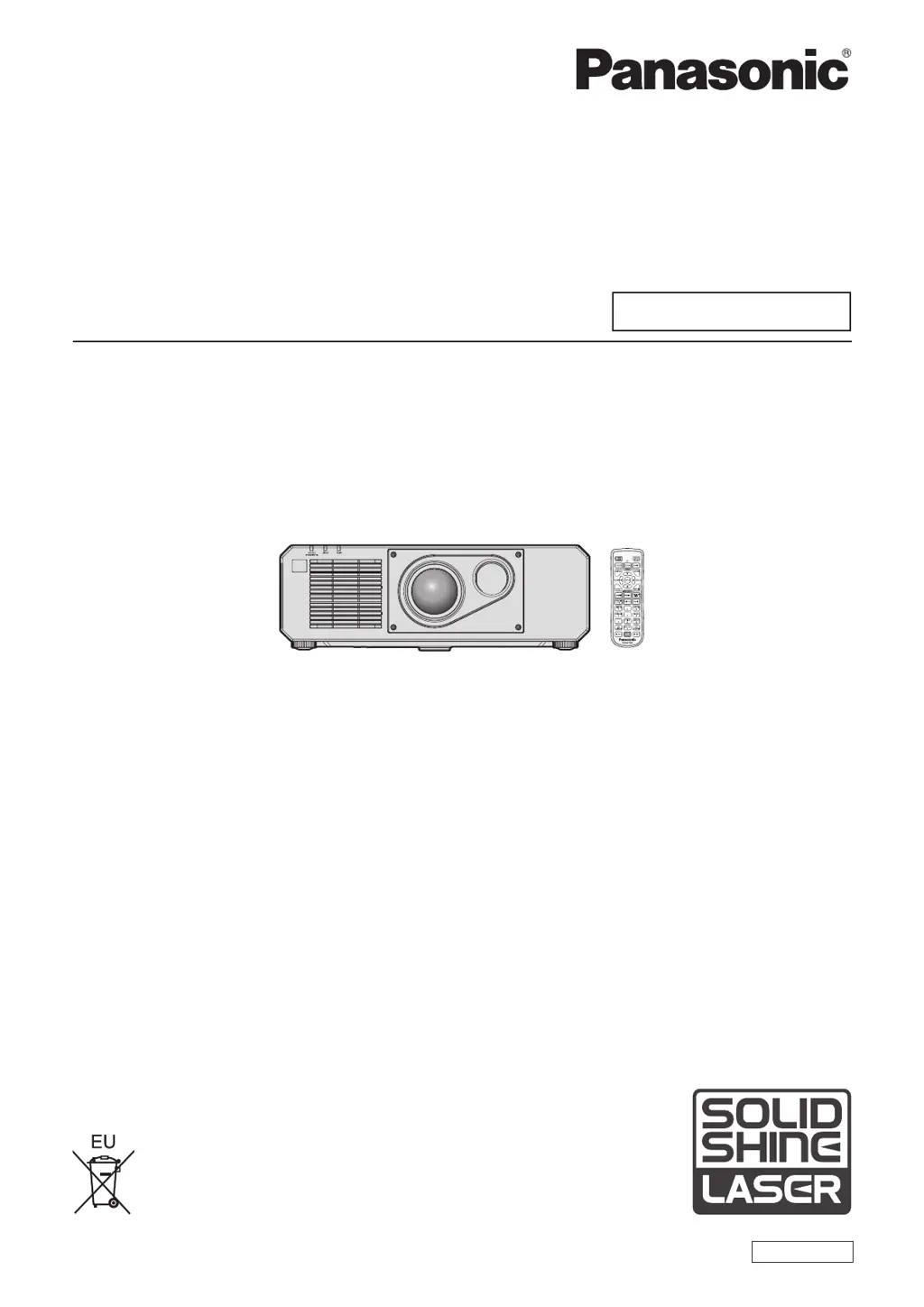
Panasonic PT-RZ575 - User Manual

Panasonic PT-RZ575
184 pages
Print Icon
To Next Page IconTo Next Page
Loading...
Thank you for purchasing this Panasonic product.
This manual is common to all the models regardless of sufxes of the Model No.
z
for Taiwan
PT-RZ575T
z
for other countries or regions
PT-RZ575
Before operating this product, please read the instructions carefully and save this manual
for future use.
Before using this product, be sure to read “Read this rst!” (
x
pages 5 to 13).
DPQP1055ZA
DLP™ Projector
Commercial Use
Operating Instructions
Functional Manual
ENGLISH
Model No.
PT-RZ575

Table of Contents

Questions and Answers

  • B
    bartlettkevinAug 20, 2025
    Why Panasonic PT-RZ575 power does not turn on?
    • B
      Brian GarciaAug 20, 2025
      If your Panasonic Projector isn't powering on, make sure the power plug is firmly inserted into the outlet. Check that the switch is set to , and confirm the wall outlet is supplying electricity. Also, verify that the circuit breakers haven't tripped. Finally, check if the light source indicator is blinking or if the temperature indicator is lit or blinking.
  • C
    Catherine CampbellAug 22, 2025
    What to do if Panasonic PT-RZ575 has no image?
    • S
      Stacy MitchellAug 22, 2025
      If no image appears on your Panasonic Projector, first ensure that all connections to external devices are correctly connected and that the input selection setting is correct. Check if the [BRIGHTNESS] adjustment is set at a minimum. Verify that the external device connected to the projector is working properly and that the shutter function is not in use. If the power indicator is blinking red, you should consult your dealer.
  • C
    christineallenAug 25, 2025
    How to fix a fuzzy image on Panasonic PT-RZ575?
    • T
      Taylor LawsonAug 25, 2025
      To correct a fuzzy image on your Panasonic Projector, ensure the lens focus is properly set. Also, verify that the projection distance is appropriate for the projector. Check if the lens is dirty and clean it if necessary. Finally, make sure the projector is installed perpendicular to the screen.
  • J
    Jennifer FosterAug 26, 2025
    Why is the Panasonic PT-RZ575 image not displaying correctly?
    • K
      katherinehouseAug 26, 2025
      If the image on your Panasonic Projector isn't displaying correctly, verify that the [SYSTEM SELECTOR] is set properly. Also, check if [COMPUTER IN/OUT] is set correctly. Ensure that there isn't a problem with the video tape or the image source you are using. Finally, confirm that the input signal is compatible with the projector.
  • C
    Charles PhillipsAug 28, 2025
    What to do if Panasonic PT-RZ575 remote control does not respond?
    • J
      Jennifer ThompsonAug 28, 2025
      If your Panasonic Projector's remote control isn't responding, first check if the batteries are depleted and replace them if necessary. Ensure the batteries are inserted with the correct polarity. Verify that there are no obstructions between the remote control and the projector's signal receiver. Make sure the remote control is within its effective operating range and that other light sources, such as fluorescent lights, aren't interfering with the signal. Check if the [REMOTE CONTROL] setting in [CONTROL DEVICE SETUP] is set to [DISABLE]. Finally, confirm that the ID number setting operation is correct.
  • M
    Madison OnealAug 30, 2025
    How do I fix a Panasonic Projector when the menu screen does not appear?
    • N
      Nicholas PhillipsAug 30, 2025
      If the menu screen does not appear on your Panasonic Projector, check if the on-screen display function is turned off (hidden).
  • M
    Mark MurrayAug 31, 2025
    Why does the image from a computer not appear on my Panasonic Projector?
    • D
      Doris RojasSep 1, 2025
      If the image from your computer does not appear on the Panasonic Projector, ensure the cable isn't too long. For D-Sub cables, the length should be 10 m (32'10") or shorter. Also, verify that the external video output on the laptop is set correctly. (For example, the external output settings may be switched by pressing the “Fn” + “F3” or “Fn” + “F10” keys simultaneously. This varies by computer model, so refer to your computer's user manual.)
  • J
    Janet ButlerSep 2, 2025
    What to do if video from HDMI compatible device does not appear or it appears jumbled on Panasonic PT-RZ575?
    • A
      abarnettSep 2, 2025
      If video from an HDMI compatible device does not appear, or appears jumbled on your Panasonic Projector, verify that the HDMI cable is connected securely. Try turning the power of both the projector and the external device off and on. Also, ensure that the input signal is compatible with the projector.
  • L
    Lauren WagnerSep 4, 2025
    How to fix if image output from DVI?D of the computer does not appear on Panasonic Projector?
    • B
      browncarolynSep 4, 2025
      If the image output from the DVI-D of your computer does not appear on the Panasonic Projector, check if [EDID SELECT] in [DVI-D IN] is set to [EDID3] or [EDID2:PC]. Updating the graphic accelerator driver of the computer to the latest version may help. Additionally, try performing the [EDID SELECT] setting in [DVI-D IN] and then rebooting the computer.
  • B
    Brenda BrownSep 6, 2025
    Why is the DIGITAL LINK input image not displayed on Panasonic Projector?
    • M
      Max WardSep 6, 2025
      If the DIGITAL LINK input image is not displayed on your Panasonic Projector, ensure that the cable is compatible with the projector's condition. Verify that the connections between the twisted-pair-cable transmitter and an external device, and between the twisted-pair-cable transmitter and the projector are correctly done. Check if [DIGITAL LINK MODE] is set to [AUTO] or [DIGITAL LINK], and that it is not set to [ETHERNET]. Finally, confirm that a signal compatible with a twisted-pair-cable transmitter is being input.

Panasonic PT-RZ575 Specifications

General IconGeneral
BrandPanasonic
ModelPT-RZ575
CategoryProjector
LanguageEnglish

Related product manuals