14
Top
Using the printer with
Easy-Mark Plus
Troubleshooting
Part Names and
Functions
Start Here
Cleaning
Initializing the
Settings
Label Functions
Key Menu Index
Frame and Table Lists
Symbol List
Specications
Technical Support
Cleaning
CAUTION
Turn o the printer and remove the batteries before cleaning.
If the AC adapter is connected, disconnect the AC adapter cable
from the printer.
Exterior
Wipe the dirt o with a soft cloth.
If it is very dirty, use a damp cloth.
CAUTION
Never use chemicals or solvents such as benzine, thinner, or
alcohol, or use a chemical duster.
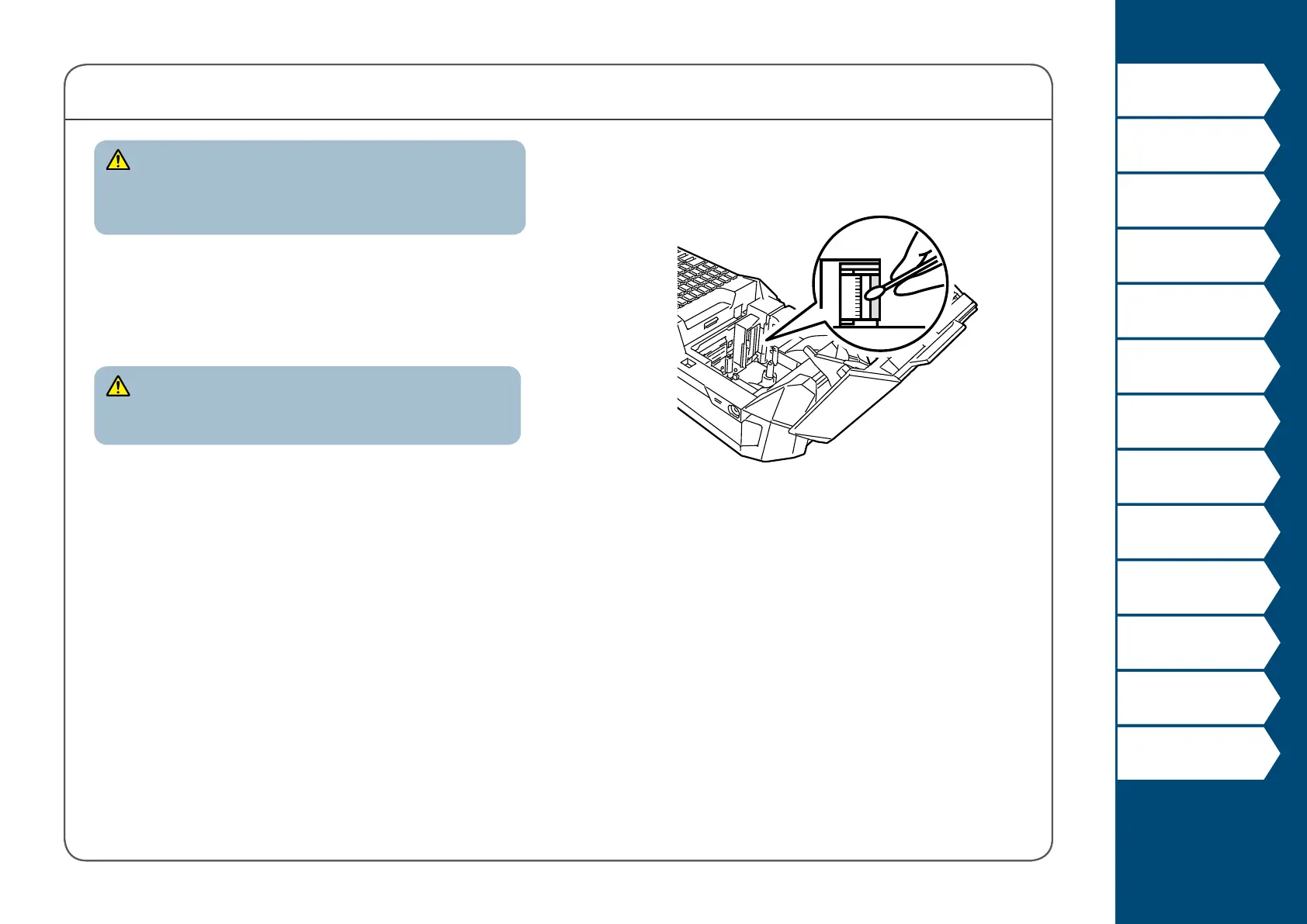
Printhead
Clean the printhead with a cotton swab.



 To Next Page