20
Top
Using the printer with
Easy-Mark Plus
Troubleshooting
Part Names and
Functions
Start Here
Cleaning
Initializing the
Settings
Label Functions
Key Menu Index
Frame and Table Lists
Symbol List
Specications
Technical Support
Wiremarker Mode
Creating Labels with continuous self-lam
Tape
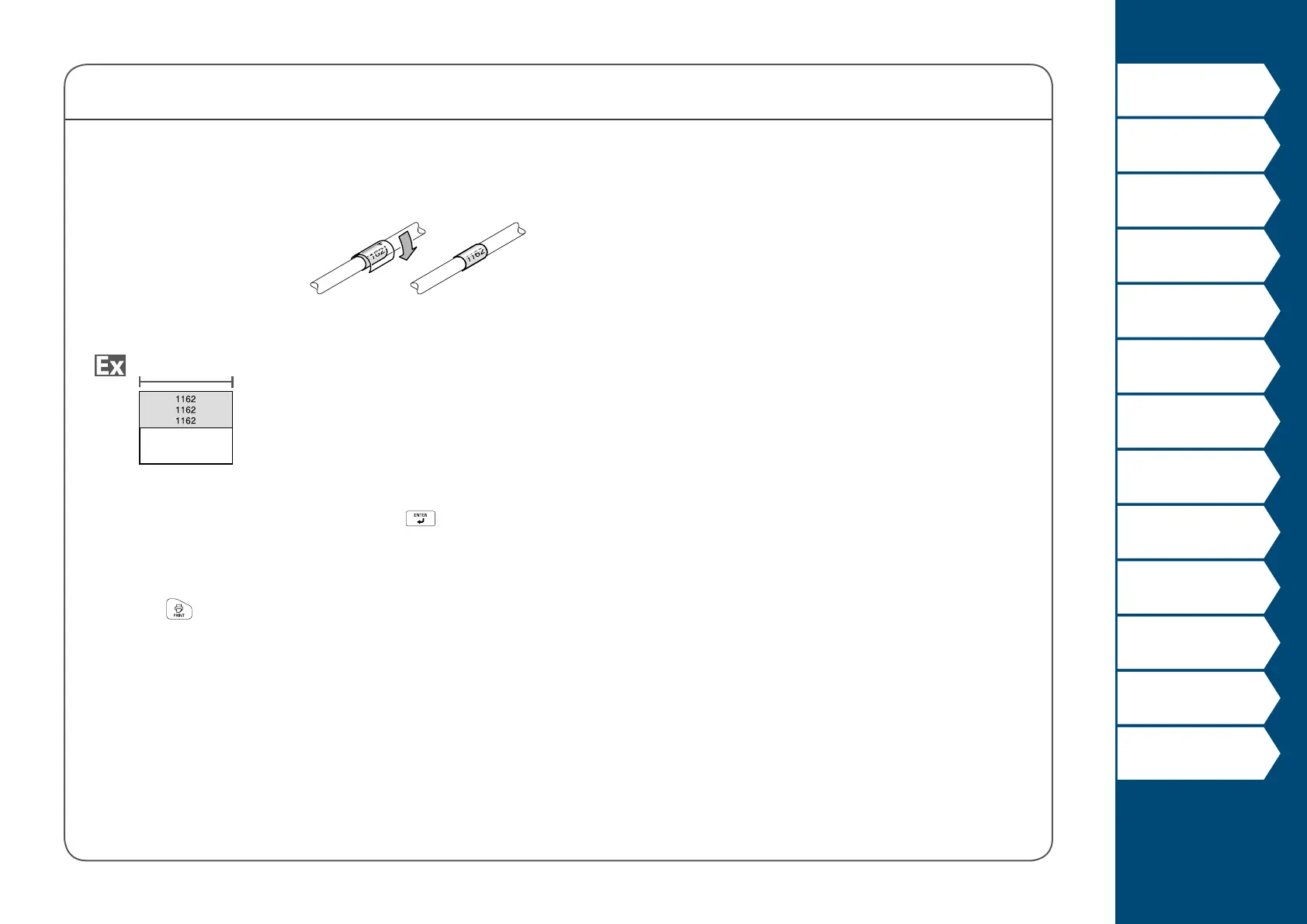
Self-Lamination Overwrap
Use the dedicated Self-
Lamination Overwrap.
This label tape comes with
transparent lm. The lm
can be wrapped around the
label to prevent it from getting dirty.
Label length
1. Enter the label length and then press .
Setting range: 0.39 to 39.36" (1 to 99.99 cm)
2. Enter the text.
3. Press
.



 To Next Page