41
Top
Using the printer with
Easy-Mark Plus
Troubleshooting
Part Names and
Functions
Start Here
Cleaning
Initializing the
Settings
Label Functions
Key Menu Index
Frame and Table Lists
Symbol List
Specications
Technical Support
Customizing Labels
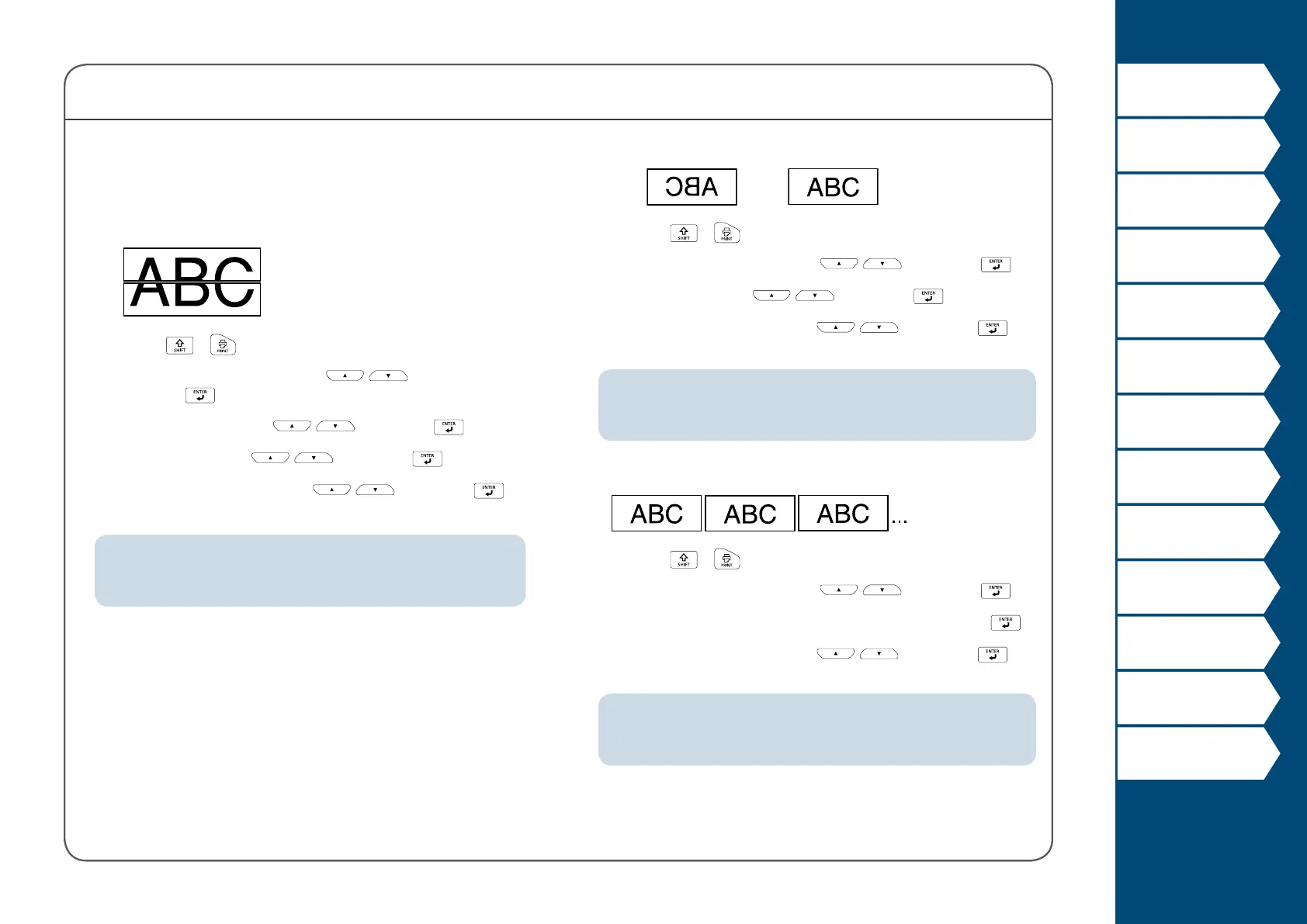
Enlarge print
You can create a label that is larger than the width of a single
label.
Print the created content separately on multiple labels and
then put them together to use as a single label.
1. Press + .
2. Select "Enlarge print" with
/ and
press
.
3. Select "*2size" with / and press .
4. Select "2/2" with
/ and press .
5. Select "Start print?" with / and press .
Printing starts.
MEMO
The function remains enabled even after printing. To disable the
function, select "O".
Mirror print
On
O
1. Press + .
2. Select "Mirror print" with
/ and press .
3. Select "On" with
/ and press .
4. Select "Start print?" with / and press .
Printing starts.
MEMO
The function remains enabled even after printing. To disable the
function, select "O".
Print copies
1. Press + .
2. Select "Print copies" with
/ and press .
3. Enter the number of print copies and then press .
4. Select "Start print?" with
/ and press .
Printing starts.
MEMO
The function remains enabled even after printing. To disable the
function, set the number of print copies to "1".



 To Next Page