35
Top
Using the printer with
Easy-Mark Plus
Troubleshooting
Part Names and
Functions
Start Here
Cleaning
Initializing the
Settings
Label Functions
Key Menu Index
Frame and Table Lists
Symbol List
Specications
Technical Support
Customizing Labels
Creating Labels with Advanced Serialization
Use when creating a serialization across multiple pages in a
label.
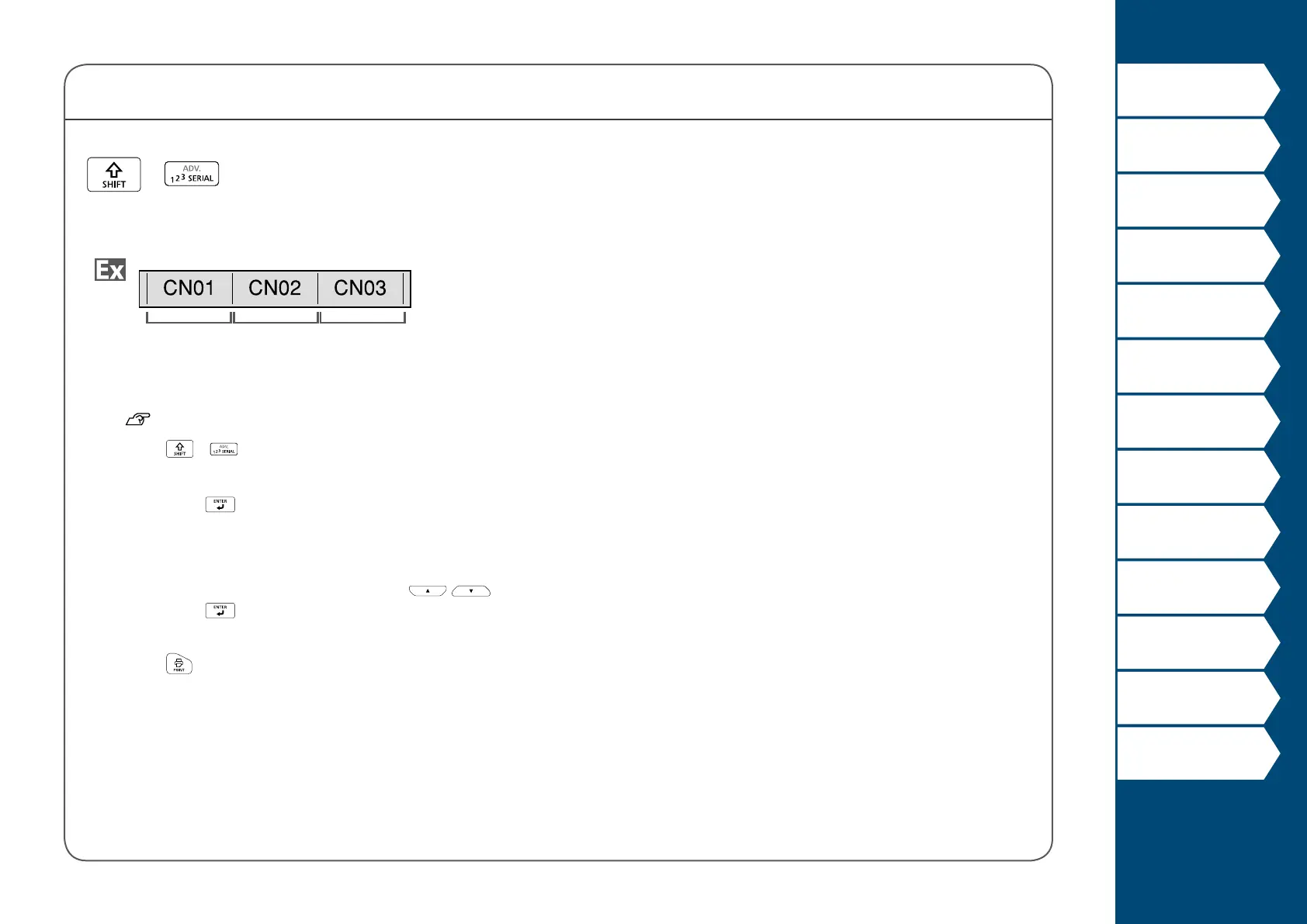
Block 1 Block 2 Block 3
1. Create the blocks.
In this example, we have created three pages.
"Adding Page"
2. Press
+ .
3. Enter the start value of the serialized numbers and
then press
.
In this example, we will enter "CN01".
Serialized numbers are automatically assigned to block 2
and block 3.
4. Select the number of repetitions with
/ and
then press
.
In this example, we will select "1 time".
5. Press
.
+



 To Next Page