EasyManua.ls Logo

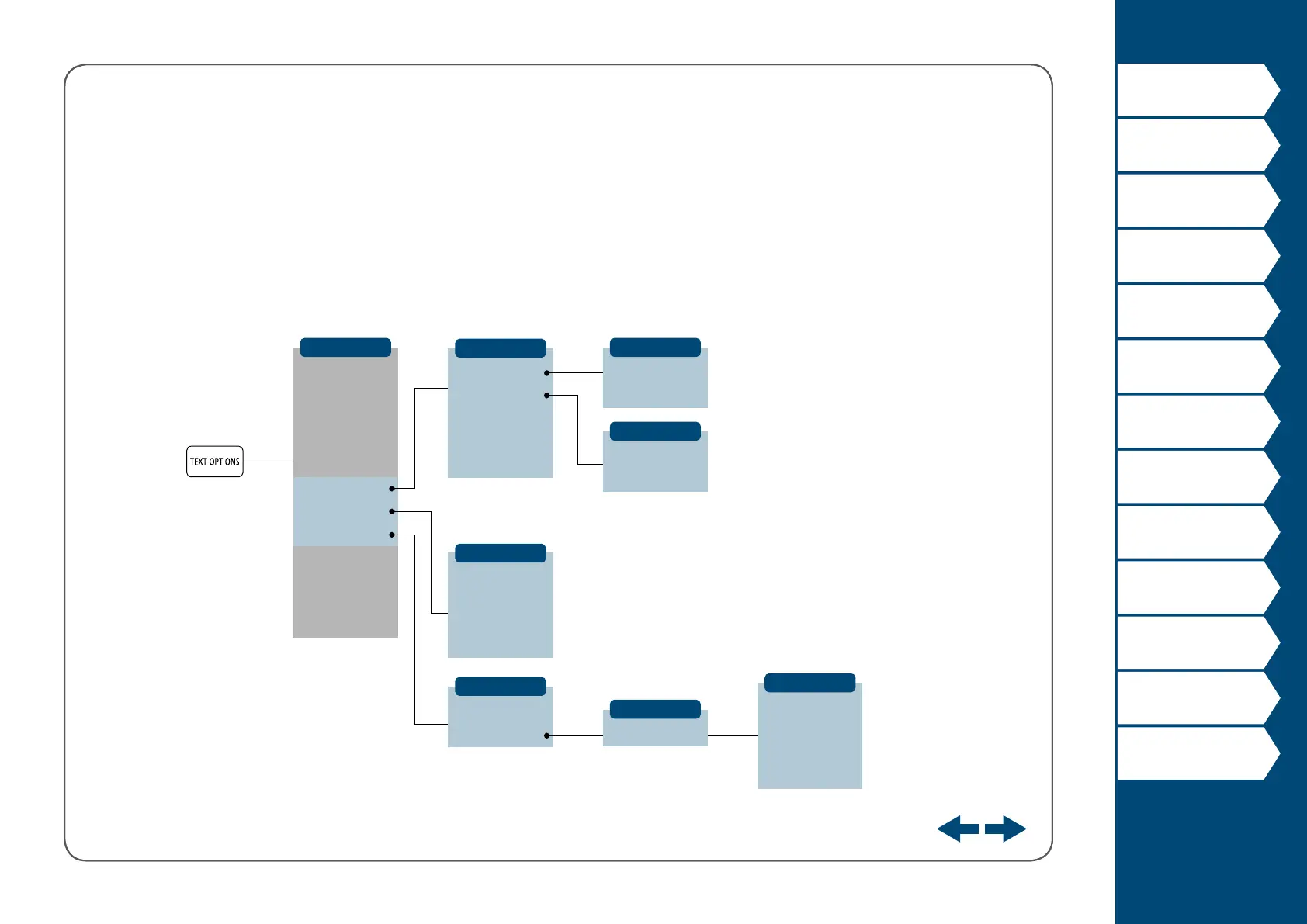
Panduit MP300 - Key Menu Index - Text Options (Width, Bold); Text Options for Width, Bold;Italic, Length

Panduit MP300
66 pages
Print Icon
To Next Page IconTo Next Page
To Previous Page IconTo Previous Page
Loading...
51
Top
Using the printer with
Easy-Mark Plus
Troubleshooting
Part Names and
Functions
Start Here
Cleaning
Initializing the
Settings
Label Functions
Key Menu Index
Frame and Table Lists
Symbol List
Specications
Technical Support
Text Options 2
Char. Width
Length
Bold & Italic
Length
Length
Smaller
Small
Small
Set
Normal
Center
Under
Under
Narrow
Bold
Justify
Normal
Wide
B + I
Right
Smaller
Auto
Italic
Left
Enter length
Center
Center
Edit menu
Frame & Table
Style
Char. spacing
Border & Line
Char. Width
Length
Margins
Bold & Italic
Orientation
Font size
Layout
Line Swap
menu
continues
backward
menu
continues
forward

Table of Contents

Other manuals for Panduit MP300

Related product manuals