16 CHAPTER 2 BIOS SETUP
SATA Conguration
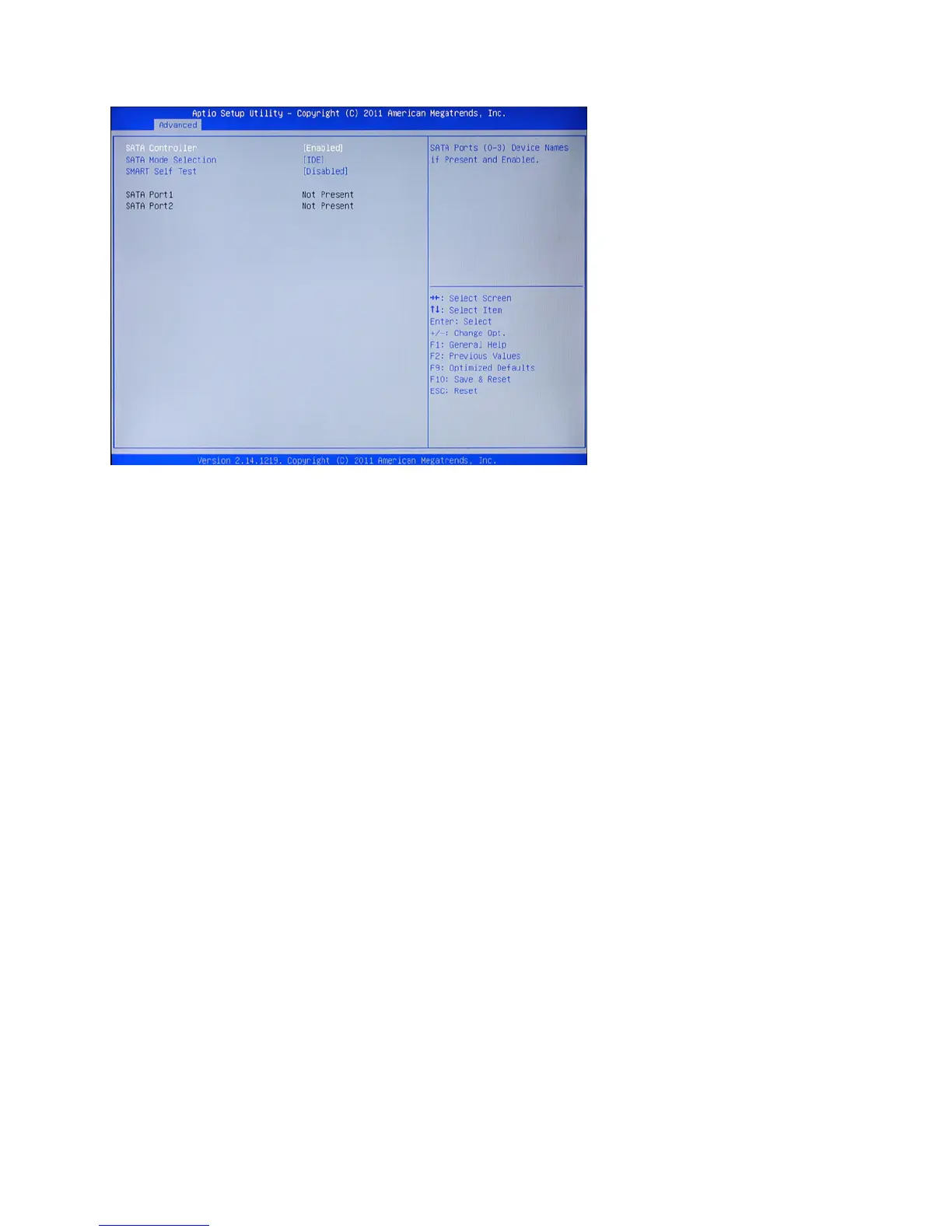
SATA Controller
Use this item to enable or disable the on-chip SATA controller. The default setting is Enabled.
SATA Mode Selection
This item is used to congure SATA mode. The default setting is IDE.
SMART Self Test
This item is used to enable monitoring of hard disks that support the S.M.A.R.T. (Self-Monitoring And Re-
porting Technology) feature, which can allow the hard disk to report, under some circumstances, impending
failures of the hard disk.
Figure 3.6 SATA Con-
guration sub-menu



 To Next Page