28 CHAPTER 2 BIOS SETUP
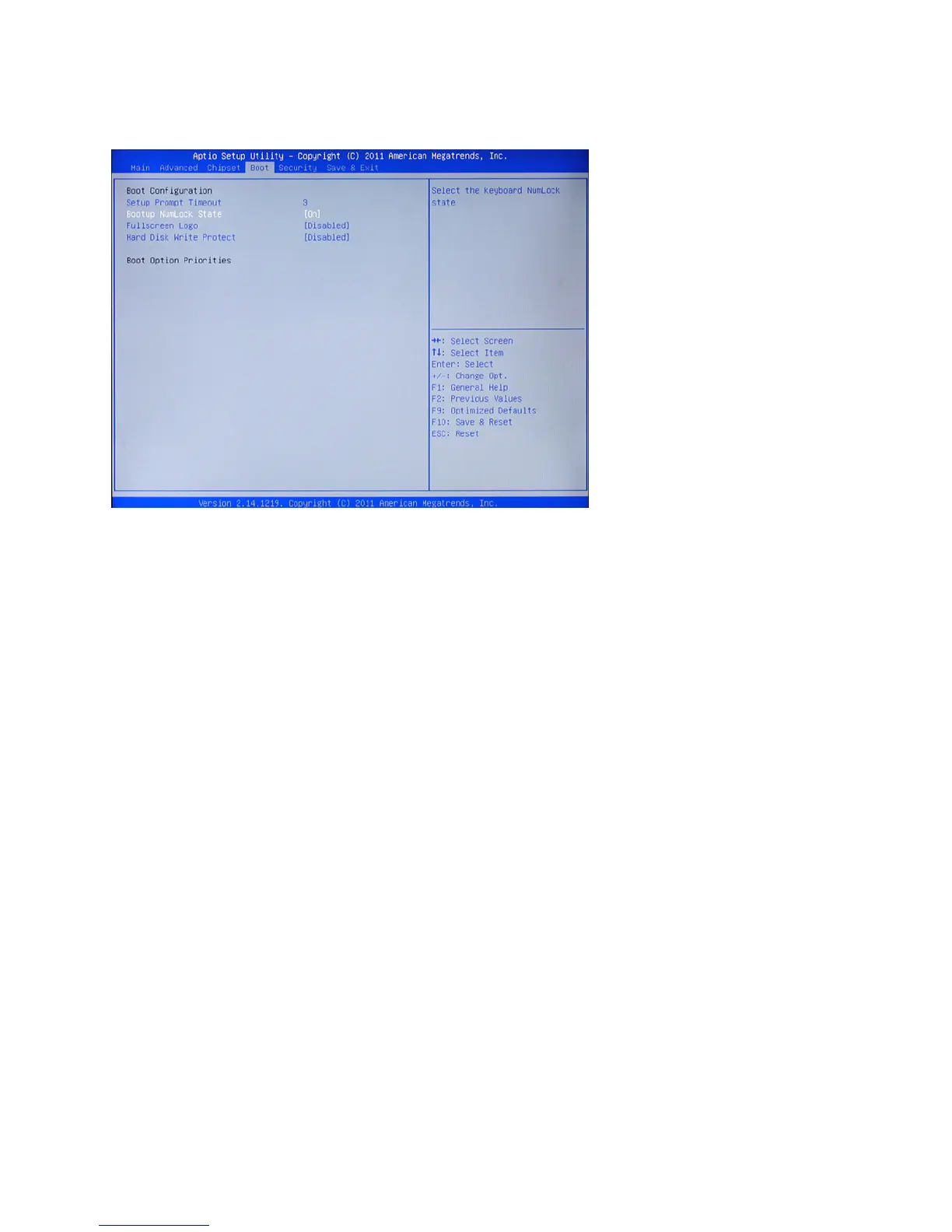
Setup Prompt Timeout
This item allows you to select the number of seconds to wait for setup activation key.
Bootup Numlock State
This item is used to select the Power-on state for Numlock.
Fullscreen Logo
This item enables you to show the full screen logo on the bootup screen.
Hard Disk Write Protect
When enabled, the hard disks will be locked and disallow any more writing to be performed on it.
Boot Settings
This screen allow you to congure the boot options.
Figure 3.18 Boot Set-
tings Screen



 To Next Page