38 CHAPTER 3 INSTALLING DRIVERS AND SOFTWARE
Touch Screen Driver
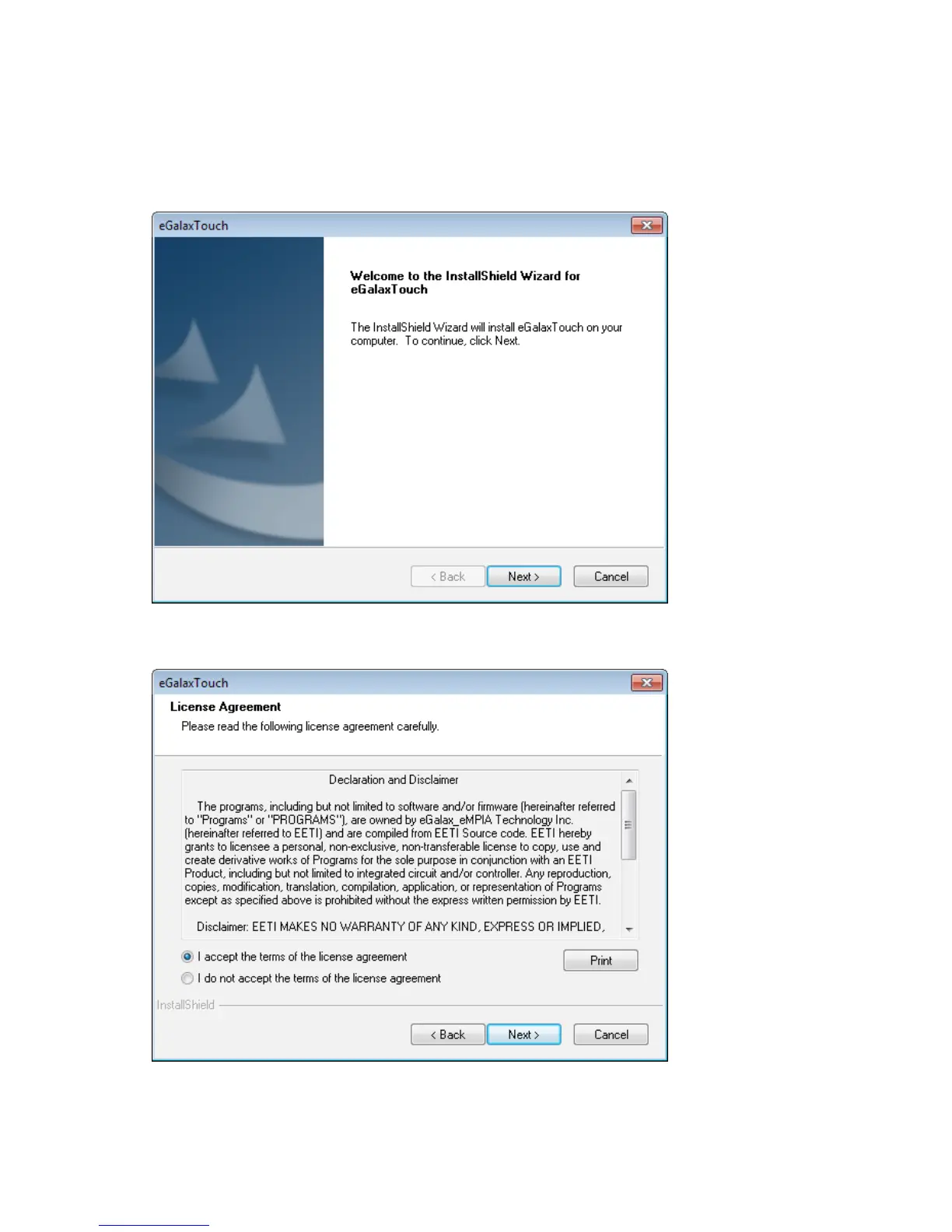
Refer to the following to install the touch screen driver.
1. Browse to the \DRIVER\Touch\eGalax folder.
2. Double-click setup.exe. The following screen appears. Click Next to continue.
3. Read the license agreement, check “I accept the term of the license agreement”. Click Next to
continue.



 To Next Page