46 CHAPTER 4 LOCATING THE PROBLEM
Refer to the following to prevent incorrect cash drawer status detection by the system:
Port I/O Port Address Bit Condition Note
Cashdrawer A
Control port
50D 40
High(1) → Close
Low(0) → Open
If Bit is set to Low to open the
cash drawer, after it must be set
back to High to prevent the system
as always detecting the drawer as
open.
Cashdrawer B
Control port
50D 1
High(1) → Close
Low(0) → Open
Cashdrawer A
Status port
538 10
High(1) → Close
Low(0) → Open
Cashdrawer B
Status port
50E 40
High(1) → Close
Low(0) → Open
LCD symptoms
Symptom Corrective Procedure
• LCD backlight is not working but text is still visible on
screen
1. Reseat the LCD cable.
• LCD backlight is working but text is not visible on screen 1. Reseat the LCD cable.
2. Replace the LCD.
• LCD screen is garbled
• Characters are missing pixels
• Screen is distorted
• Screen displays wrong color
• Screen displays extra vertical/horizontal lines
1. Reseat the LCD cable.
2. Replace the LCD panel.
3. Replace the mainboard.
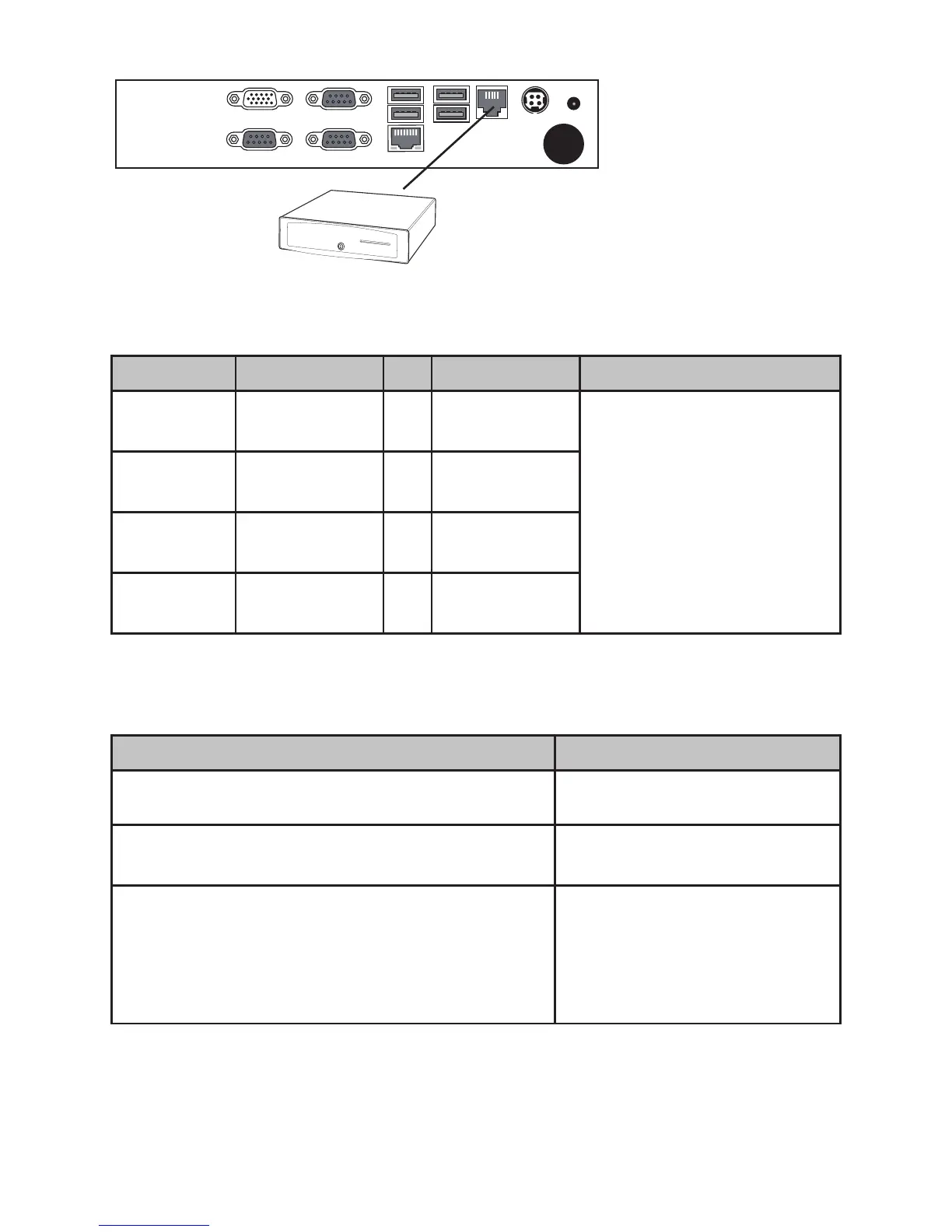
Cashdrawer
Figure 4.1 Connecting a
cash drawer
2. Turn on the machine .



 To Next Page