Copyright © 2014 PAYTER
BV. All rights reserved. No
part of this document may be
reproduced in any form by
print, photo print, microfilm,
electronic copy or any other
means without written
permission by Payter BV.
5. Payment Flow
Description
A Host machine is always responsible for initiating a payment on the terminal, the only exception
is Auto Scan mode. This chapter describes how a payment is performed by a user, and how to
interpret the feedback that is given by the terminal. Some operational modes can introduce a
slight difference in this behavior, these details will be covered in chapter 6 for each respective
mode, if applicable.
Accepted Card types
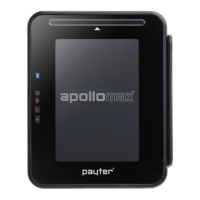
The P68 terminal accepts one of these three card types, from any of the configured payment
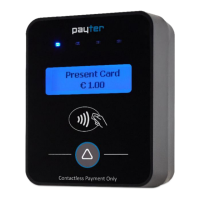
schemes to perform a payment. The P66 terminal is a contactless payment only terminal and
therefore only accepts Contactless Cards and Mobile phones. The terminal can also accept
proprietary card types for example for loyalty applications, or a closed user group application.
Contactless Card/
Mobile phones
When prompted to do so, tap the Card or Phone with NFC
on the Contactless Symbol on the front of the terminal.
Keep the Card in place until the terminal indicates that the
card can be removed.
Insert the Chip Card in the illuminated card slot. Do not
remove the card until you are prompted to do so.
The user can swipe a magnetic stripe card through the
swipe slot as indicated on the P68 terminal.
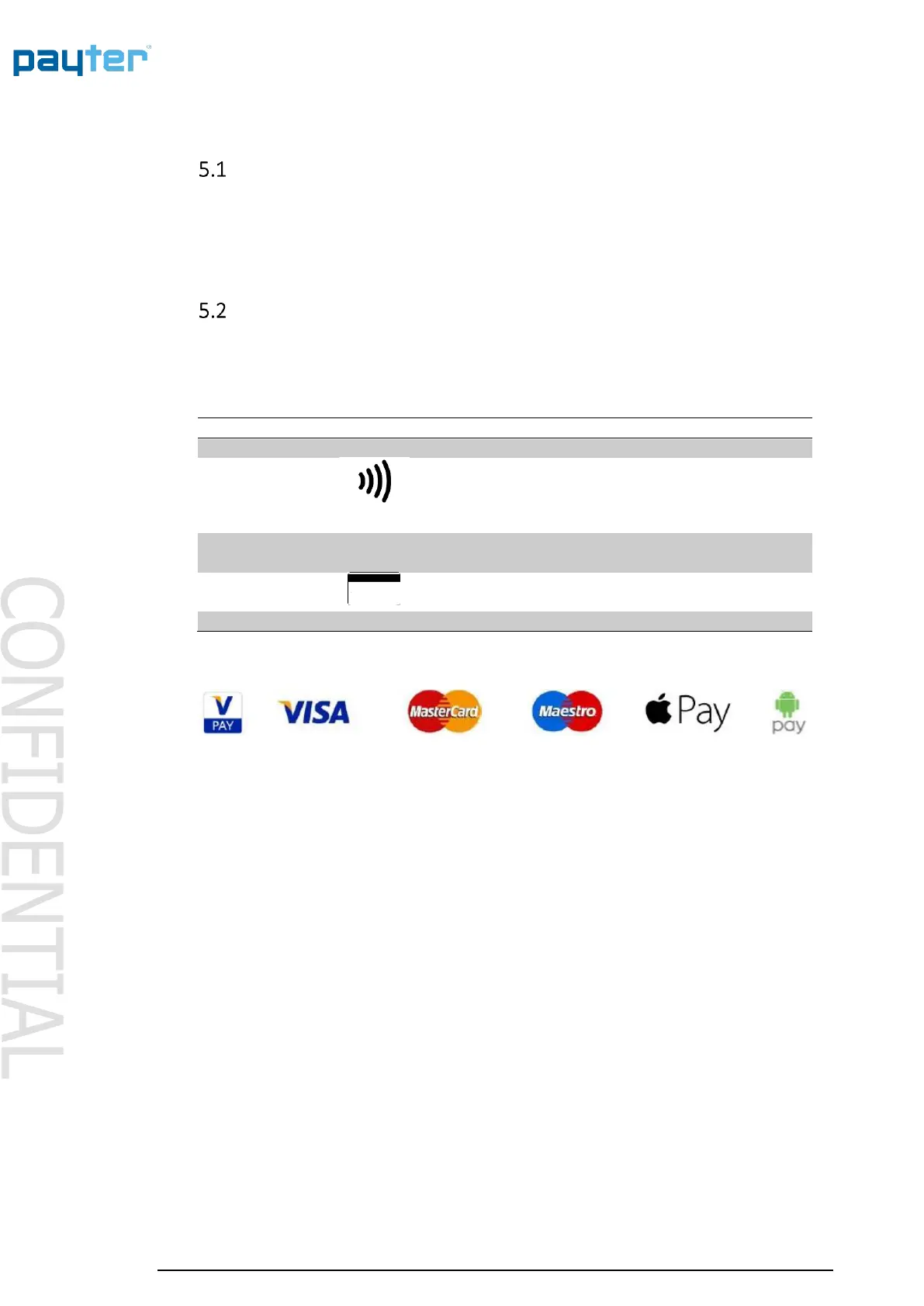
Table 8 - Accepted card types
Fig. 5 – Accepted payment types



 To Next Page