Copyright © 2014 PAYTER
BV. All rights reserved. No
part of this document may be
reproduced in any form by
print, photo print, microfilm,
electronic copy or any other
means without written
permission by Payter BV.
6.1.3 Pay flow
Depending on the type of vending machine, there are two possible ways to initiate a vend cycle.
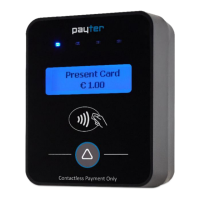
If the vending machine supports MDB feature level 3 “always idle mode”, the user can initiate a
vend cycle by selecting a product. When “always idle mode” is not supported the vend cycle can
be initiated by pressing the “Start Button” on the terminal, and then selecting a product.
After product selection the user will be prompted to pay as described in chapter 5.
After a successful payment, the product will be dispensed. With most machines, the payment is
canceled if the vend is unsuccessful, but support for this depends on the features of the vending
machine. Contact your vending machine supplier for details.
6.1.4 Applicable Settings
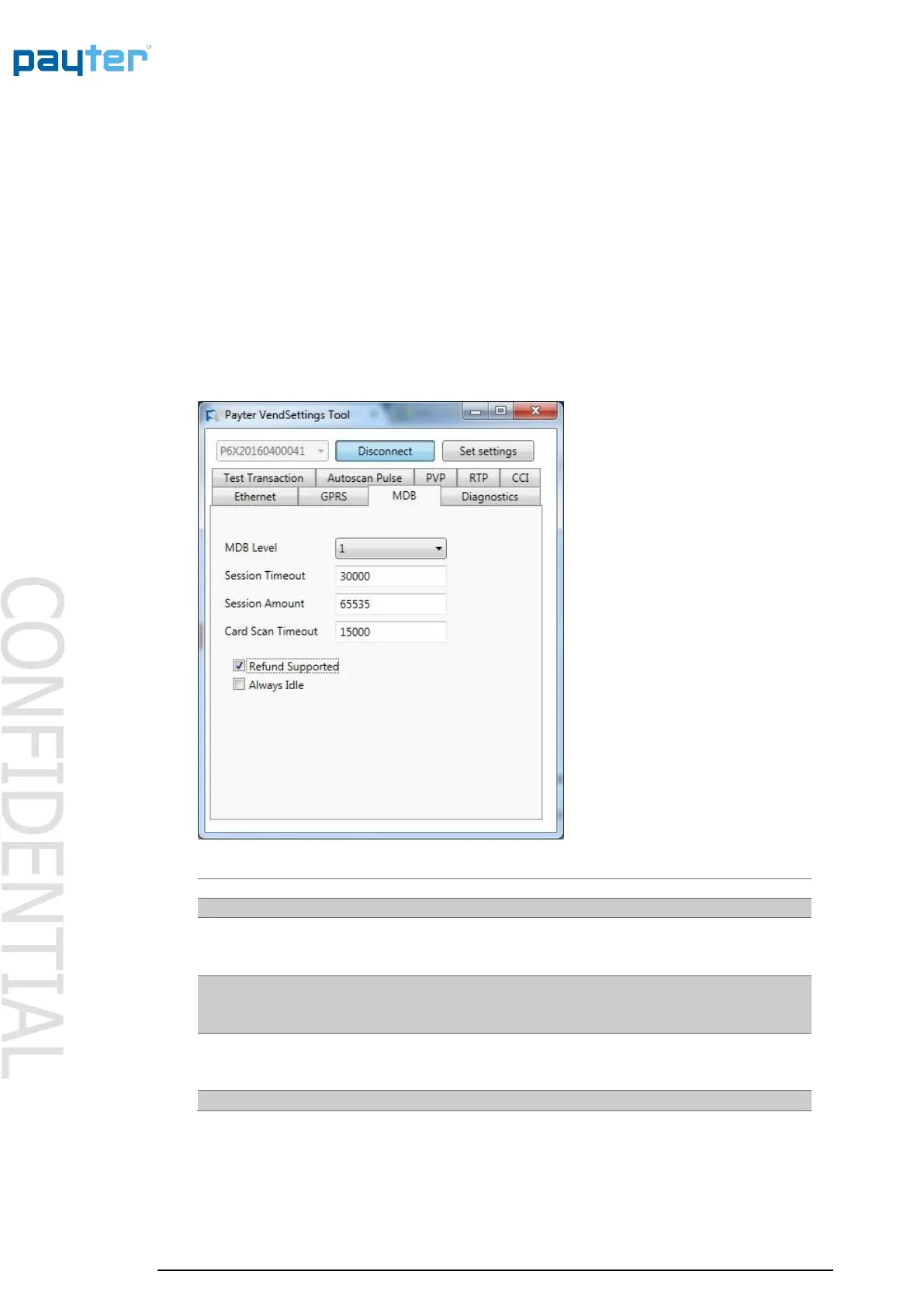
The following behavioral settings require attention in MDB mode:
Fig. 8 – MDB settings
[1,3] determines the capability level reported to the vending
machine. Should be left at 3 unless the terminal and vending
machine do not register correctly.
Indicates the time period, in ms, for selecting a product after
the START button is pressed.
Note this is only applicable when not in “always idle” mode.
The amount, in cents, that the Terminal provides as Credit to
the vending machine at the start of a session.
Note this is only applicable when not in “always idle” mode.



 To Next Page