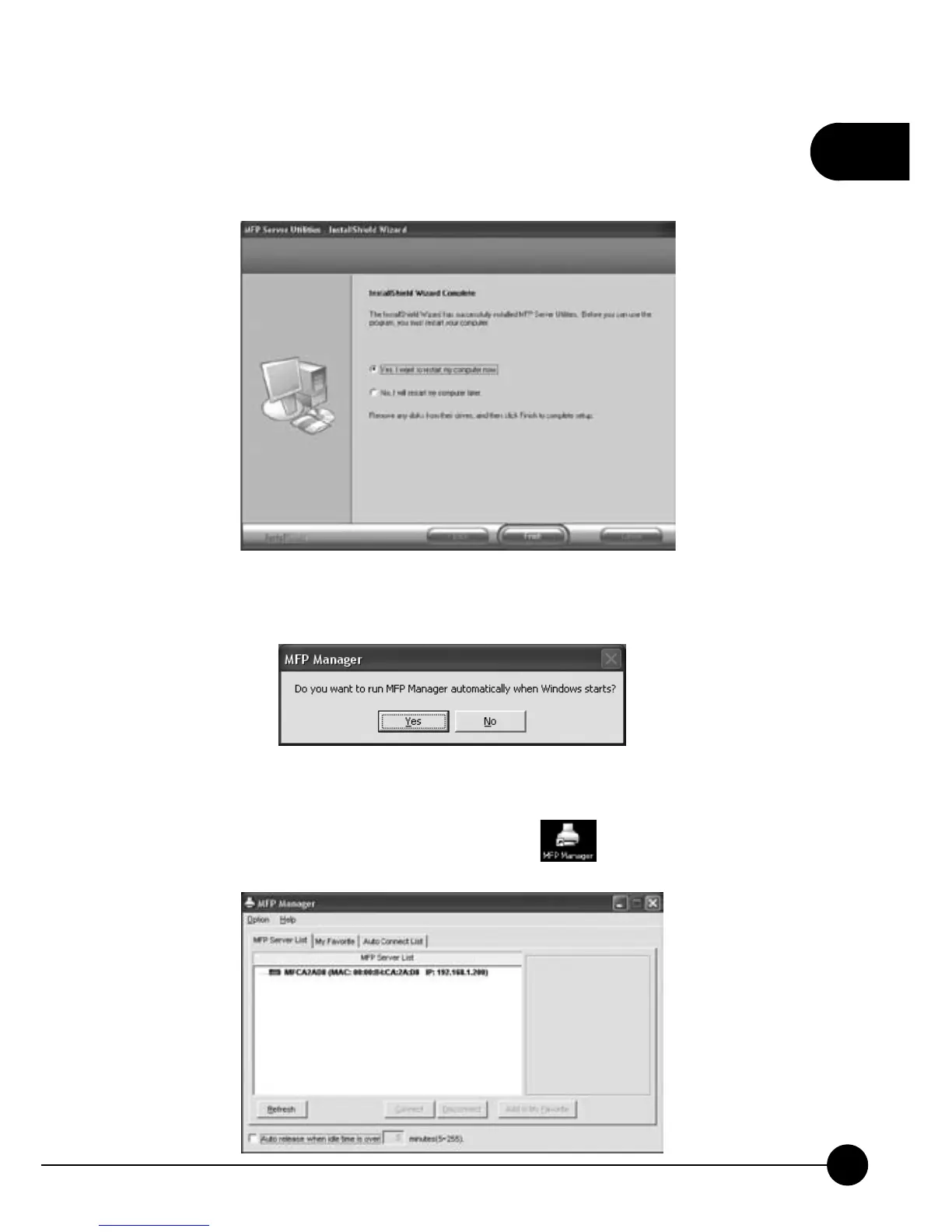
11.At last, it will show theņInstallShield Wizard CompleteŇpage.
ClickņFinishŇto exit the installation wizard program and restart the
computer to let the utility take effect.
12.After completing the installation, there will be a pop-up asking if you
want to automatically run MFP Manager when Windows starts.
13.After restarting the computer, the following MFP Manager window will
p op up and you can start to configure and manage Mini-101M Print
Server. Besides, the icon of MFP Manager
will be listed on the
desktop.



 To Next Page