*HQHUDO&RQÀJXUDWLRQ
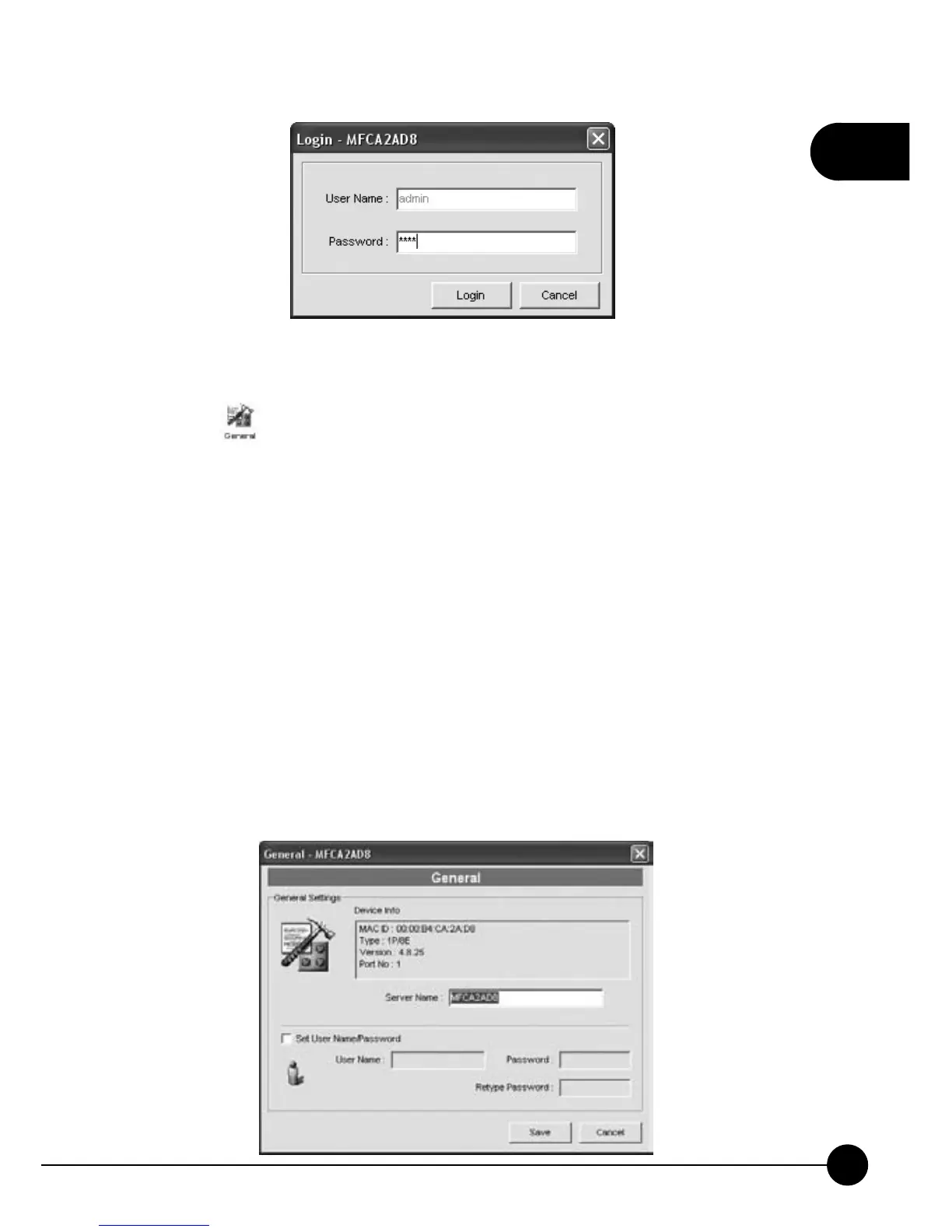
Click the icon on the Setup page, it will show you the information
about the d evice which you are using now. And you can change the Server
Name or put a check in theņSet User Name/PasswordŇcheckbox to
change the password of the admin (Server Manager). ClickņSaveŇto
activate the settings
Server Name, the name of the MFP Server. You can use this name to
identify the MFP Server when you are searching for the MFP Server by the
ņServer MangerŇutility.
User Name / Password is used to authenticate the administrator to login
the MFP Server for configuring it from theņServer MangerŇutility or
the Web Management tool.



 To Next Page