œIP Address, Subnet Mask, GatewayĈ If you choose to disable DHCP
server, you have to enter the IP Address, Subnet Mask, and Gateway
Address which are at the same network with your computer. If you
want to let Mini-101M provide Internet printing function, you will have
to configure the Gateway Address; otherwise, you can leave it blank.
In order to build a connection successfully, we suggest that you
should give Mini-101M a static IP address.
4.3.4. Save Settings
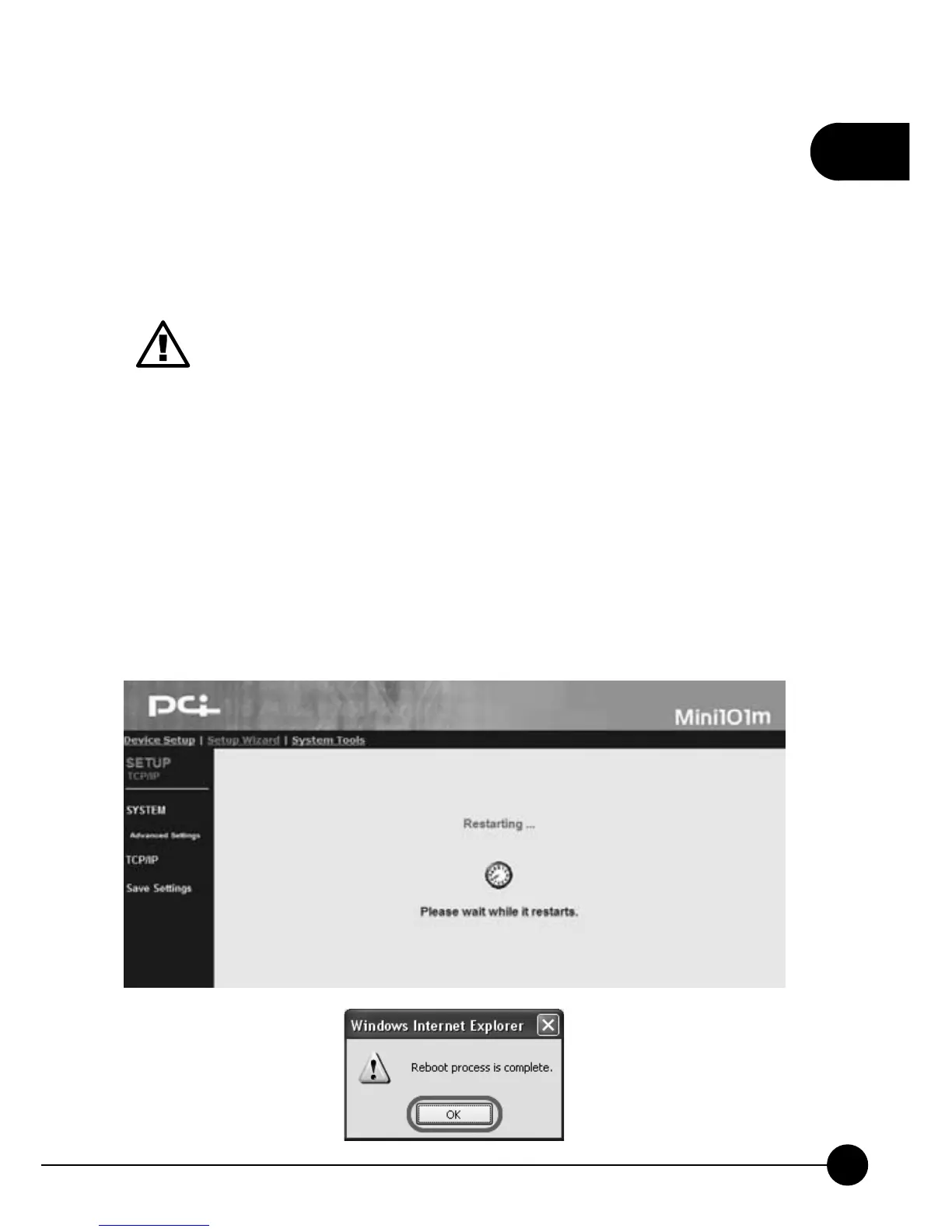
After finishing all the settings and clickņSave & Next,Ňit might show
the save settings and reboot dialog box. ClickņOKŇto continue, and
please DO NOT shut down the power when system rebooting. After
20 seconds, the system will complete saving the settings and show the
ņReboot process is completeŇbox, please clickņOKŇto go back to
the system status page.



 To Next Page