2
54
Mini-101M
6. RAW Printing
RAW Printing allows users to connect to MFPs or printers via TCP/IP for
printing sharing. The computer with Windows 2000/XP/2003 operating
system can use the protocol to share printing in the network. MFP Server
can support RAW printing by default.
To configure the RAW setting in Windows 2000/XP/2003, please follow
the steps below. Note that the following procedures are running in
Windows XP, for Windows 2000/2003, the procedures are similar.
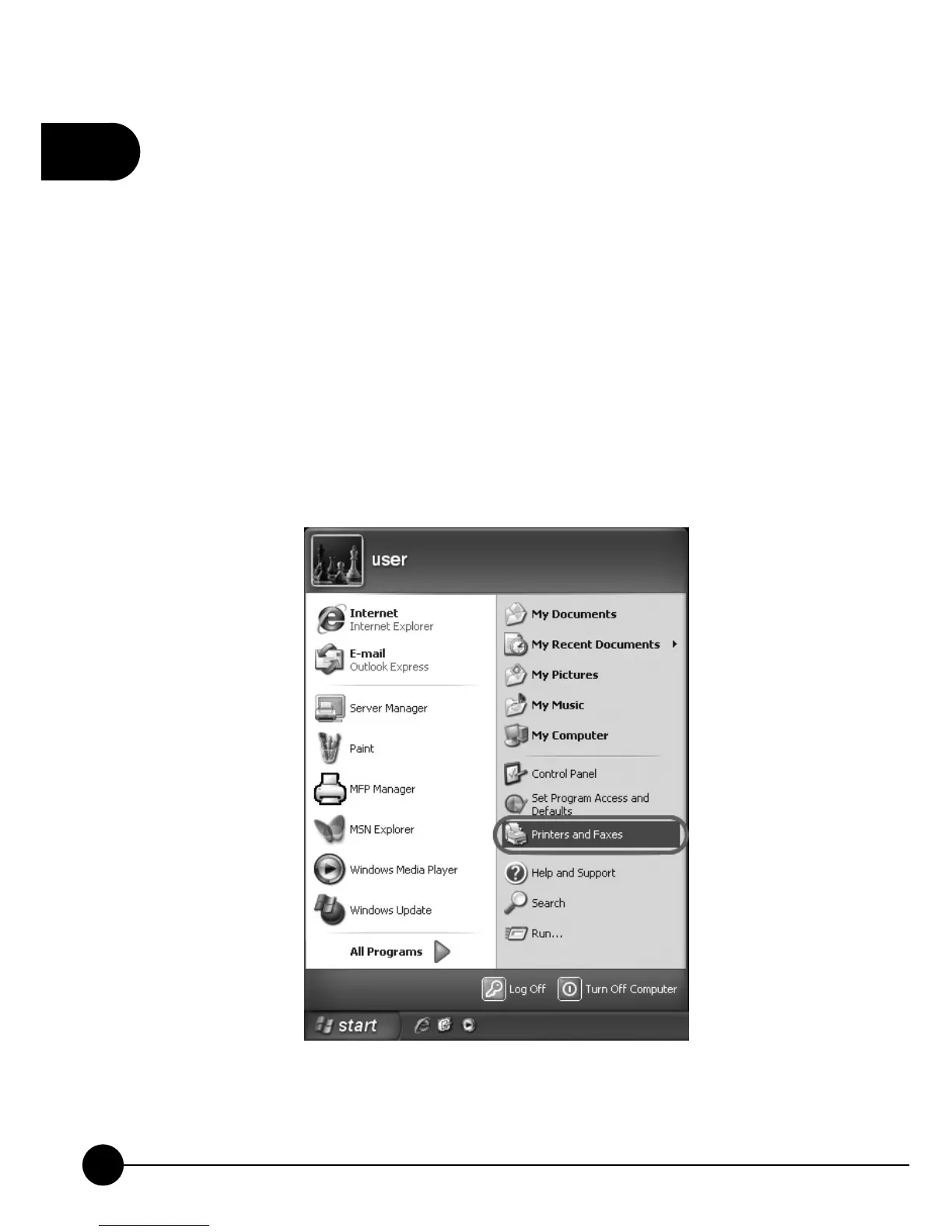
1.ClickņStartŇ, chooseņSettingsŇand selectņPrinters and FaxesŇ.



 To Next Page