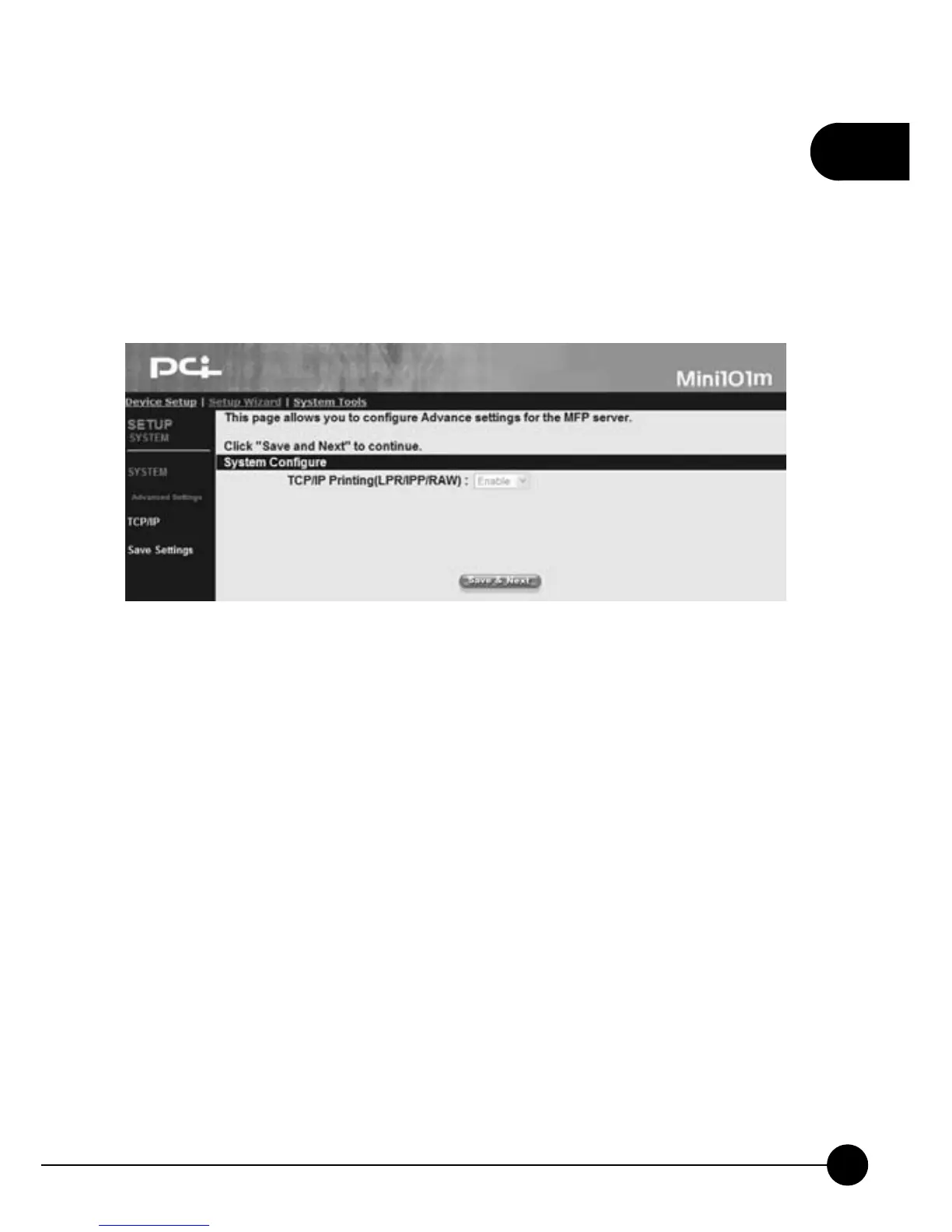
4.3.2. Advanced Settings
ClickņSetup WizardŇon the web browser of the print server's home
page. And clickņSystemƖAdvanced SettingsŇthen it will show the
following picture. You can Enable or Disable the two-way printing
function of the print server.
System Configure
You can set the print server's two-way printing functions by Enable or
Disable the item.
œTCP/IP Printing (LPR/IPP/RAW/SMB)ĈTransmission Control
Protocol/Internet Protocol supports LPR/IPP/RAW/SMB printing.



 To Next Page