2
6
Mini-101M
1.1 Software Installation
The installation wizard will install the following programs:
ŜInstall all the necessary utilities and drivers
ŜGuide you through the print server setup process to install and
configure your print server (including setting up several protocols
and settings)
ŜAdd a new print server network port on your computer.
In order to let you make a connection successfully between Mini-101M
Print Server and your network/computer, we suggest that you should assign
a static IP address for your computer, for example, 192.168.1.100 (Mini-
101M Print Server's default IP address is 192.168.1.200) that will help
while setting up the connection. After giving an IP address, please follow
the steps below to start the Installation:
1.Put the Mini-101M CD-ROM into the CD-ROM driver, and go to the
root directory. Double click oņMini-101M_Utility.exeŇand you can
start to install the print server and set up the printer which connects with
Mini-101M.
The following pictures of installing Utilities and Driver are all
captured from Windows XP operating system. These installations
steps are all similar in Windows 98/ME/2000/2003.
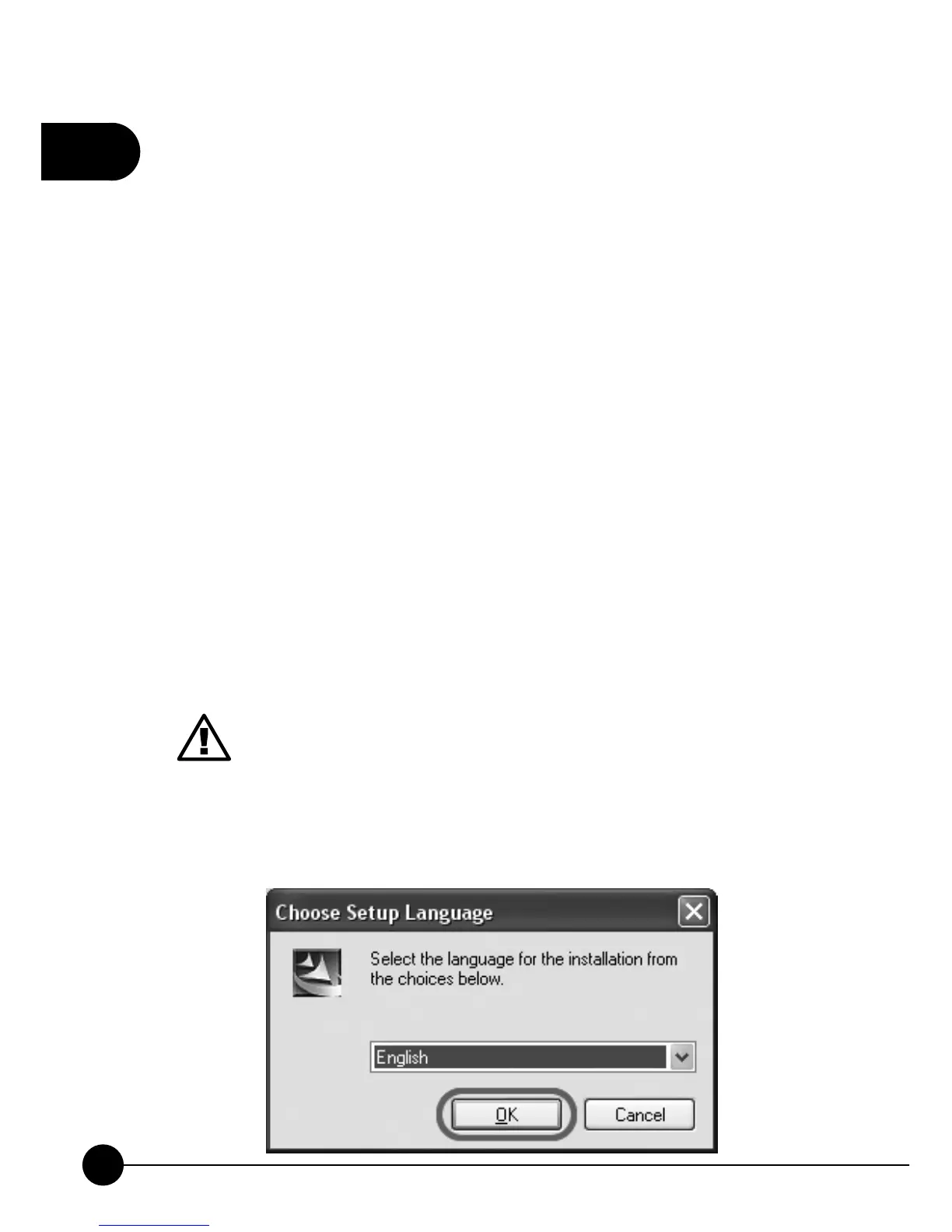
2.First, please select the language for the installation and then clickņOKŇ.



 To Next Page