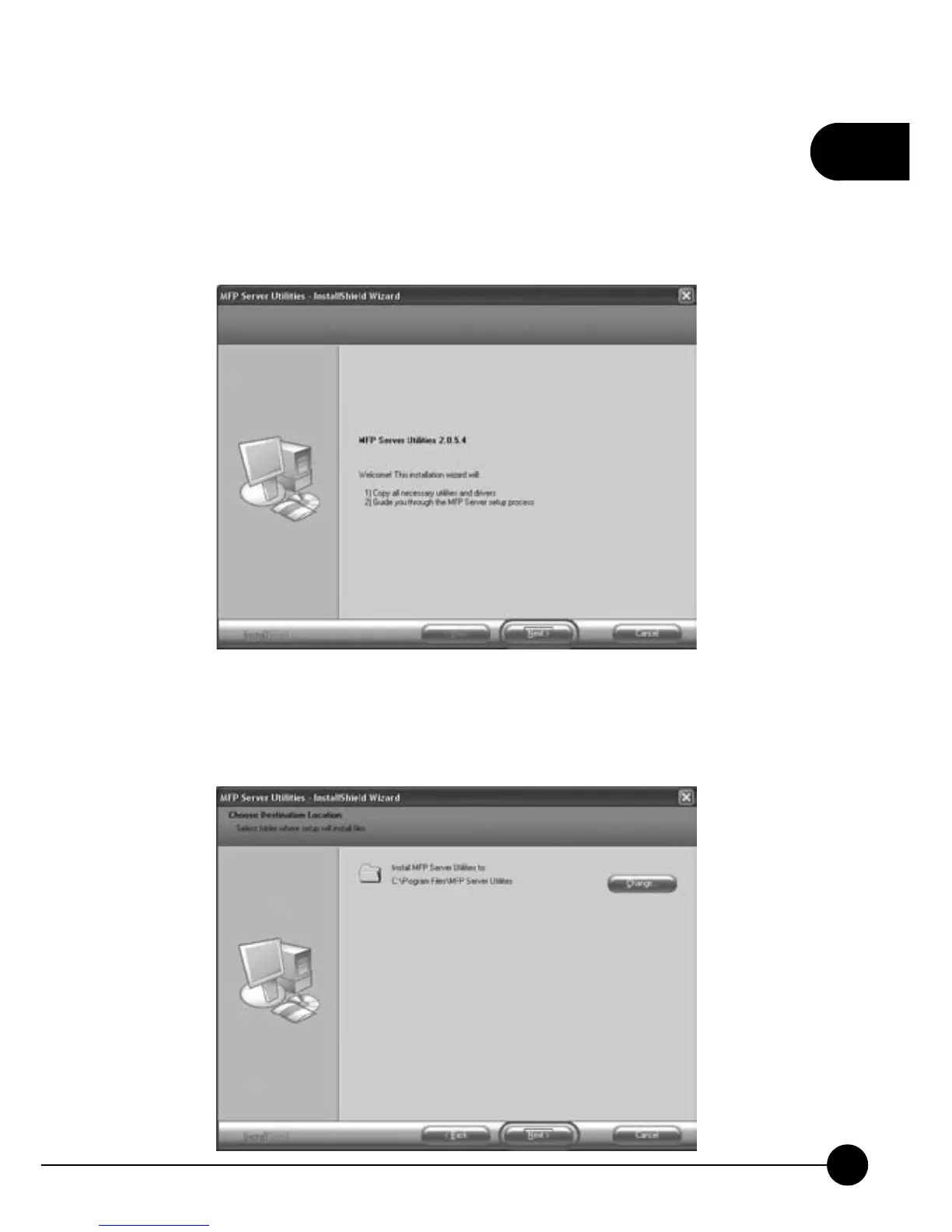
3.After getting into the InstallShield Wizard, it will show the following
page. Please make sure that your Mini-101M print server is ready and the
hardware of the printer was installed and the power is on. If you want to
continue, please clickņNext.ŇAnd if you want to install the utility later,
you may clickņCancel.Ň
4.ClickņNextŇto install the utility into the default folderņC:\Program
Files\MFP Server Utilities,Ňor you can clickņChangeŇto assign
another location for the utilities.



 To Next Page