2
8
Mini-101M
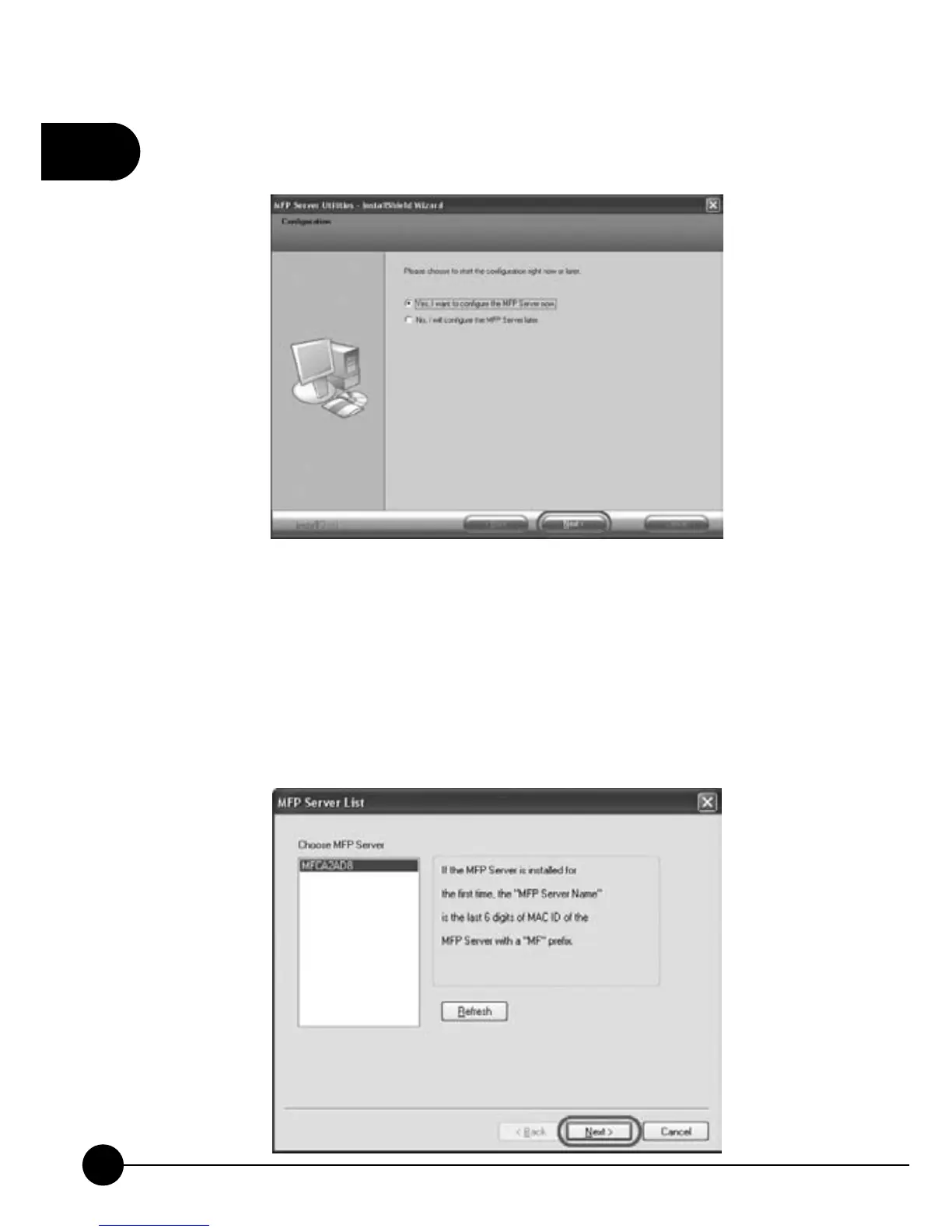
5.You may choose to start the configuration of Mini-101M right away or
later. ClickņNextŇto continue installing.
6.The wizard will start to install the utilities. After completing the
installation, it will show the detected print server on the list and you may
start to configure the print server. Choose MFP server list will show all
the print servers on the LAN. If the print server you want to configure
does not show on the list, please clickņRefreshŇto search for the print
server again. Choose the print server you want to configure and click
ņNextŇto continue installing.



 To Next Page