2
36
Mini-101M
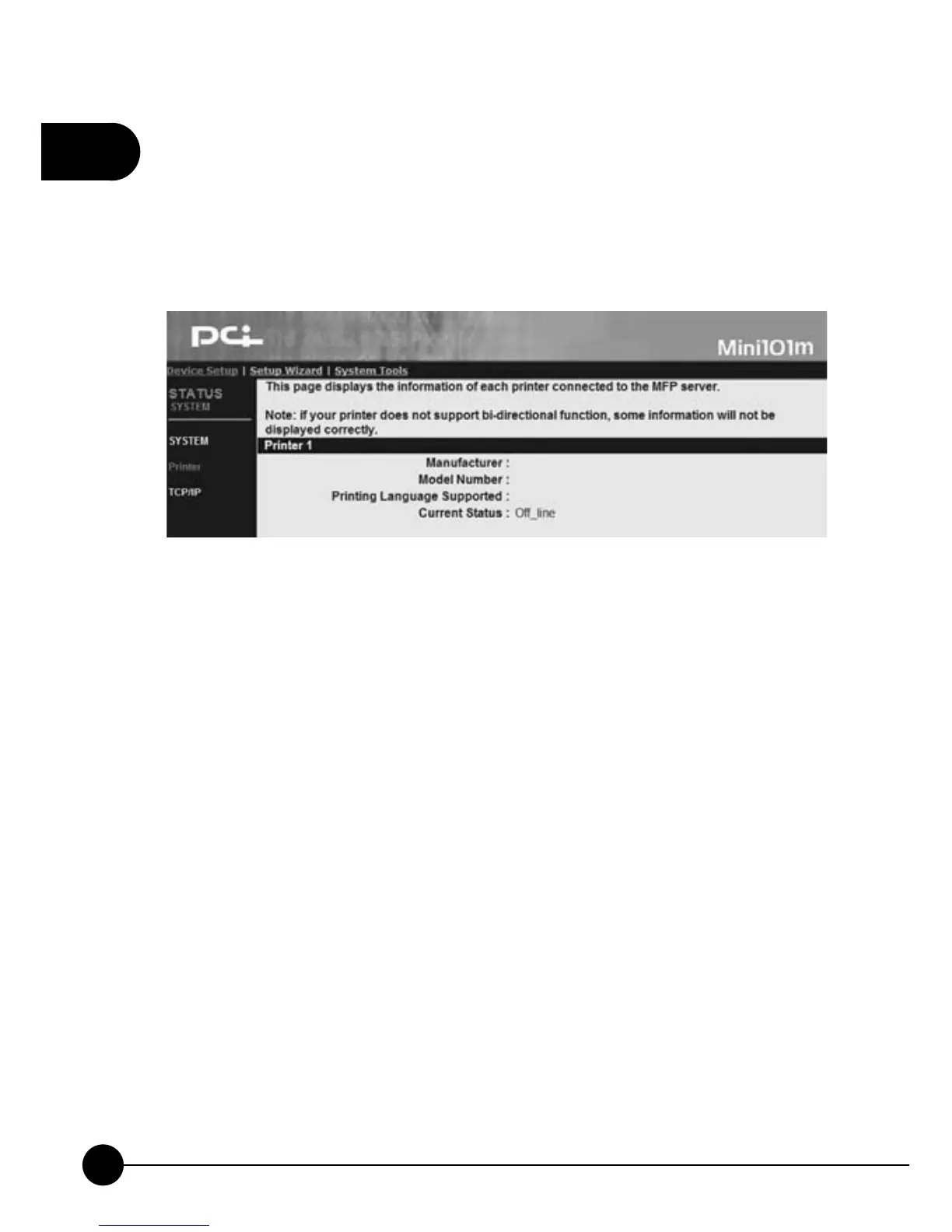
4.2.2. Printer
ClickņDevice SetupŇand it will display a subdirectory. Then click
ņPrinter,Ňthe following page will show you the status and information
of the printer which connects with the print server.
œManufacturerĈYou can check the manufacturer of the printer
connected to printer server.
œModel NumberĈWhen the printer is connected to printer server, it will
display the printer maker and model.
œPrinting Language SupportedĈThis entry displays the support or
usable printing language types.
œCurrent StatusĈThis entry displays the current status of the printer,
for exampleņWaiting for jobŇmeans that the printer is ready to begin
printing anytime.



 To Next Page