2
22
Mini-101M
General Settings
Run MFP Manager
when Windows starts
Execute theņ MFP ManagerŇwhenever
Windows starts. By default, it is disabled.
Minimized when start
MFP Manager
Minimized theņMFP ManagerŇto an icon
on the system tray when you start theņMFP
ManagerŇ. By default, it is disabled.
Refresh status every
___ seconds. (5~300)
Setup the refresh interval for device status update.
By default, it is disabled.
Your Contract
Information
Enter your contact information here. When you
connect to the MFP, your contact information will
be displayed on the right side of the MFP Manager
window for other users to contact you.
2.4.2. Search for MFP Servers
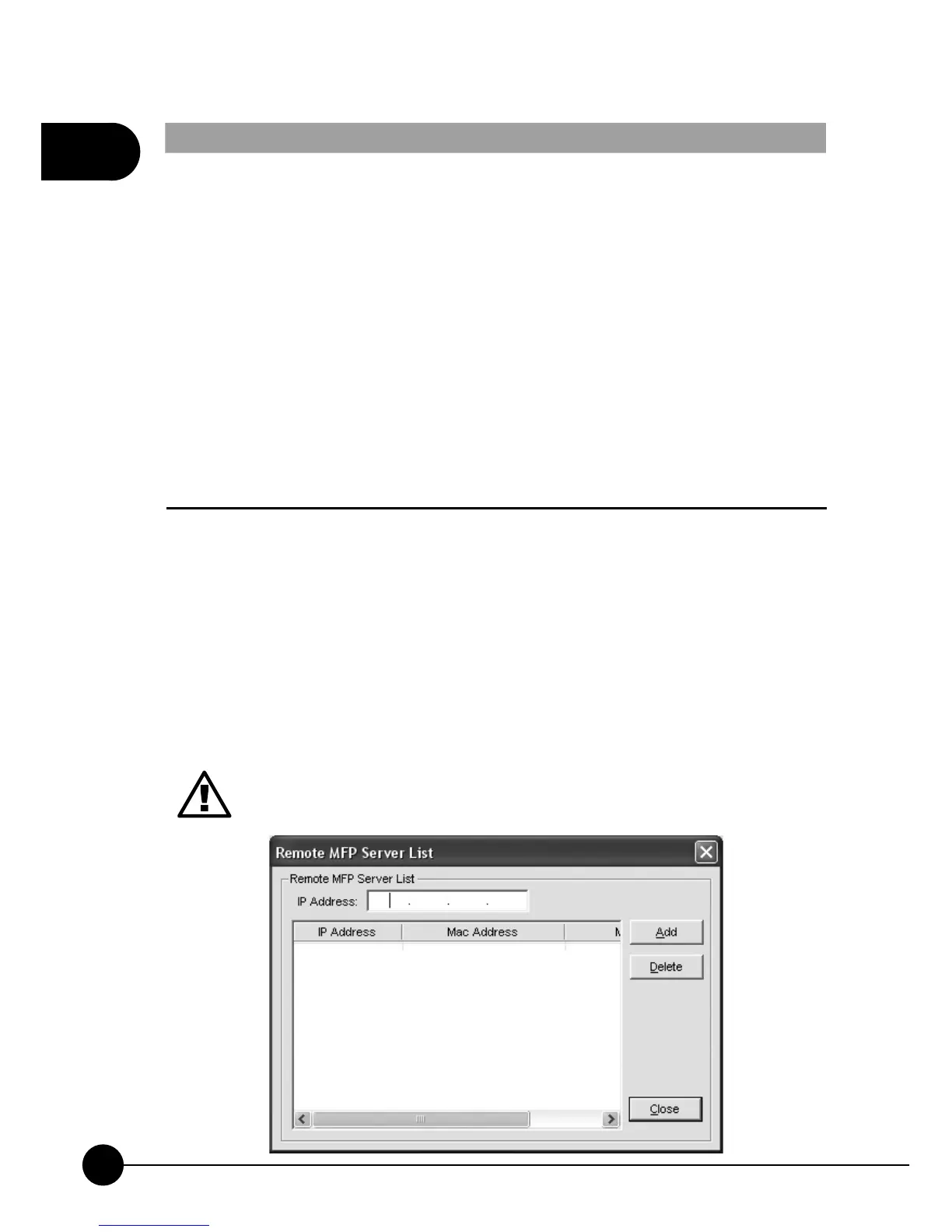
If you want to find an MFP Server through network, you can enter the IP
Address of the MFP Server to do the remote search. The MFP Server on
theņRemote MFP Server ListŇwill be added to theņMFP Server List
Ňfor you to configure.
If the remote MFP Server you have searched is behind an NAT
Router, the MFP Server may not operate normally.



 To Next Page