2
62
Mini-101M
7.2. System Setup
7.2.1. MFP Server Side
It is needless to do any setting on the MFP Server side. Make sure the MFP
Server has correct IP settings. If you want to share the printers to Internet
users, you have to set a real IP to the MFP Server. You also have to make
sure that any gateway, router or firewall does not block IPP protocol if you
have these gateway devices installed in your network.
7.2.2. Client Side
You only need to perform Window's standard
Add New Printer
procedure.
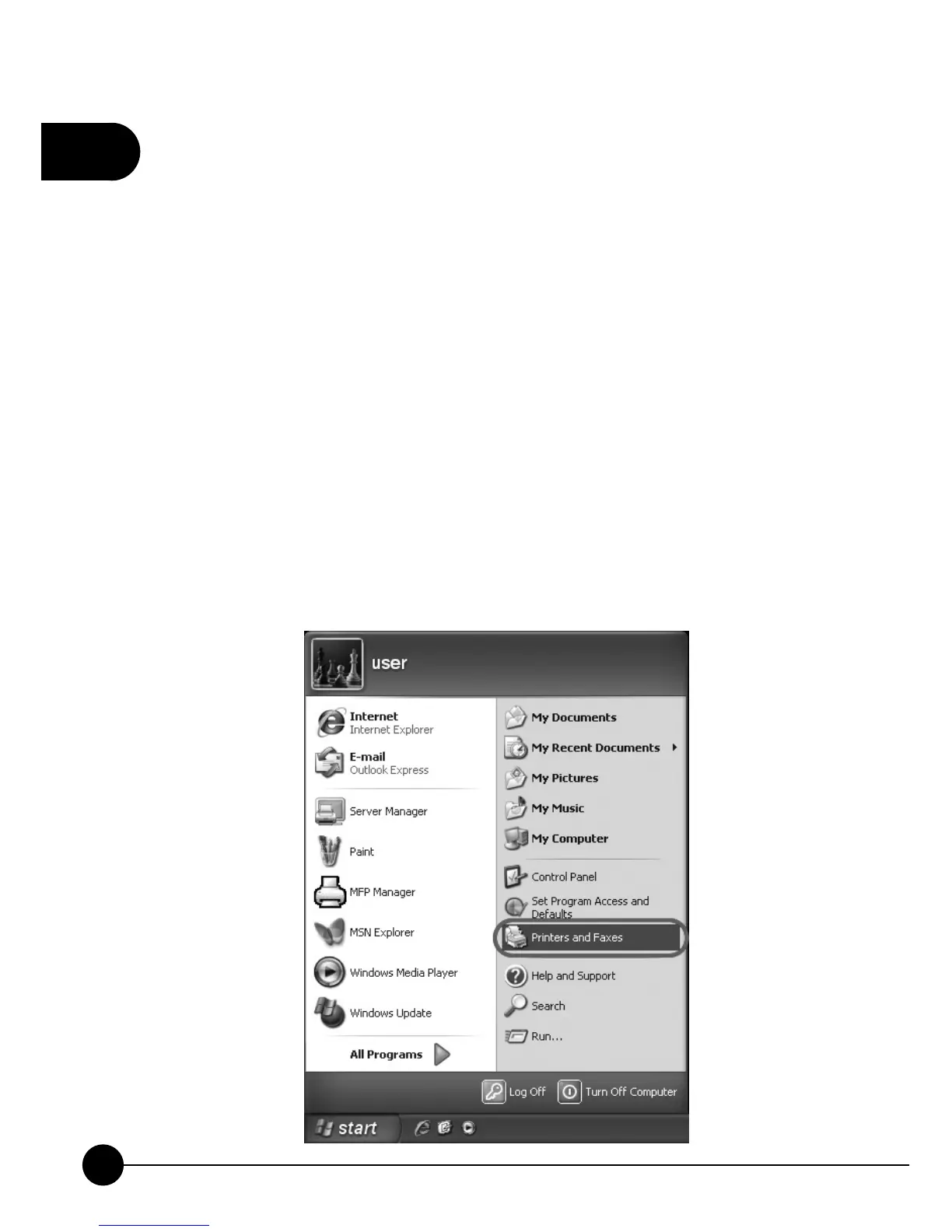
1.ClickņStartŇ, chooseņSettingsŇand selectņPrinters and FaxesŇ.



 To Next Page