4.2. Device Setup
→
Status
4.2.1. System
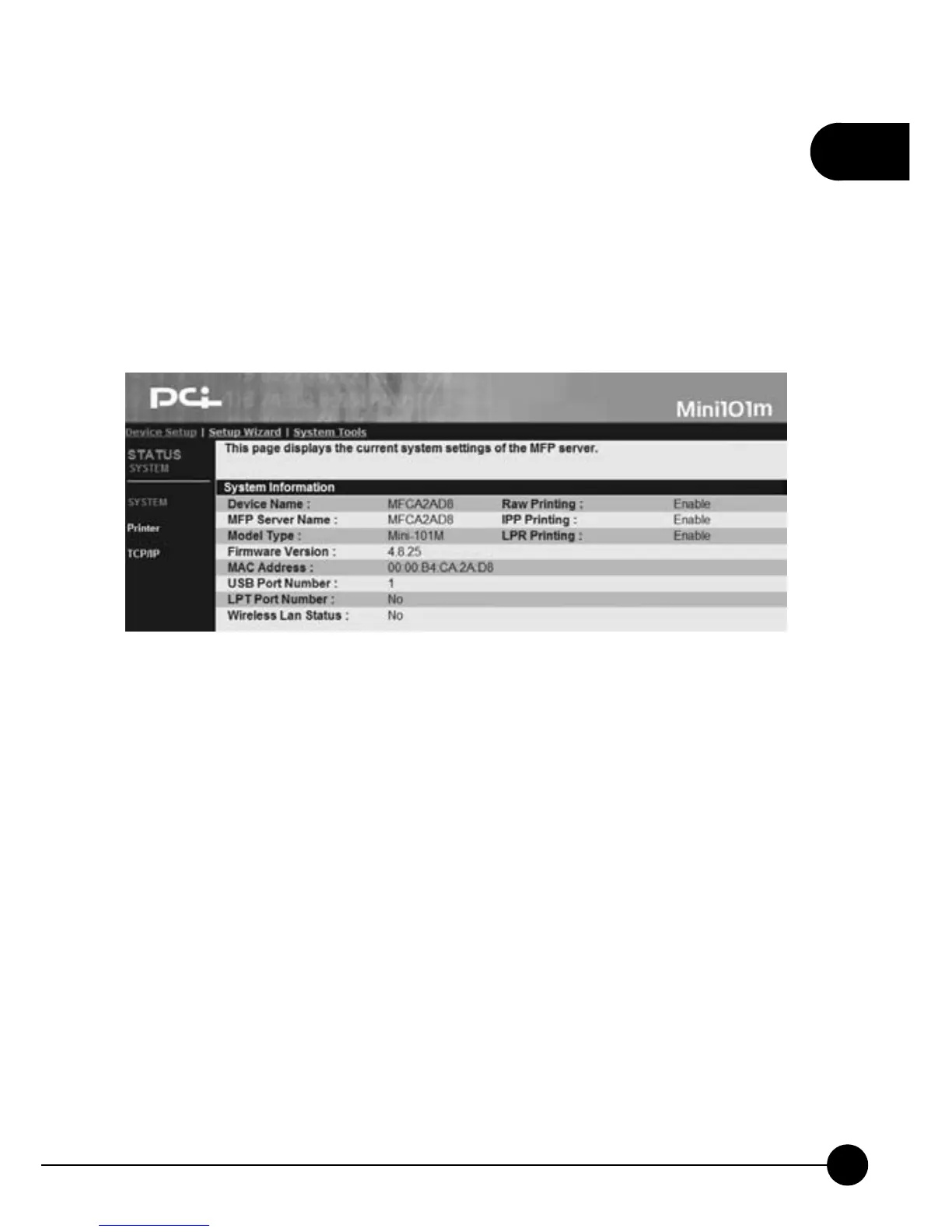
After logging in the system, Mini-101M status page will display the
current system status. You can view the latest system status and the current
printing job status.
œDevice NameĈMini-101M can detect the device name automatically
and shows the last 6 digit of its MAC ID and a prefix MF in the front.
œPrint Server NameĈHere displays the current print server's name and
it can be changed if needed.
œModel TypeĈIt shows the model type of the print server which in use
now.
œFirmware VersionĈYou can check the current firmware version and
update the latest version at any time.
œMAC AddressĈMAC Address/Node ID is unique to each device.
Therefore, every print server has different MAC Address.
œUSB Port NumberĈThe current connecting and using port will be
shown here.



 To Next Page